iNFiNiT! Family Operation Manual
Revision D 20-9 Video Input Option
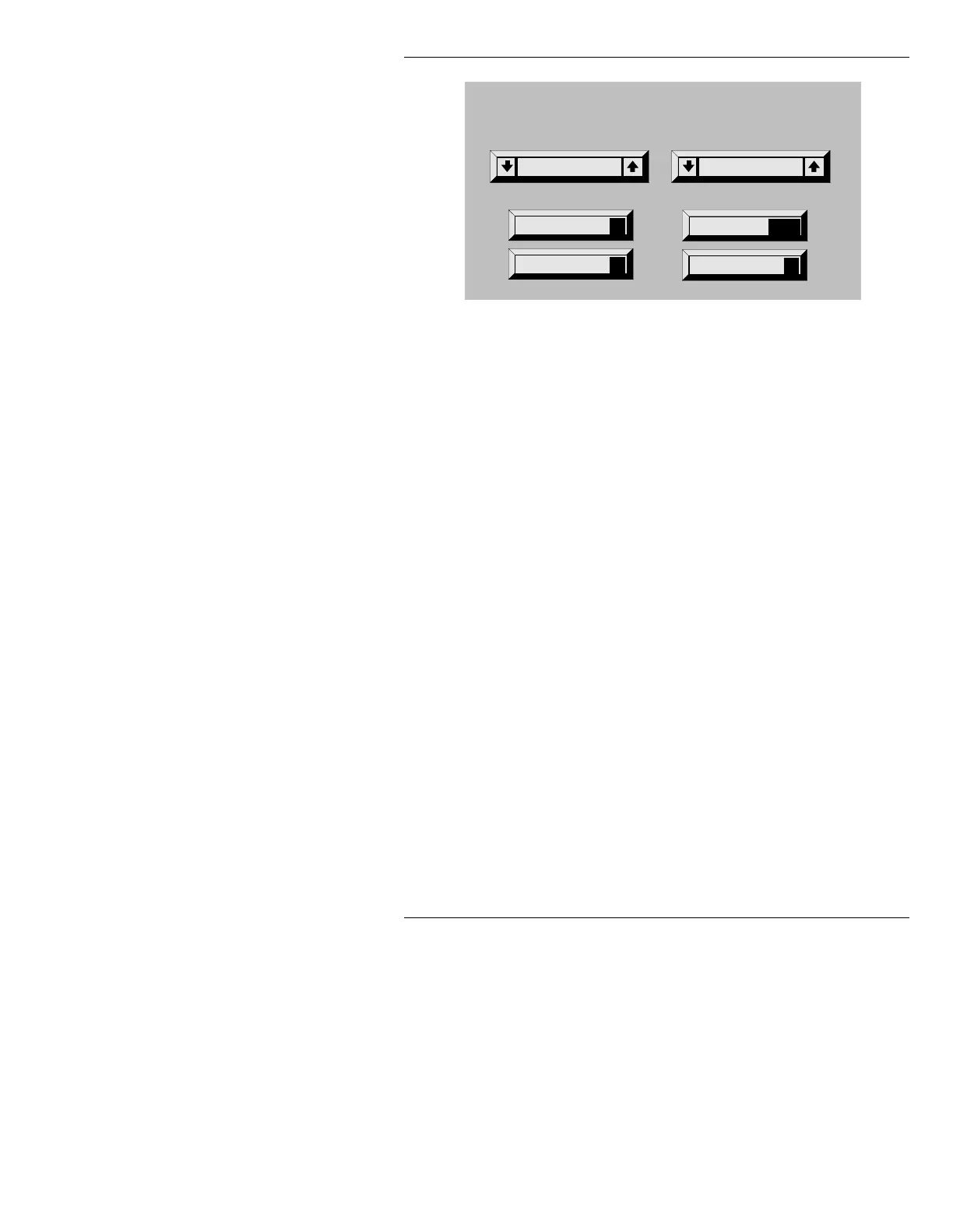
Figure 20-5. Flash Save Utility Menu
The Flash Save Utility Menu contains these functions:
Input:
Turns video input On or Off.
• Highlight the
Input: field, then press the SPACE
BAR
or SHIFT CHAR + Î or Ï; or click on the
arrows to the to turn video input
On or Off.
Flash Save (F)
Up to 6 frames of NTSC video, or 4 frames of PAL
video can be captured and held in the frame buffer.
For each frame of video you want to capture:
• Press
F or select Flash Save.
If the Frame Buffer is full, the following message
appears:
Flash Save Buffer is Full - Press R to Reset
Field Cap (C)
This function interpolates the even scanlines from
the odd scanlines, as a means of stabilizing a frame
captured from live video.
• Press
C or select Field Cap.
Reset
R
Record
Field Cap
C
Flash Save
F
Flash Save
BrowseInput: ON
RCD



 To Next Page