CHYRON Corporation
Colors & Palettes 10-2 Revision D
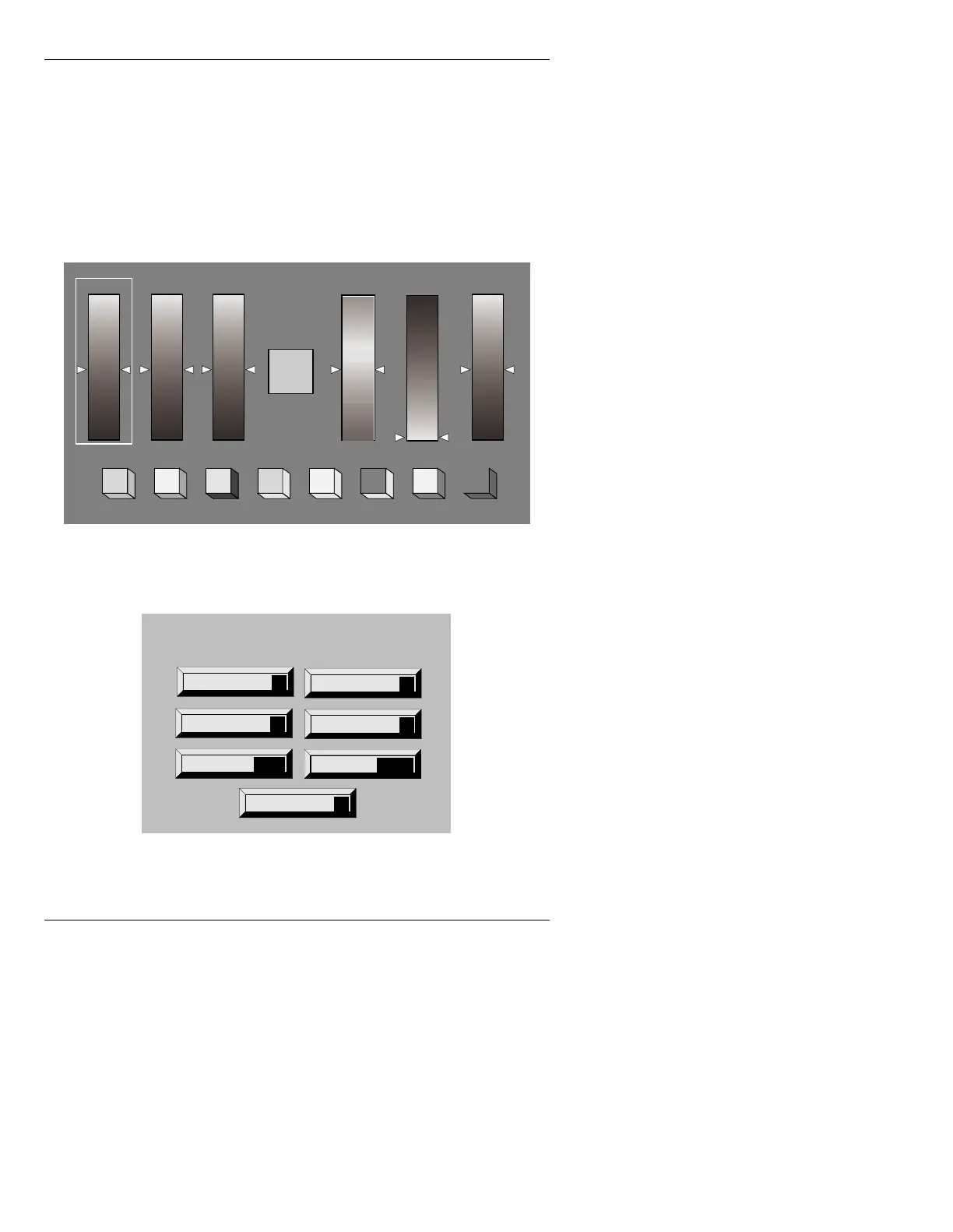
• Press CNTL P or select the Palette icon. A Color
Palette is displayed on the Color Edit Monitor (Fig-
ure 10-1), and the Palette menu (Figure 10-2) is
superimposed over the Message Compose main
menu on the Prompts Monitor.
Images on the Color Edit Monitor are partially covered,
but not affected by the Color Palette.
Figure 10-1. Color Palette (Edit Monitor)
Figure 10-2. Palette Menu (Prompts Monitor)
128
0
128128128
RED GRN BLUE HUE SAT INT
Current Color
Setting
Color Key /Edge Settings
Reset
R
Set Edge
E
Move dsply
D
Sub Pal
P
Palette
Quit
Q
Read
READ
Record
RCD



 To Next Page