iNFiNiT! Family Operation Manual
Revision D 10-13 Colors & Palettes
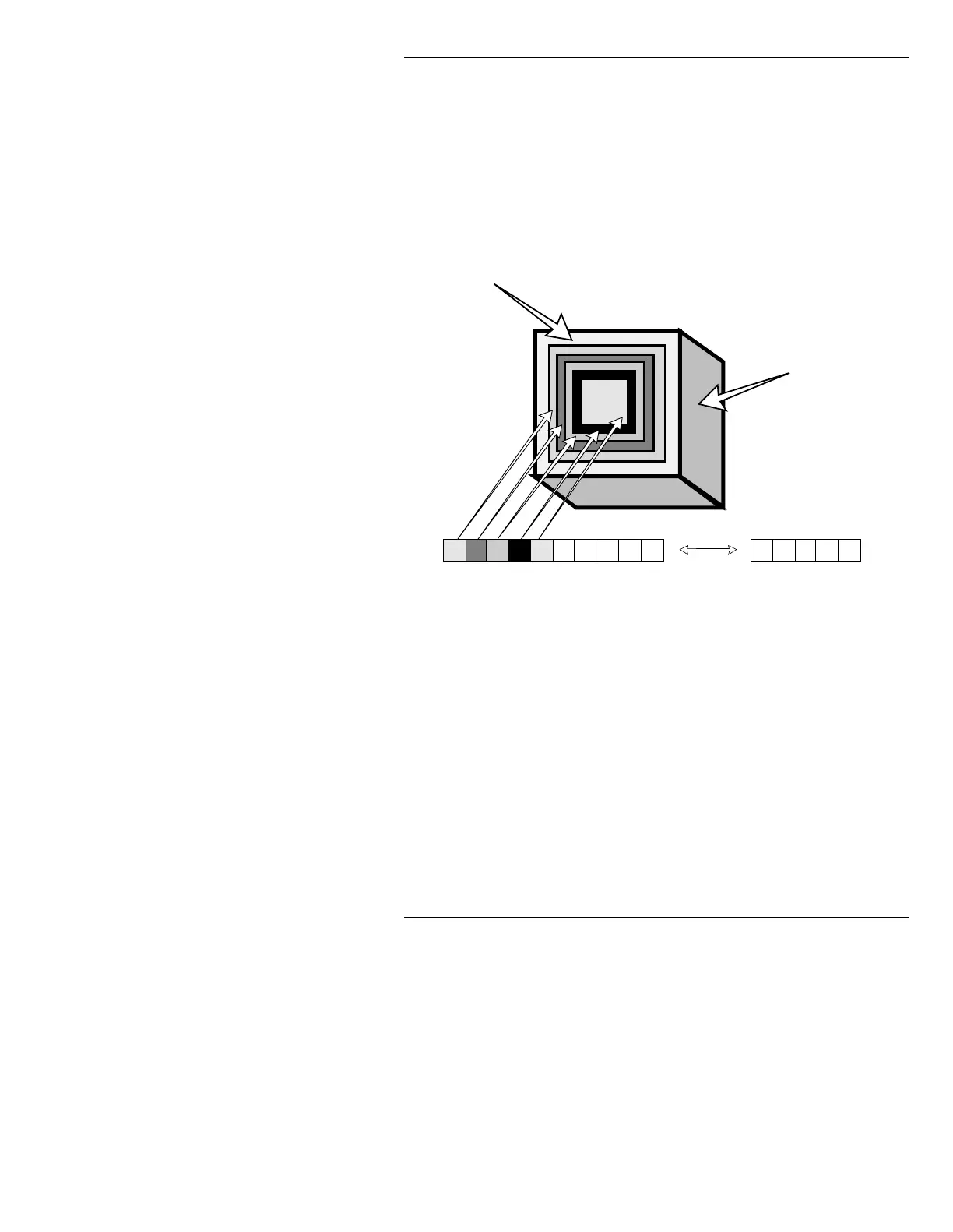
Figure 10-7 illustrates how a Subpalette is applied to a
Logo Compose object. Each position in the spectrum
matches a position on the character, indicated on the
Prompts Monitor as
INDEX 3 (the leftmost position in the
Spectrum),
4, 5,...through 31, which is the rightmost
position.
Figure 10-7. Subpalette Applied to Object
NOTE
Color Positions 1 and 2 are body and
edge color for standard characters,
and are not adjustable using
Subpalettes.
Edge (Position 2)
Body (Position 1)
3 4 5 6 7 27 28 29 30 31
Sample Multi-color Object



 To Next Page