CHYRON Corporation
Multiple Effects 17-2 Revision D
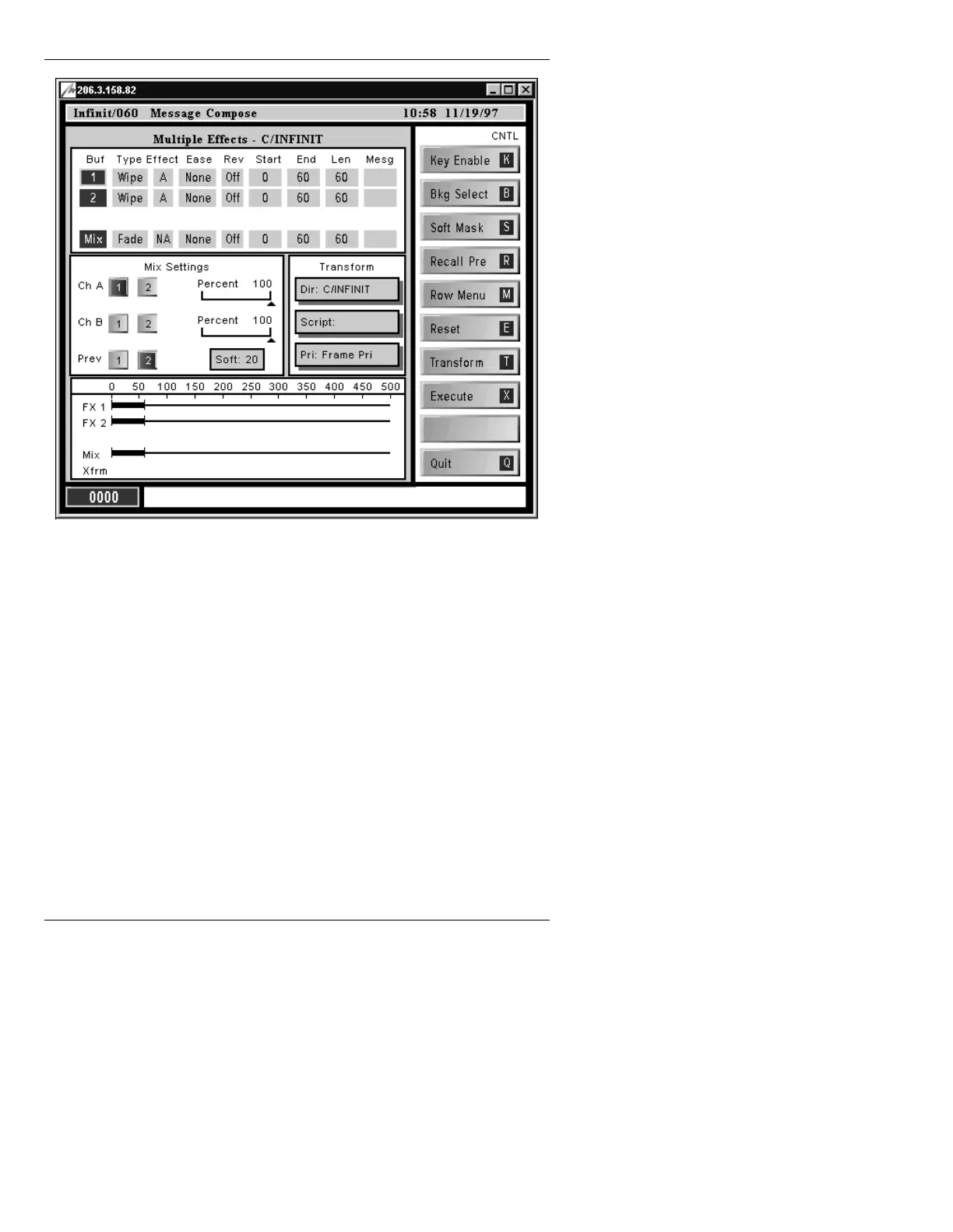
Figure 17-1. Multiple Effects Main Menu
The Multiple Effects menu is divided into five different
sections as follows: Multiple Effects window; Mix Set-
tings window; Multiple Effects Time Line; Transform
window; and Function icons.
To move through the fields:
• Use the cursor keys or the mouse.
To toggle through choices in a field, activate/deactivate
buffers or
Mix, or to turn buffer assignments on or off:
• Press the
SPACE BAR or click using the mouse.



 To Next Page