iNFiNiT! Family Operation Manual
Revision D 23-17 Total Motion Control
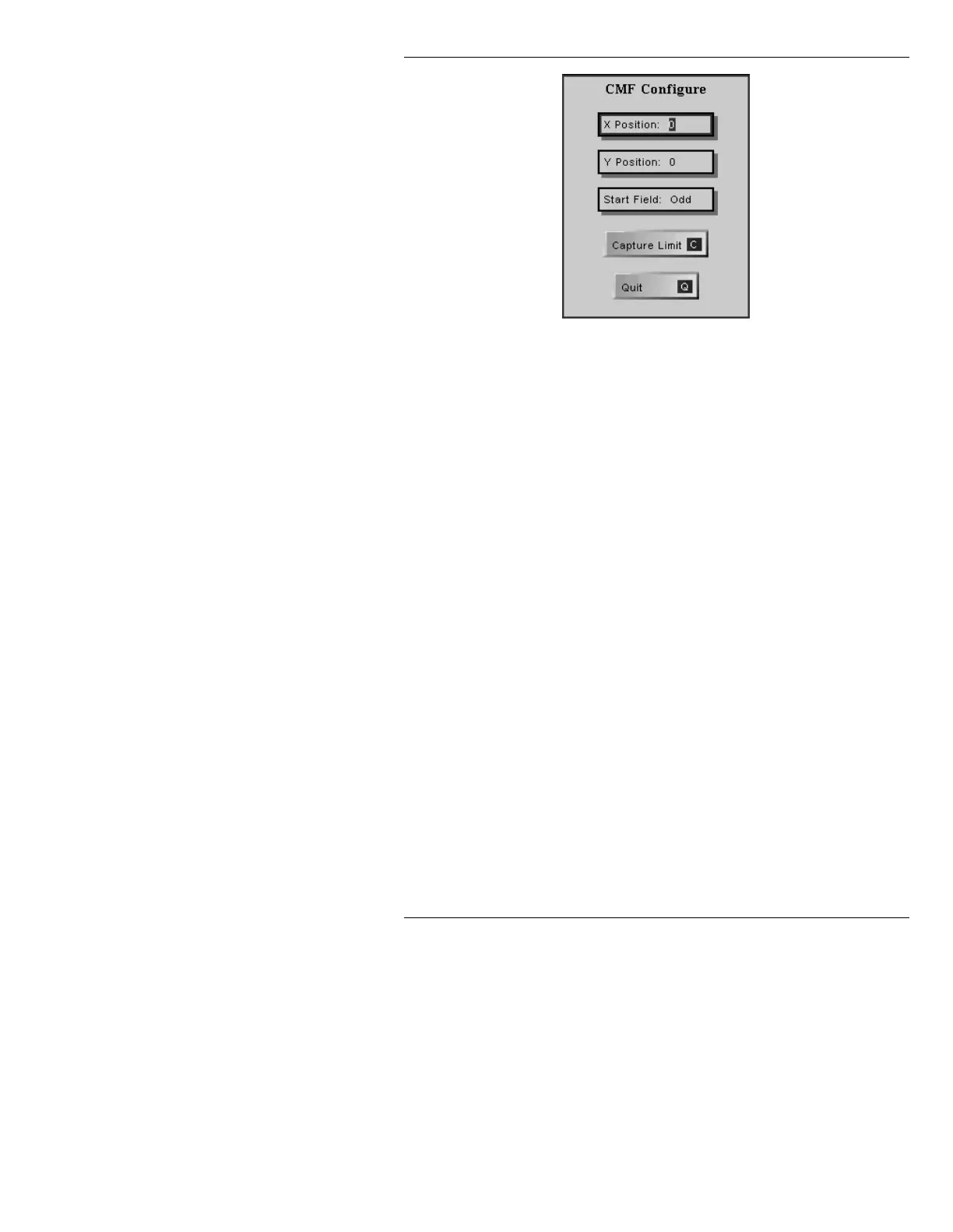
Figure 23-6. CMF Configure Window
[ ] 2. Set the parameters as described below.
X Position: Specifies the X (horizontal) coordinate of the upper left
corner of the graphic. Range:
0 - 460 (left to right).
Y Position: Specifies the Y (vertical) coordinate of the upper left
corner of the graphic. Range:
0 - 460 (top to bottom).
NOTE
When changing the Y Position of a CMF file after
the file has been captured, the new Y Position
must match the even or odd status of the Y Posi-
tion that was set when the Capture file was cre-
ated. For example, if the original Y Position is 35,
and you want to change it to 100, it must actually
be changed to 99 or 101. Otherwise, the fields
will be reversed, and the animation will appear
fuzzy.
Start Field:
Specifies Odd or Even. This gives the operator flex-
ibility in choosing whether to start the Capture on an
Odd or Even field.



 To Next Page