iNFiNiT! Family Operation Manual
Revision D 6-23 Message Compose Basics
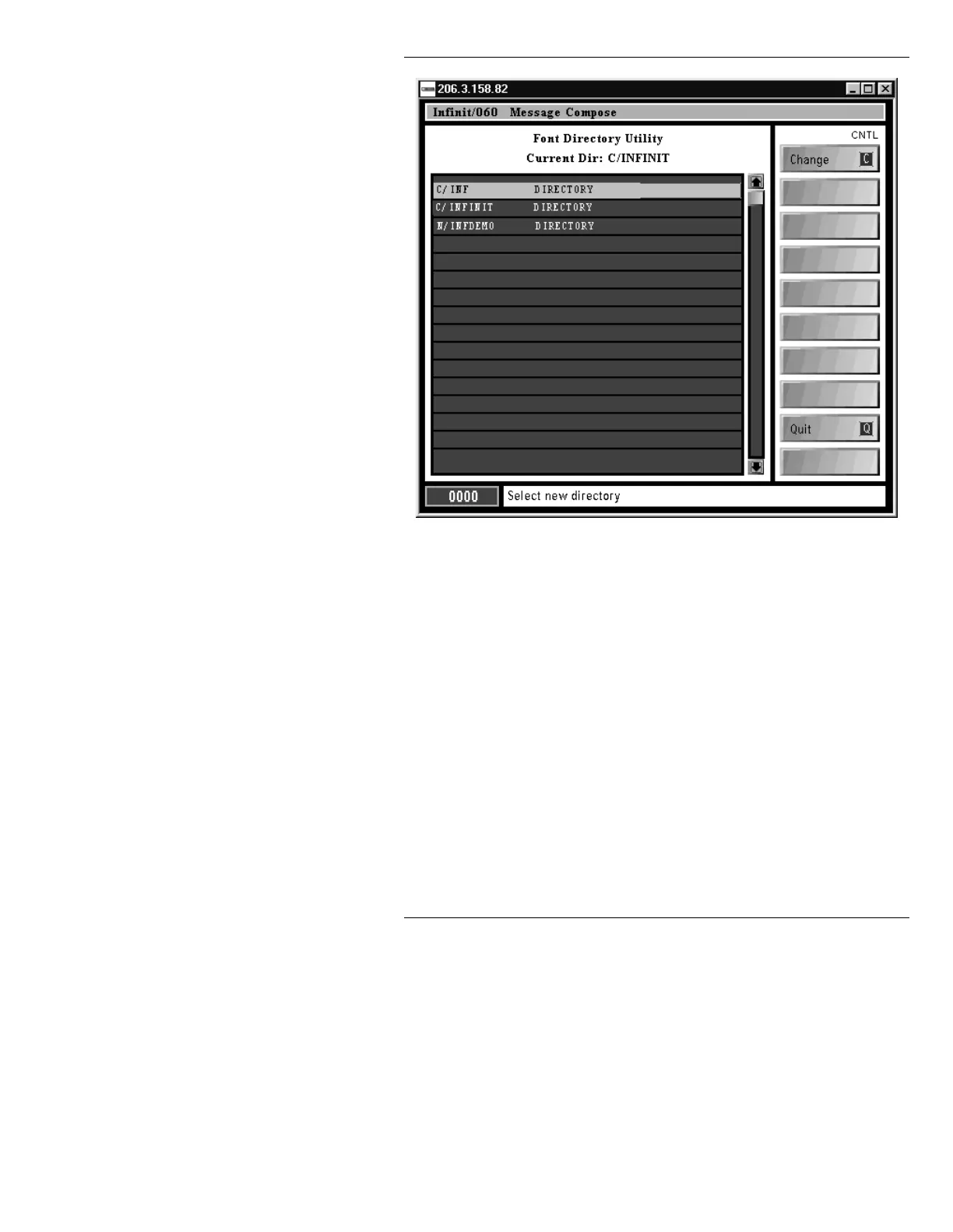
Figure 6-9. Font Directory Menu
[ ] 3. You can begin typing the characters of the
directory name, then press
. The cursor
jumps to the first entry beginning with these
characters. The directory name must include
the drive designation. For example:
C/SYSTEM1
Or, use the cursor keys to highlight the desired
font directory, then press
or
C, or select the
Change icon.
Directory changed to <drive/directory_name> appears
on the Prompt Line, then the screen redisplays the Font
Load Utility menu with a list of fonts in the newly
selected
MACHINE font directory. Keep in mind that



 To Next Page