CHYRON Corporation
Start-Up 3-16 Revision D
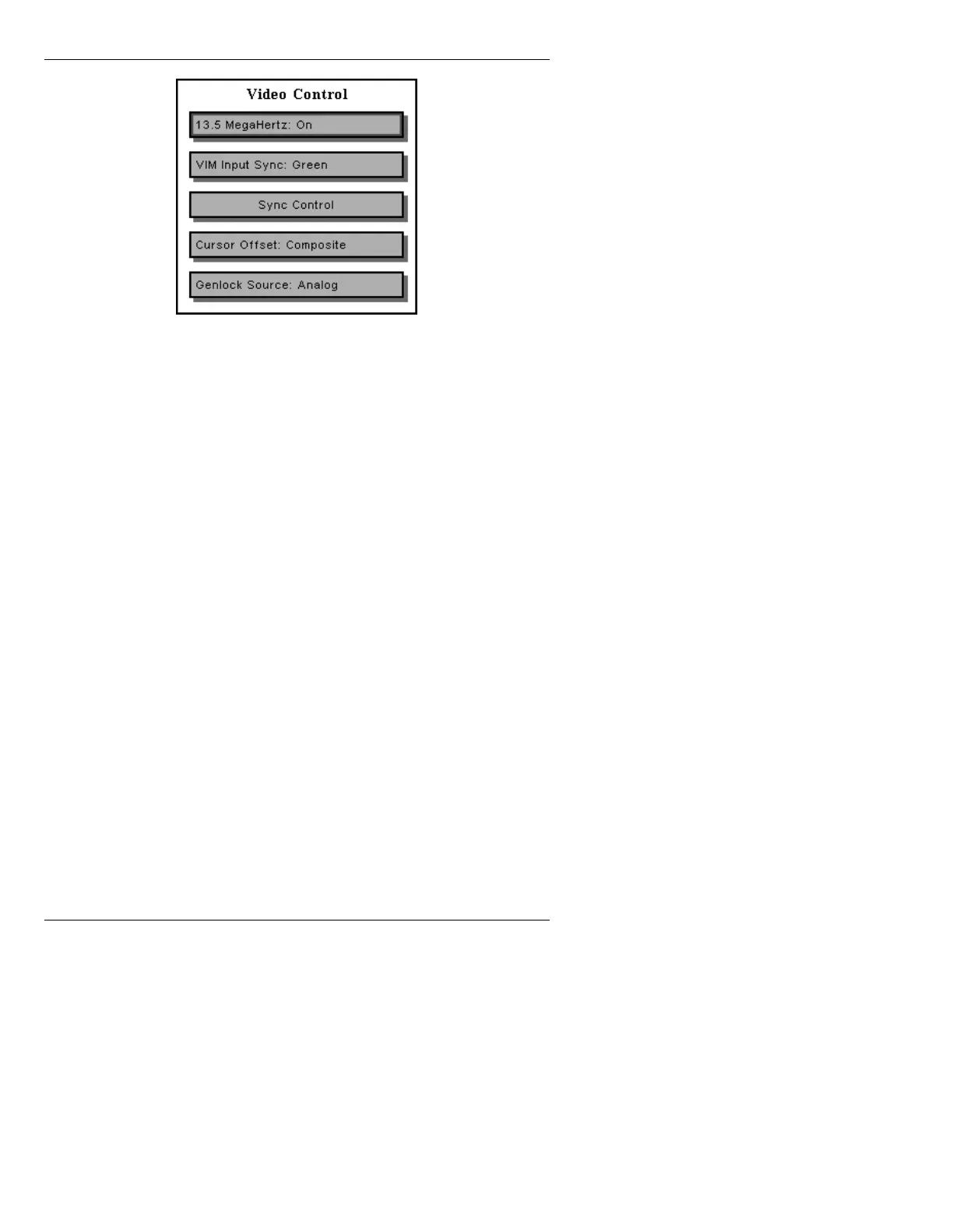
Figure 3-12. iNFiNiT! Video Control Window
The following can be set in the iNFiNiT! Video Control
window.
13.5 Megahertz:
Select Off or On. The 13.5 MHz setting sets the
iNFiNiT! software for systems equipped with a 13.5 MHz
sync generator. The CCIR601 digital video option
requires a 13.5 MHz sync gen. The 13.5 MHz field is set
at the factory to match the sync gen with which the unit
was shipped. This setting should only be changed if
the sync gen board is changed.
VIM Input Sync:
Select Green or External. Used only if your system is
equipped with the Video Input Module/RGB Tools
option. Select sync-on-green line, or other external sync.
Sync Control:
See below.
Cursor Offset:
Select Composite or RGB. Aligns the cursor channel
with the frame buffers for either RGB or composite out-
put, eliminating any shift in cursor position over a char-
acter or RGB image in Message Compose or Logo
Compose.
Genlock Source:
Select Analog or 601. Determines where the iNFiNiT!
gets its genlock: from an analog device or a digital (e.g.,
601) device.



 To Next Page