iNFiNiT! Family Operation Manual
Revision D 16-3 Mix Effects
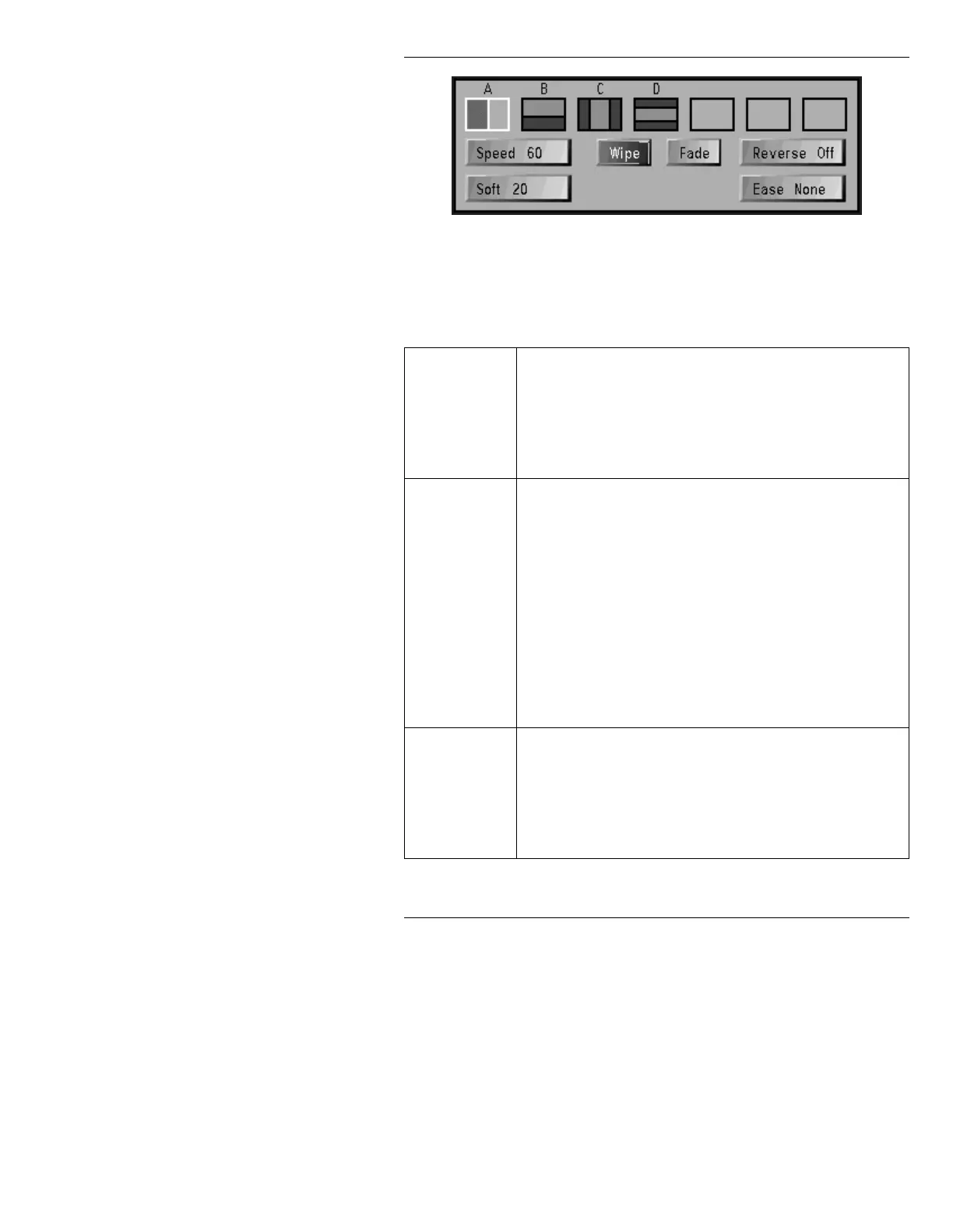
Figure 16-2. Mix Control Window
You can design your own transition, based on the follow-
ing parameters:
Effect Types
An Effect Type (§16.4) governs how an old image leaves the
screen and the new image enters the screen. The proper-
ties that are controlled by Effect Types are as follows:
There are two Effect Types:
Wipe and Fade. The default
setting is
Wipe.
Transition
Patterns
Wipes
can be performed in a number of ways using Transi-
tion Patterns (§16.6.2). The icons for these patterns are
found across the top of the Read Effects window, and are
labeled
A - D. The default setting is A.
Transition Patterns are not available to
Fade. The Transi-
tion Patterns are as follows:
A - Horizontal Slide Wipe
B - Vertical Slide Wipe
C - Horizontal Split Wipe
D - Vertical Split Wipe
Speed
Speed
(§16.5.1) designates the duration of the transition.
The duration can range from
2 to 300 fields. The default
setting is
60.
60 fields = 1 second NTSC or PAL-M
50 fields = 1 second PAL



 To Next Page