iNFiNiT! Family Operation Manual
Revision D 3-29 Start-Up
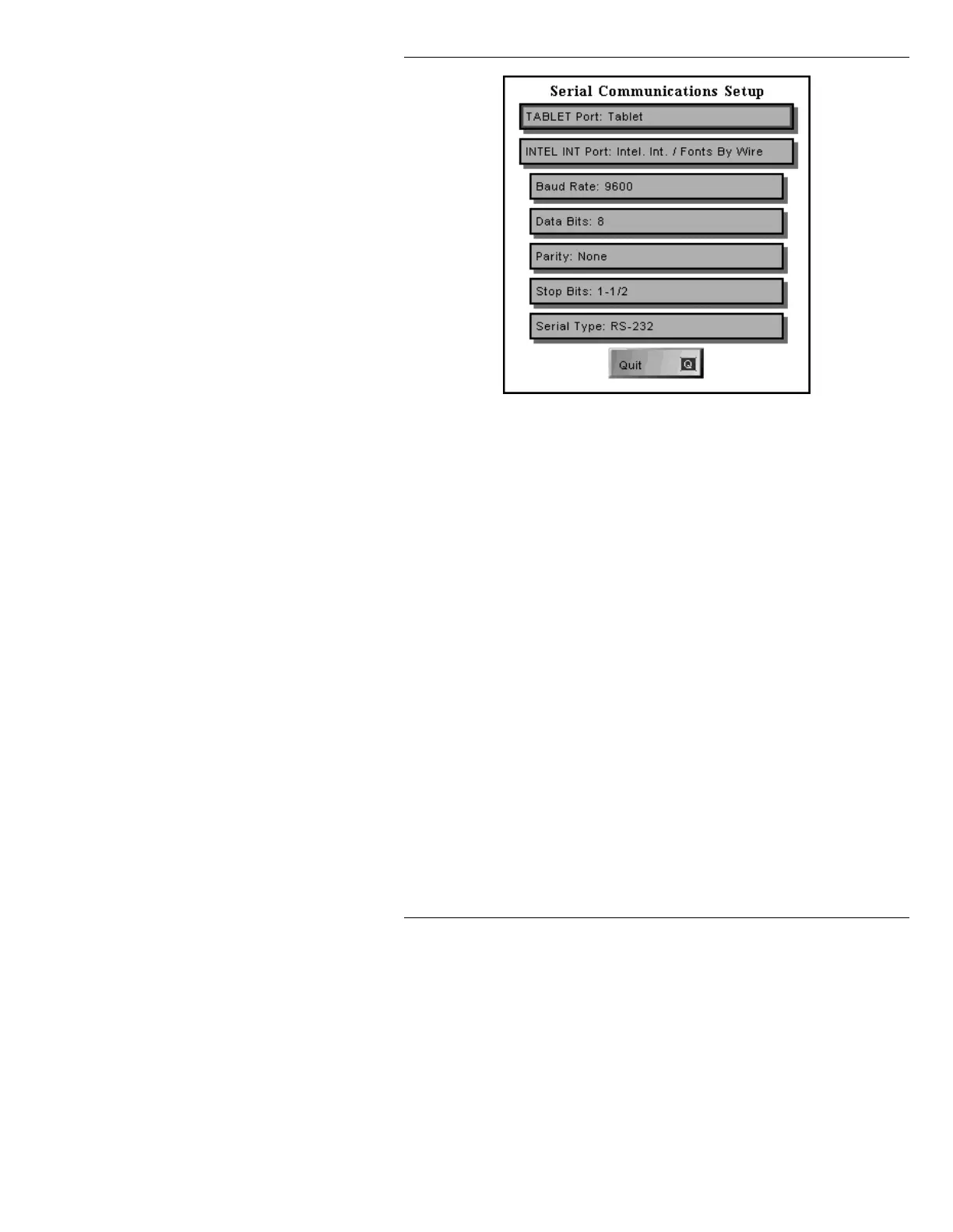
Figure 3-23. Serial Communications Setup Menu -
MAXINE!
[ ] 2. Highlight the fields using the cursor keys, then
press the
SPACE BAR to toggle through and
set the following parameters. Defaults are
shown in italics.
[ ] 3. To save settings and exit the window, press
Q,
CNTL, or select Quit (To exit without saving
settings, press
ESC.). The following may be
displayed, depending on system and
configuration:
Baud Rate:
300
, 600, 1200, 2400, 4800, 9600,
19,200
or 38,400.
Data Bits:
7
or
8
.
Parity:
Odd
, Even, or
None
.
Stop Bits:
1
, 1-1/2, or 2.
Port Number:
4
Serial Port:
RS232
or RS422; (MAXINE! only)



 To Next Page