CHYRON Corporation
Start-Up 3-52 Revision D
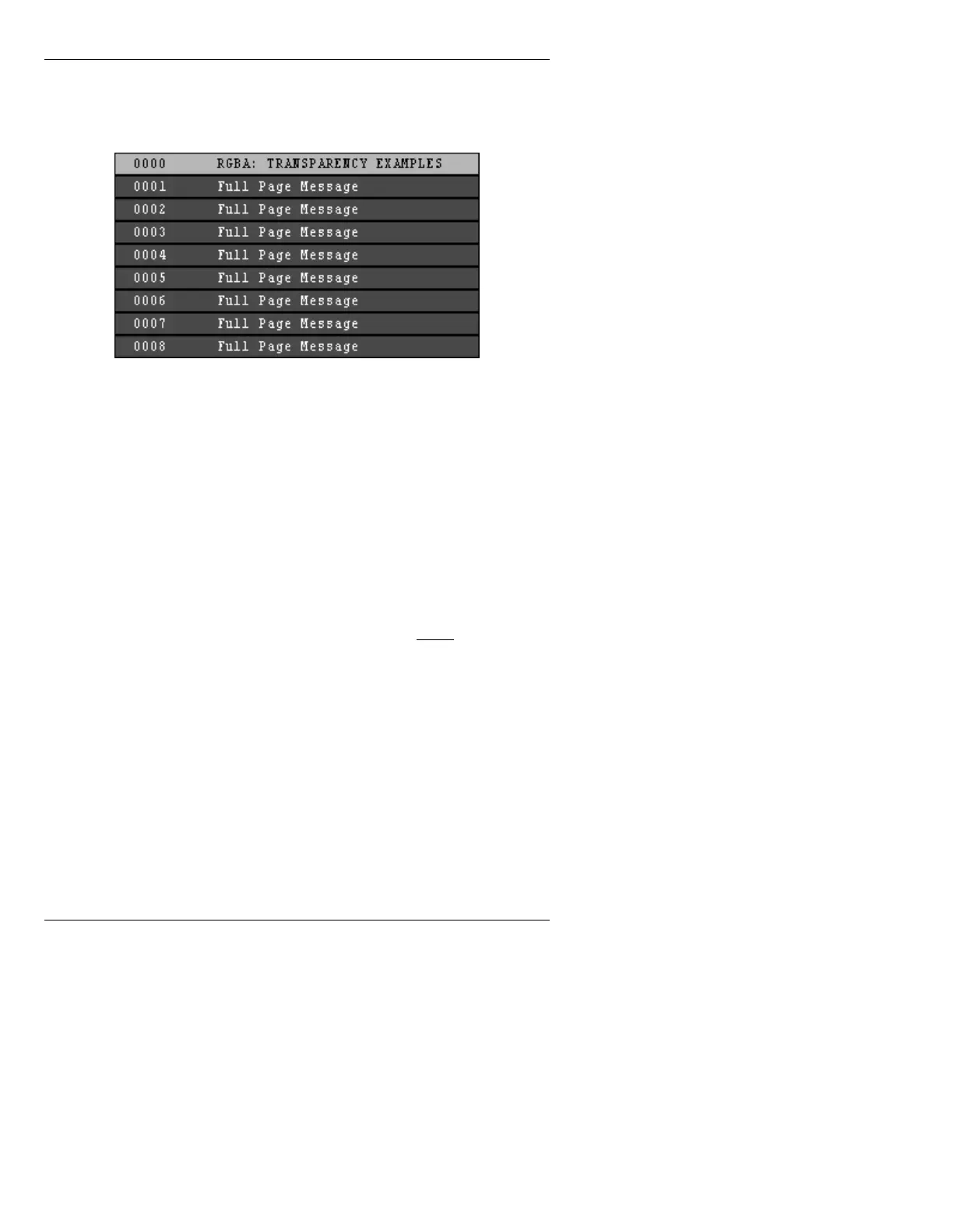
This action loads sample pages containing a
transparency and key signal timing test, and
lower-third and other graphics typical of a
news production.
Figure 3-47. Sample Files in C/SAMPLES
When you select the directory, sample fonts are automat-
ically assigned to six of the sixteen available ‘font posi-
tions’ to facilitate testing the machine during installation.
[ ] 1. The Address Readout field in the lower left
corner of the Message Compose main menu
defaults to 0000 when Message Compose is
loaded. Simply press the
READ key, and the
Transparency Test on page 0000 will come up.
[ ] 2. Press the
READ NEXT key twice and playback
will progress to page 0001.
[ ] 3. Press
READ NEXT once for each successive
page. After page 0008, the machine will search
for the next page in this directory.
[ ] 4. Press
ESCAPE twice to abort this operation.
See §6.10, Typical Operational Sequence, for
more information.



 To Next Page