CHYRON Corporation
Message Compose Basics 6-6 Revision D
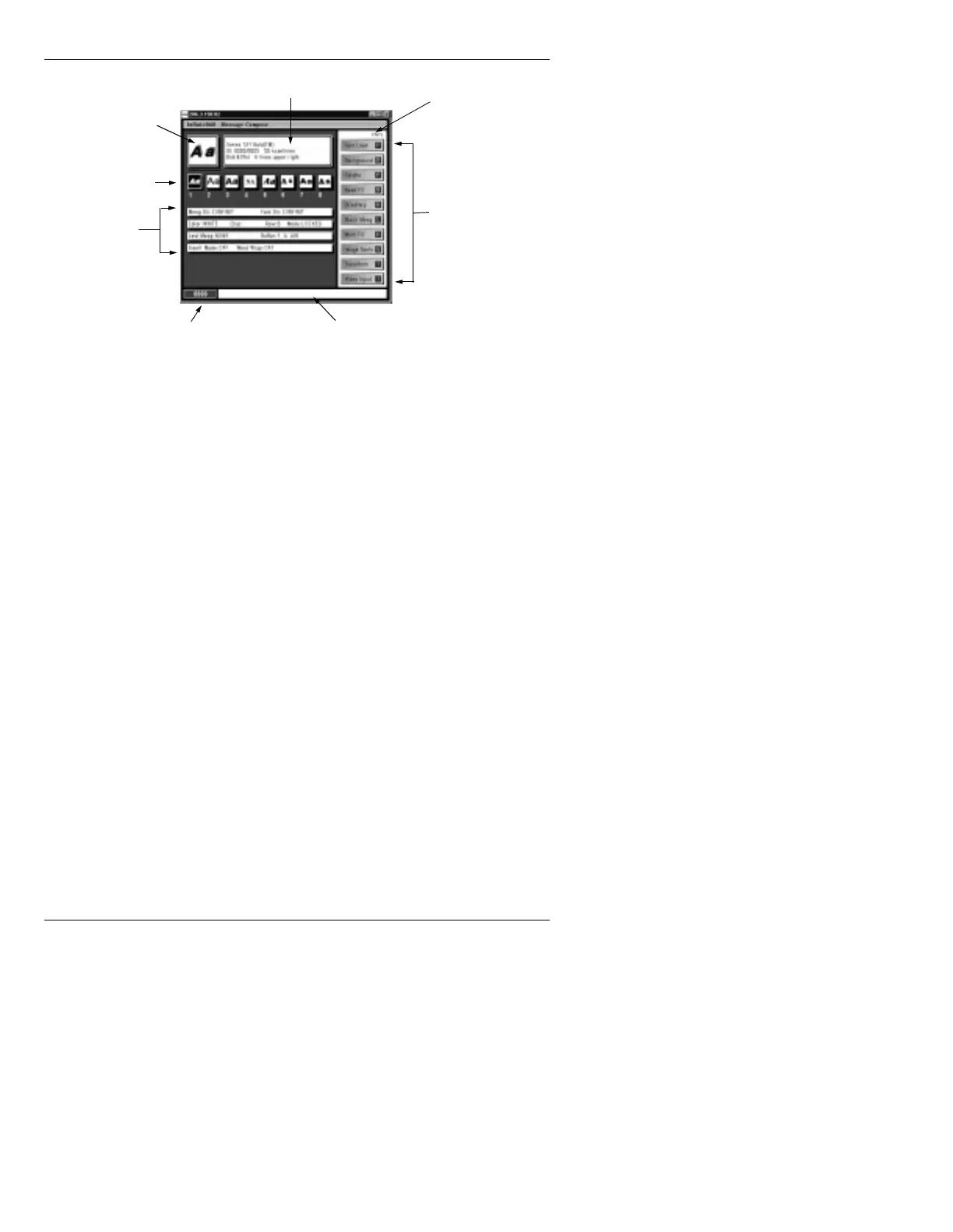
Figure 6-4. Message Compose Main Menu
Font In Use This displays a small replica of the Machine Font cur-
Font Info rently selected. The three line description in the Font
Info
box to the right of Font in Use gives the name of
the font, the Machine Font/Master Font ID numbers, the
Font Size (height), and Edge Style, Edge Size, and Edge
Direction. The currently selected Font Key number is
displayed on the keyboard LCD.
When a Toolbox or Multi-Color Logo font is in use, a
sample is also displayed.
If you see
No Sample Available and NA for a font posi-
tion, there is a font loaded in that Font Key, but no sam-
ple created to display on the main menu. For example, a
font made up of RGB images as characters will not dis-
play a sample character. Instead,
NA appears in the Font
in Use
area
2
.
Fonts Loaded Each of the eight boxes display approximately 20 scan-
line high replicas of the
A character from the Machine
Fonts currently loaded in the eight Font keys, or, in the
case of Toolbox or RGB fonts, sample characters from
the fonts. Pressing
ALT FONT 9 - 16 displays Fonts 9 -
16, for a maximum of 16 fonts. The highlighted box
indicates the font in use. Again, if no sample is available,
such as in RGB fonts,
NA is displayed.
Fonts Loaded
Status Info
Address Readout
CNTL Indicator
Function Icons
Prompt Line
Font Info
Font in Use



 To Next Page