CHYRON Corporation
Message Compose Basics 6-28 Revision D
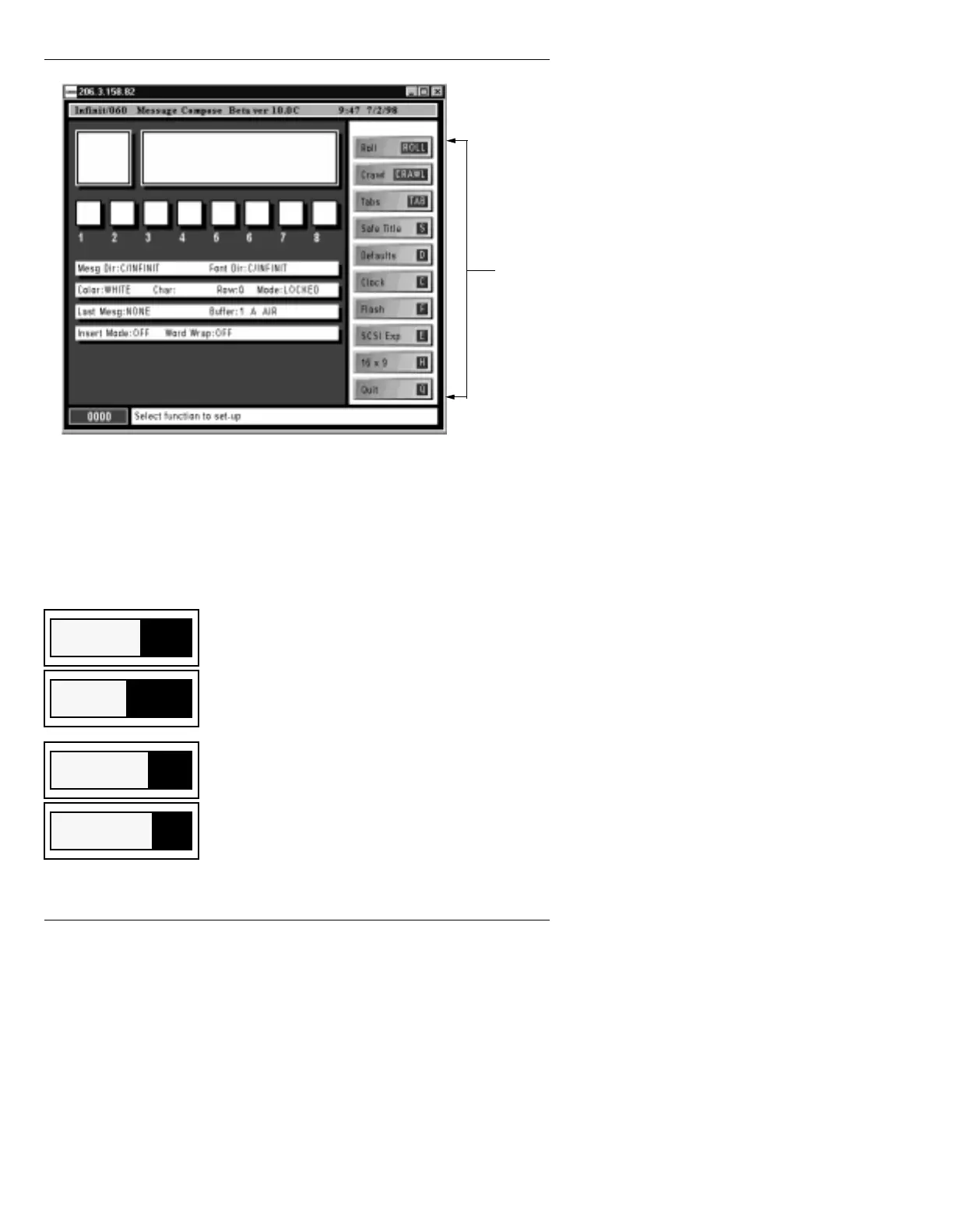
Figure 6-11. Message Compose Setup Menu
To access a function:
• Select the icon using the mouse, or press the key
indicated in the black area of the function icon. For
example, press
S to access the Safe Title function.
Displays the Roll Control Buffer List which can
be edited for later execution (§9.2).
Displays a Crawl Control Buffer List which can
be edited for later execution (§9.4).
Opens the Tab Setup Utility for creating Tab
fields (§7.4).
Calls up the Safe Title Adjust window to adjust
working area on the Edit Monitor (§7.3.1).
Setup
Menu
Roll
ROLL
Crawl
CRAWL
Tabs
TAB
Safe Title
S



 To Next Page