CHYRON Corporation
Directory Features 8-32 Revision D
To set the screen offset:
[ ] 1. Press
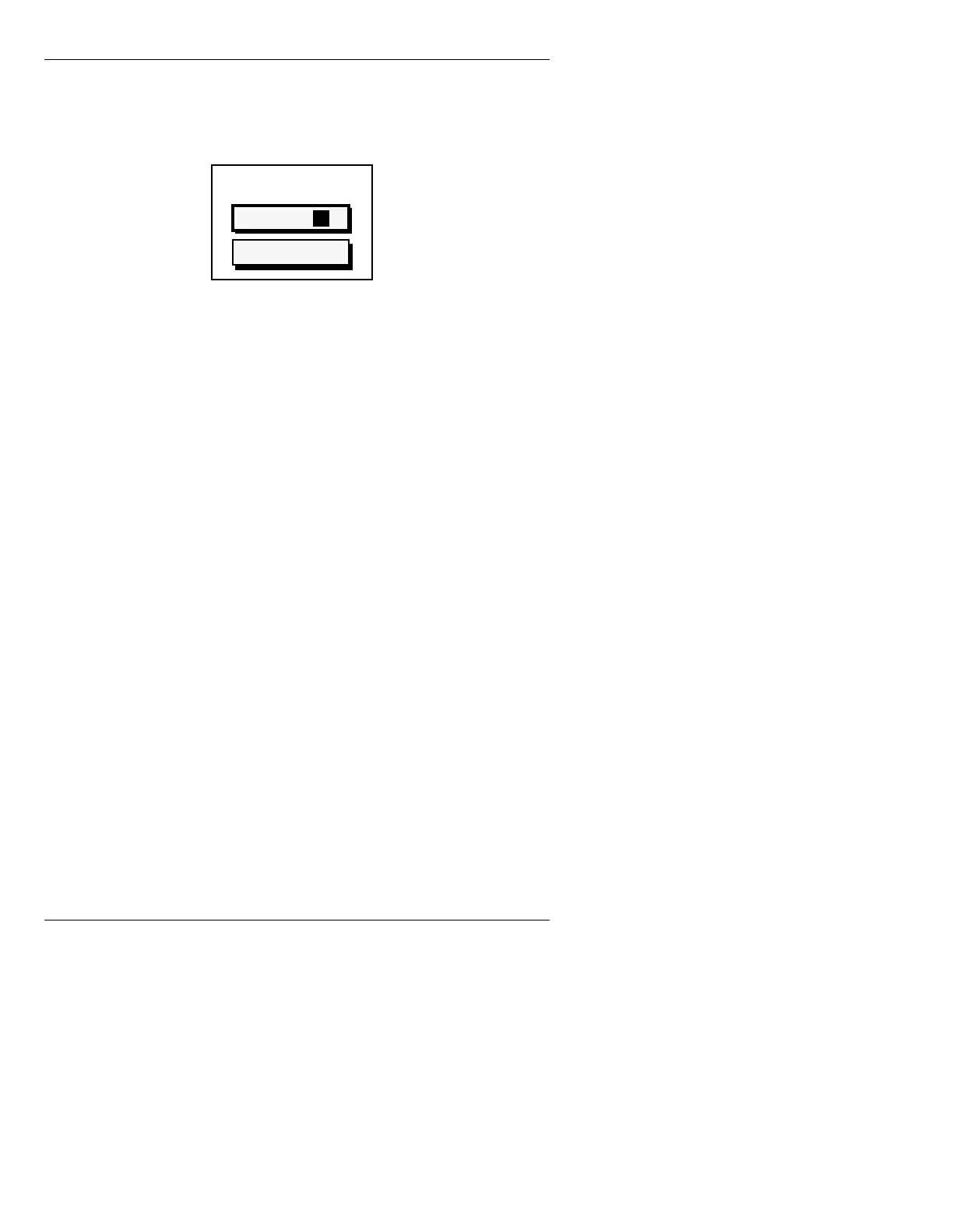
CNTL ALT 2. The following window
appears:
Figure 8-13. RGB Frame Offset Window
[ ] 2. Enter the pixel offsets for X and for Y.
[ ] 3. Press
CNTL to exit the window.
The screen offset is also applied when an RGB message
is read into the Background buffer of an Extended Effects
Frame Buffer (EEFB), using the
CNTL ALT READ func-
tion (§15.8.2) while in the Message Compose main
menu.
To read the RGB message into the Background buffer of
the EEFB without a screen offset:
• Enter the Read Effects main menu (§15.8.1); make
the Background buffer active, then read the RGB
message into the Background buffer using the
READ
function (§15.8.2).
To avoid accidental offset reads, perform the following
operation on each RGB message that you need to offset:
[ ] 1. After setting the offset, read the RGB message,
then record it to a new address.
[ ] 2. Reset the offset to
0 for both X and Y.
To display the non-offset message:
• Read the original RGB message.
Y Offset: 0
Y Offset: 0
Frame Offset
X Offset: 0



 To Next Page