CHYRON Corporation
Flash Font 13-46 Revision D
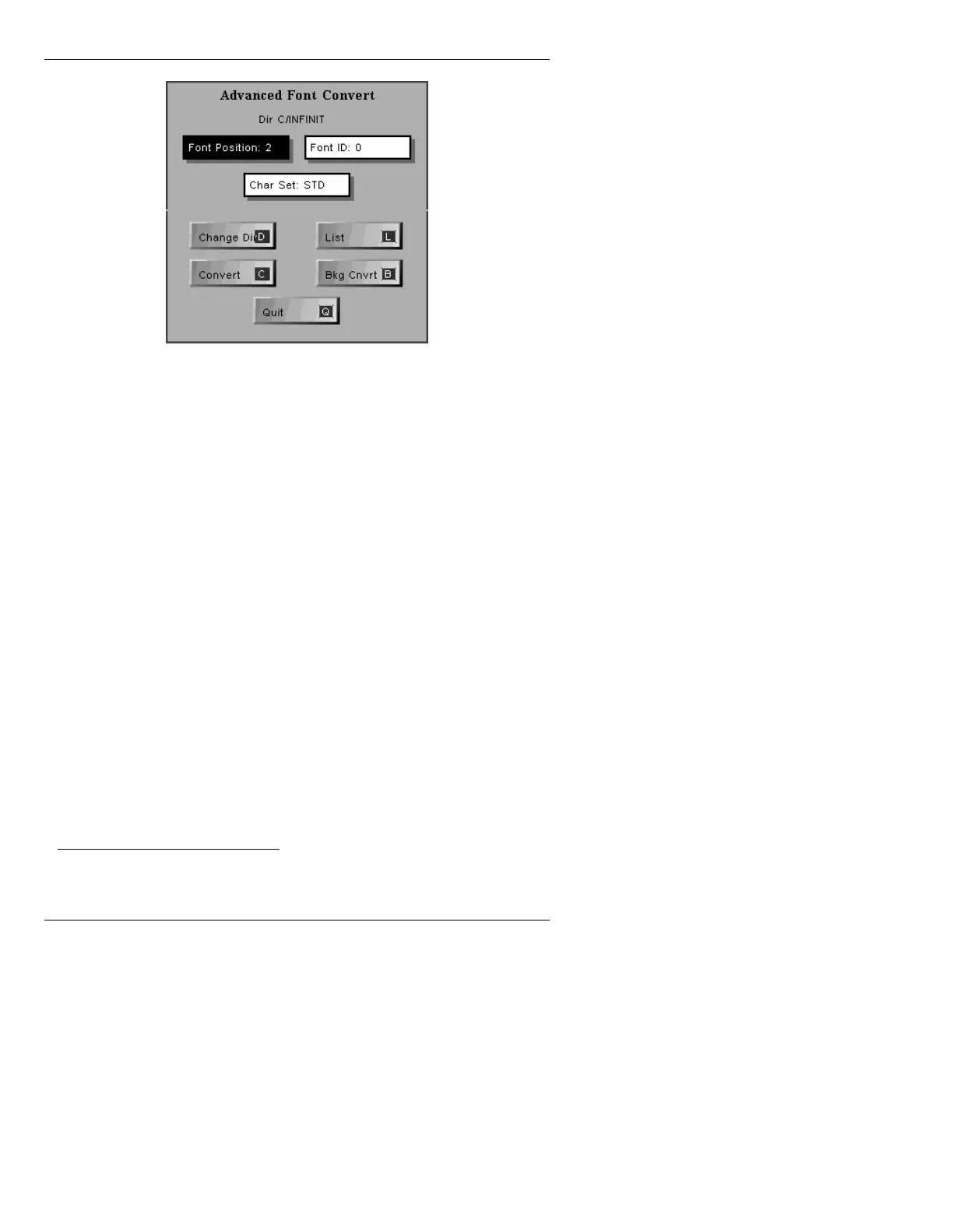
Figure 13-26. Advanced Font Convert Menu
Advanced Font Convert makes an entire Machine Font
using the current selected Master Font and Advanced On-
Line Font Create parameters.
Font Position: The font is automatically loaded into the specified Font
Key (Foreground conversion only).
Font ID: Any Machine Font ID from 0 - 9999.
Char Set: The Char Set, or Character Placement Table defaults to
STD for NTSC, or ITL for PAL systems, but can be
changed to any user defined character set. Both the
STD
and
ITL tables can be used on either system.
2
Change Dir Changes the current Machine Font directory.
List Displays a list all Machine Fonts in the current directory.
• To select a Machine Font, press
.
Convert Foreground Conversion. To execute:
• Press
C or select Convert.
2. See §18.7 or the Advanced Font Create Option manual (Pub. No.
2A01984), for more information about Character Placement Tables.



 To Next Page