CHYRON Corporation
Buffers & Channels 14-8 Revision D
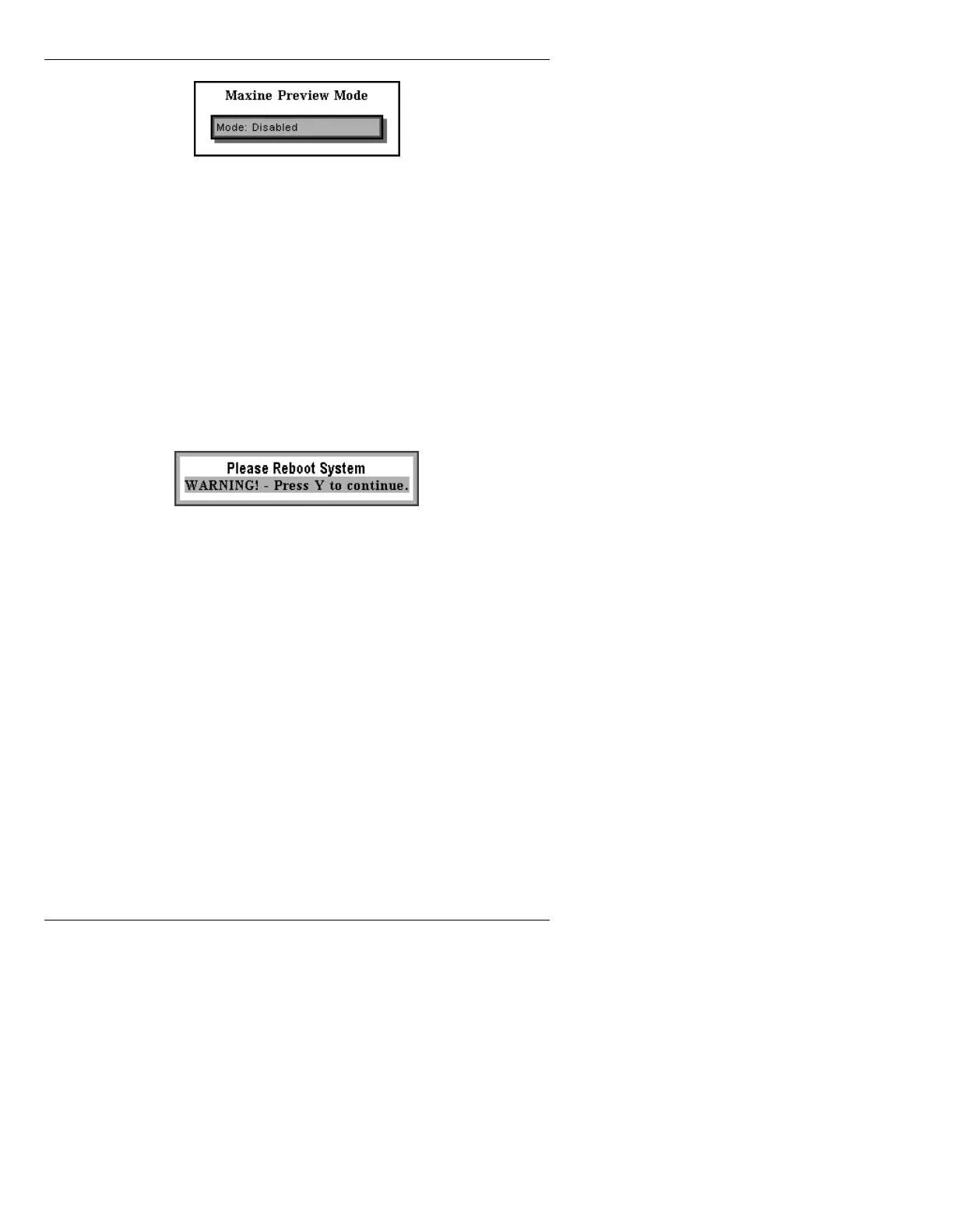
Figure 14-1. Maxine Preview Mode Window
[ ] 3. Press the SPACE BAR or click on the Mode:
field to toggle through the following choices:
Enabled: All MAXINE! Preview functions
become available.
Disabled: MAXINE! Preview is unavailable
to the system.
[ ] 4. Press
CNTL to exit. The following prompt is
displayed:
Figure 14-2. Reboot Prompt
[ ] 5. Press any alphanumeric key or click outside
the window to close the prompt and return to
the Program Loader Setup menu.
[ ] 6. Press
B or Reboot. The system reboots, and
the new setting take effect.



 To Next Page