CHYRON Corporation
Advanced Read FX 15-38 Revision D
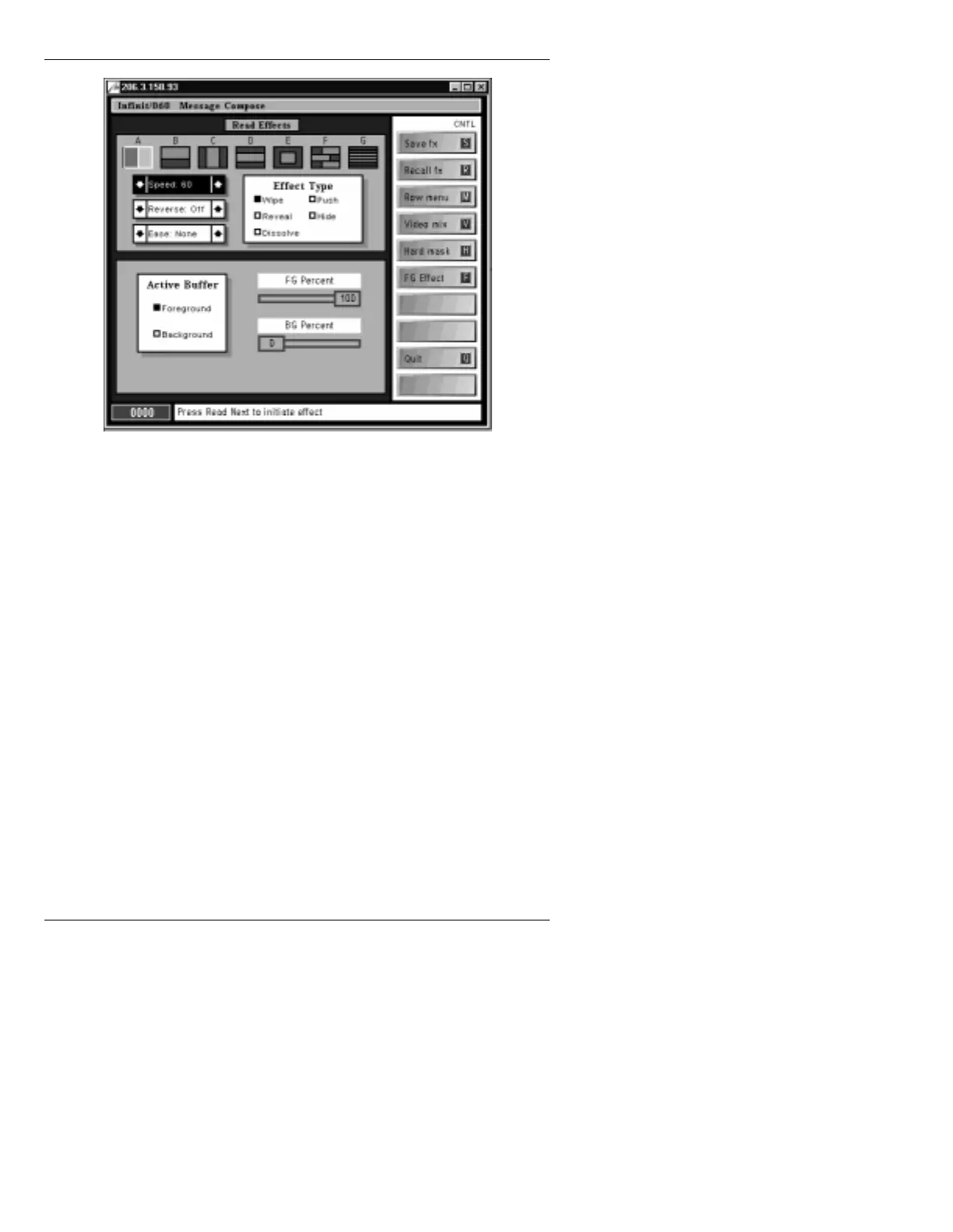
Figure 15-12. Read Effects Menu
[ ] 2. If Video Mix is enabled, press CNTL V or
select
Video mix to disable Video Input.
Video Mix must not be enabled when using
Video with Key.
[ ] 3. Press
ALT V. This enables the Video with Key
signal to be fed.
Enable Video for
Background Page
is displayed on the Prompt
Line. Now an image in the Foreground buffer
can be displayed over Video with Key.
When Video with Key is activated, any subsequent frame
buffer actions performed when the Video with Key
enabled buffer is current, such as
ERASE or READ from
within Read Effects or in the Message Compose main
menu, disables Video with Key in that buffer.



 To Next Page