iNFiNiT! Family Operation Manual
Revision D 2-17 Installation
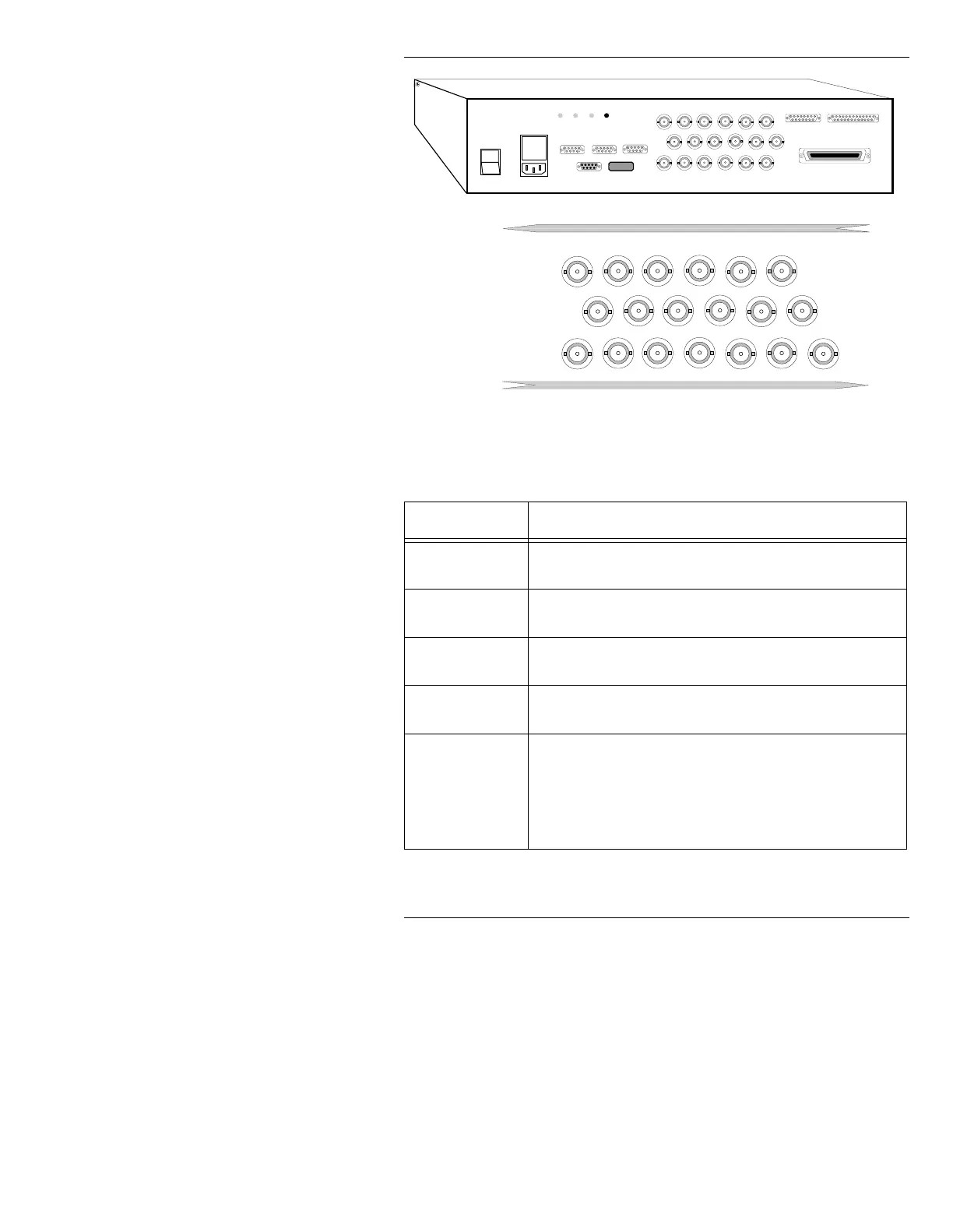
Figure 2-11. MAXINE! Rear Panel Connections
Table 2-5: MAXINE! Rear Panel Connections
&RQQHFWR U 'HVFULSWLRQ
AC IN
Connect the supplied power cord to the rear panel recep-
tacle, and to a grounded outlet in your facility
Test Points
Three chassis power supply test points (+5v, -12v, +12v)
are provided, along with a ground reference.
Keyboard
The D9 serial port labeled KEYBOARD should be con-
nected to the MAXINE! keyboard. (RS422)
Mouse
The D9 connector labeled Mouse may be connected to the
optional serial Mouse. (RS232)
Serial Ports
The D9 serial port labeled INTEL INTF can be config-
ured for RS232 or RS422 using the system Set-Up func-
tion (see Section 3).
The D9 serial port labeled TABLET is reserved for the
optional tablet. (RS232)
1
0
REF IN
VIDEO
OUT 1
COLOR
EDIT
KEY
OUT
PROMPTS
SVHS
R/V
OUT
G/Y
OUT
B/U
OUT
SYNC
OUT
601
VID OUT
601
KEY OUT
RED IN
GREEN IN BLUE IN
SYNC
IN
KEY IN
601
VID IN
601
KEY IN
INTEL INTF TABLET KEYBOARD
MOUSE P2
+5 +12 -12 GND
SCSI PORT
ETHERNET GP I/O



 To Next Page