CHYRON Corporation
Multiple Effects 17-34 Revision D
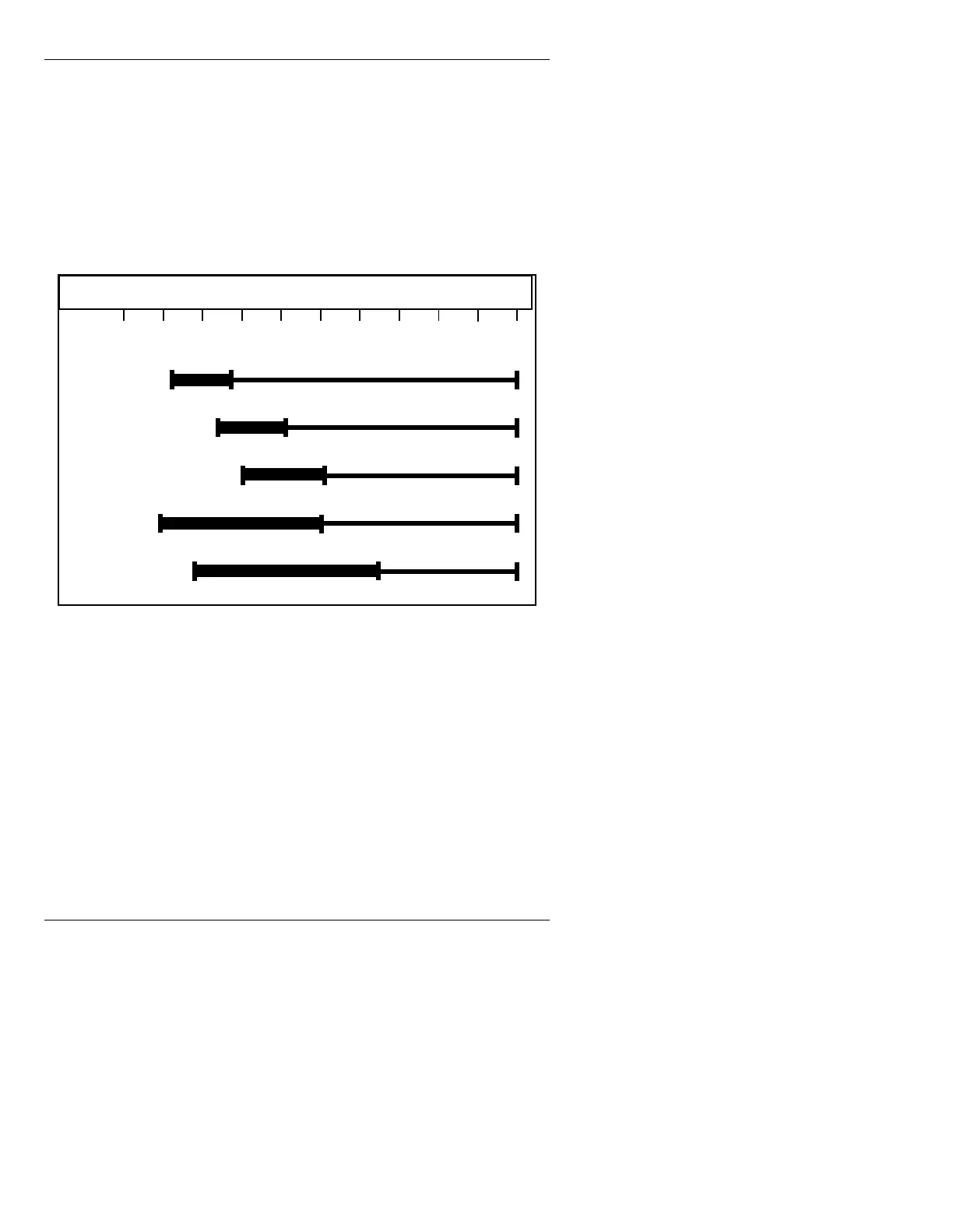
Note that a Time Line for Xfrm does not appear unless a
Transform Script has been loaded. The default settings
for the Time Line are Start Point
0, End Point 60, and
length
60.
1 second = 60 fields NTSC or PAL-M
1 second = 50 fields PAL
The
Recall Pre and Row Menu functions (§17.3) are not
available to the Multiple Effects Time Line window.
Figure 17-12. Multiple Effects Time Line
To change the Start Point of an effect:
[ ] 1. Place the cursor on the Time Line you want to
change.
[ ] 2. Press
SHIFT CHAR + Í or Î to move the
Start Point to the right (to start later), or
SHIFT
CHAR +
Ì or Ï to move the Start Point to the
left (to start earlier).
OR...
FX 1
FX 2
FX 3
Mix
Xfrm
50 100 150 200 250 300 350 400 450 5000



 To Next Page