iNFiNiT! Family Operation Manual
Revision D 19-35 Disk Utilities
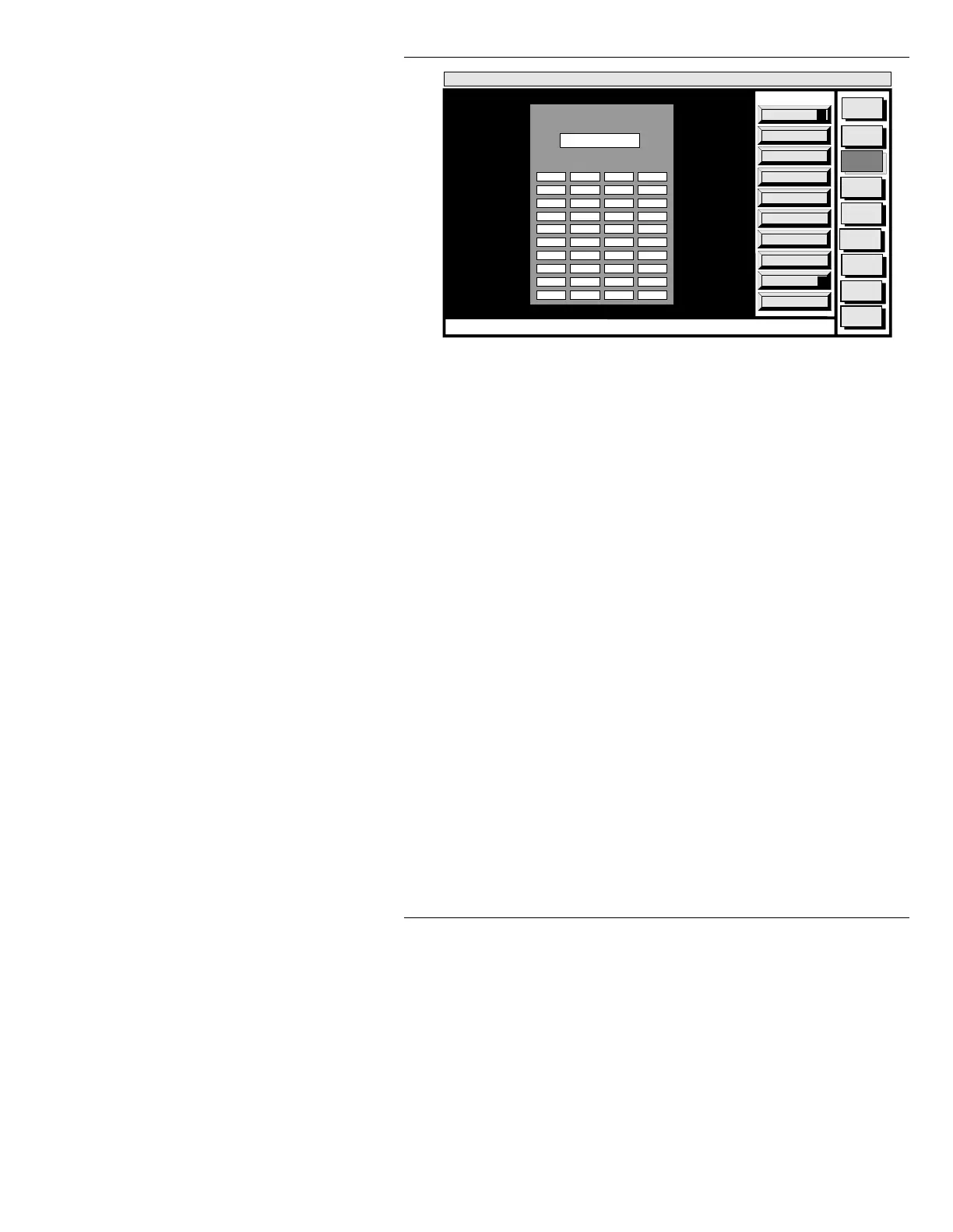
Figure 19-23. Disk Verify Window
If the prompt DISK HAS BEEN REMOUNTED. TRY
AGAIN
is displayed, the floppy or cartridge has been
removed and reinserted while in the Disk Status mode.
• Press
CNTL V or select Verify, then re-execute.
The time required for verification depends on the capac-
ity of the device. The hard disk takes the longest. During
verification, the entire disk is checked for bad data; the
blocks you specified in the list are ignored.
If bad data is found, one of two actions is taken:
• The verifier repairs the data, and posts the location
and address of the fault at the bottom of the screen.
OR...
• If repairs cannot be made, a warning is displayed that
the
FAULT CANNOT BE REPAIRED. The only way
to correct this type of fault is to reinitialize the disk.
Use a low-level format to remove any “soft” (i.e. for-
matting or initialization) errors.
Quit
Q
Execute
X
Message
Compose
Advcd.
Font
Disk
Utils
Network
Utils
Message
Compose
Codi
Create
Error
Log
<System>
Disk Utility
<version>
15:09 5/29/95
CNTL
DRIVE: C
BAD BLOCK LIST
Disk Verify



 To Next Page