CHYRON Corporation
Video Input Option 20-4 Revision D
To display the Video Input Control menu:
• From the Message Compose main menu, press
CNTL
I
or select Video Input.
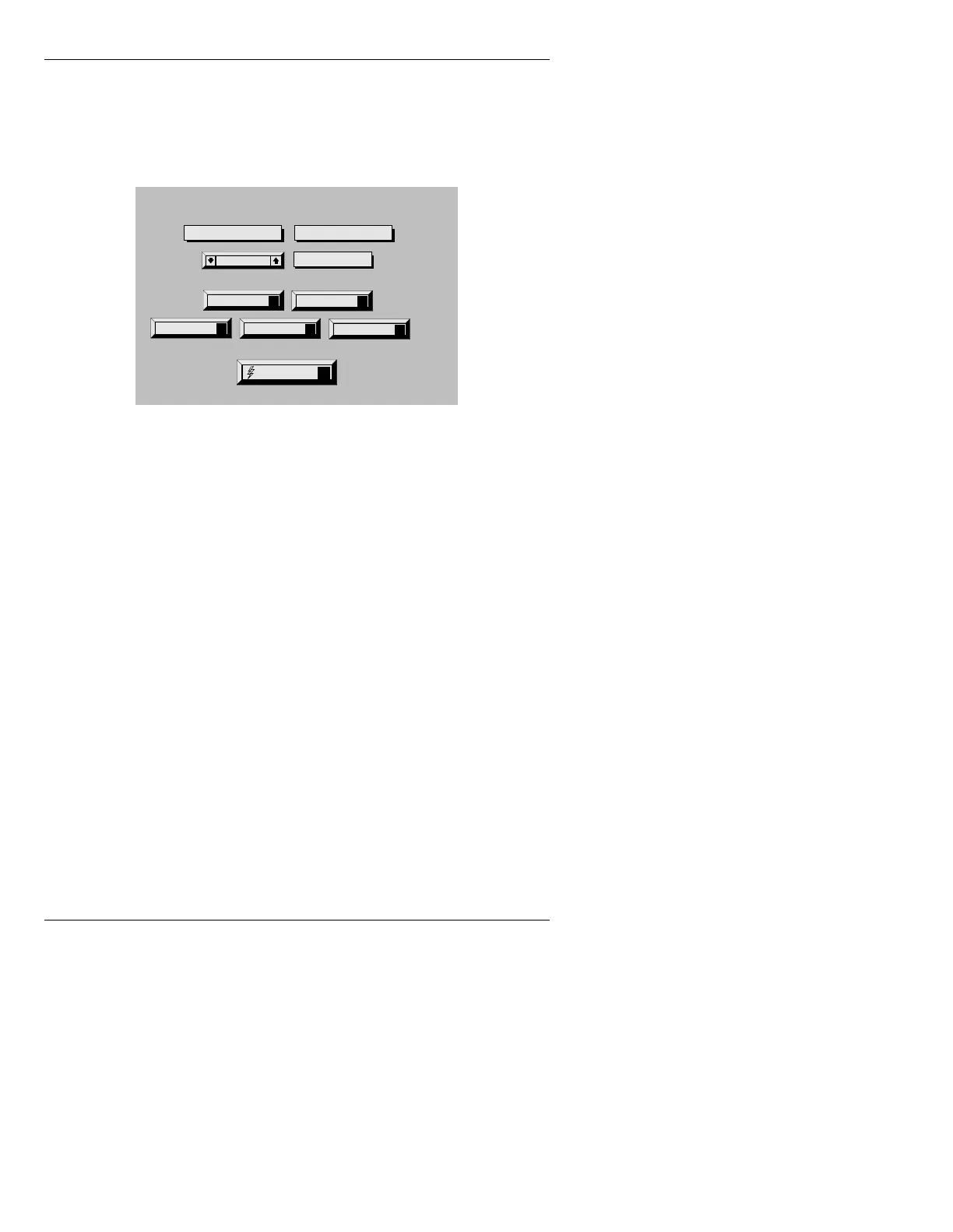
Figure 20-1. Video Input Control Menu - iNFiNiT!
NOTE
Due to different systems and system
configurations, the Video Input
Control menu displayed on your
system may not appear exactly as the
menu shown in the manual.
Additionally:
• The Configure function icon is
only present in Analog VIM
systems.
• The 601 Enable function icon is
present only if the 601 option is
installed.
• The Flash Save function icon is
present only if the system is
equipped with an Extended
Effects Frame Buffer(s).
A
Swiss 721 (TM)
ID: 0001/5303 50 scanlines
No edge
a
12345678
Aa
Αα
Aa
Aa
Aa
Aa
Aa
Aa
MESG DIR: C\FAMILY
Color:WHITE Char:
Last Mesg: 6146
Insert Mode: OFF
Row: 0
Word Wrap: OFF
FONT DIR: C:\FAMILY
Mode: LOCKED
Buffer: 1 A AIR
X: 68 Y: 69
Quit
Q
Help
?
Field: Interlace
Key Enable
K
Configure
C
Video Input Control
Capture Mode: Offset
601 Enable
X
Video Freeze
Video Input
Flash Save
F



 To Next Page