iNFiNiT! Family Operation Manual
Revision D 21-3 RGB Tools
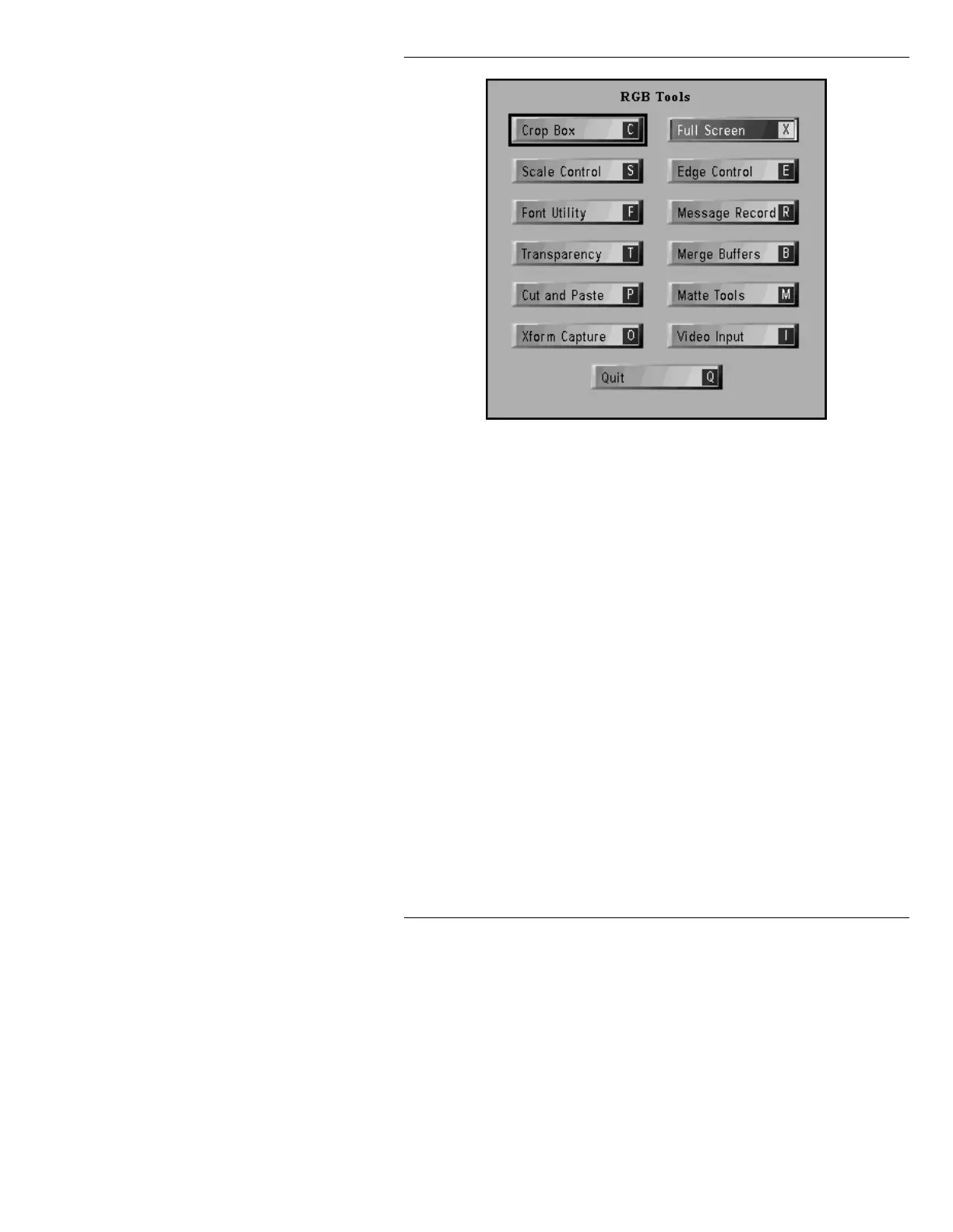
Figure 21-1. RGB Tools Menu
When first entering RGB Tools, the Safe Title box is
replaced by a Full Screen Crop Box.
Full Screen sets the Crop Box to Full Screen blanking to
blanking. The Safe Title is restored when you exit from
RGB Tools and return to Message Compose.
All Message Compose activity is suspended while RGB
Tools is being used, and the cursor will not activate any
of the still visible areas of the Message Compose main
menu.
The only special function keys active while in RGB
Tools are the
RCD, READ, and DEL keys. Also, the
ERASE key erases the currently selected buffer.
If an image has been edged, scaled, pasted, or matted,
and it has not been added to a font (using Font Utility) or
saved as a message (using Message Record), the follow-
ing warning is displayed:



 To Next Page