CHYRON Corporation
Total Motion Control 23-42 Revision D
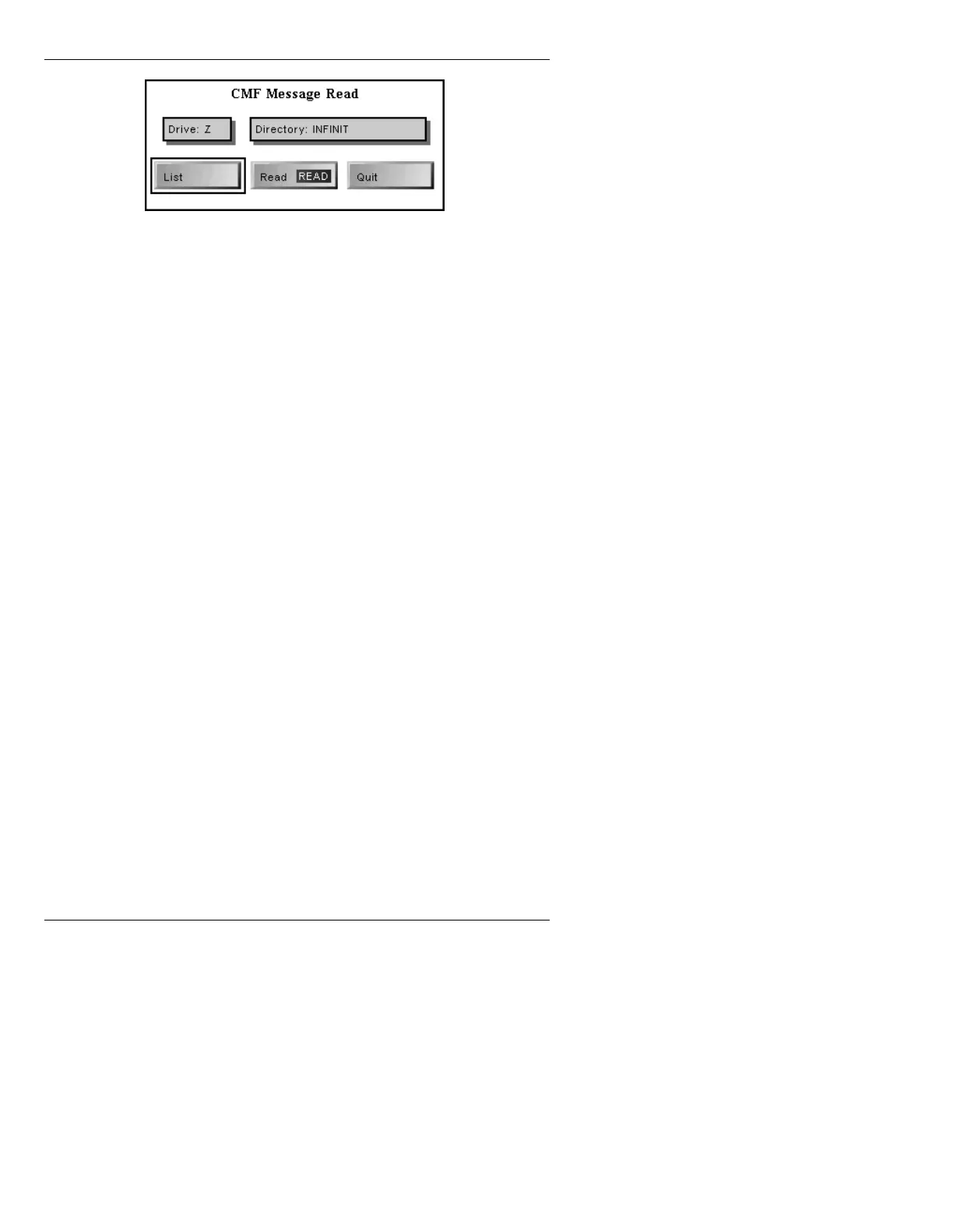
Figure 23-16. CMF Message Read Window
[ ] 3. If necessary, perform any or all of the
procedures in this step:
• Enter a new
Drive: letter.
• Select
List to list the files on that drive.
• Enter a new
Directory:.
[ ] 4. Press
CLR; enter the ID number of the CMF,
then press
READ. The first frame of the CMF
animation is displayed in the Foreground
buffer of the Extended Effects Frame Buffer.
The CMF can be viewed by using the control
buttons described starting on page 23-28.
[ ] 5. If desired, set In and Out Points and Loop
value; then display the frame you would like
used as the Thumbnail. This frame will also be
displayed when the CMF is read from within
IMAGESTOR!
[ ] 6. Press
RCD or select Record. The Record
CMF Animation menu is displayed. Enter the
appropriate information the same as for a
Record Still menu. See §3.2.2 in the
IMAGESTOR! Option Handbook for
information on the Record Still menu.
When recorded, the current frame is also
recorded as the Thumbnail; and is displayed
when the file is read.



 To Next Page