CHYRON Corporation
Installation 2-54 Revision D
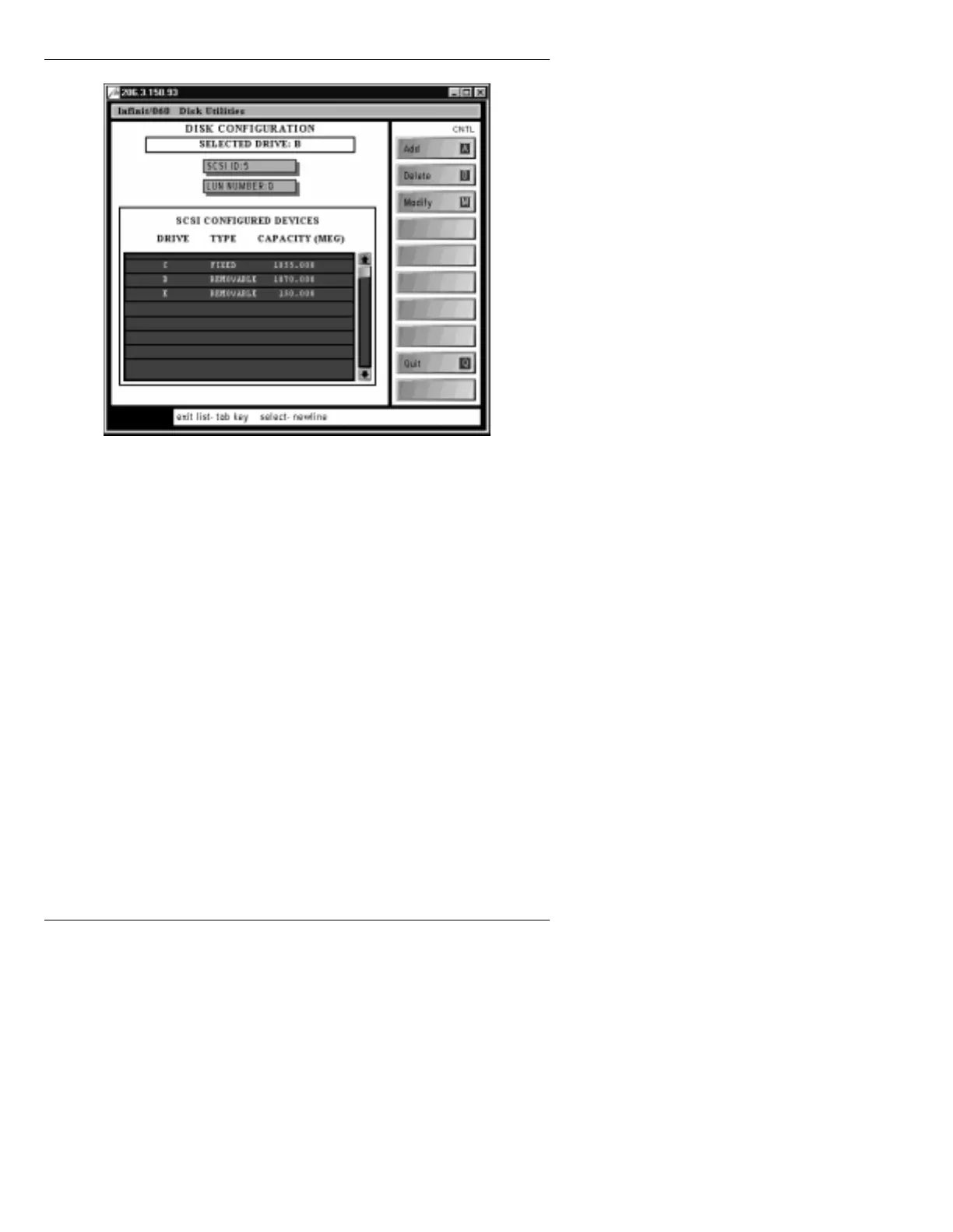
Figure 2-27. Disk Utilities DISK CONFIGURATION Menu
[ ] 3. If necessary, highlight the
SCSI ID:
field, then
press the
SPACE BAR
or click on the field to
toggle from
SCSI Express ID
to
SCSI ID
. This
step is necessary to avoid confusion, since SCSI
Express uses a separate SCSI bus (path, channel.
interface).
[ ] 4. Enter the SCSI ID (
5
or
6
) of the ZIP drive in the
SCSI ID:
field. The
LUN NUMBER
should
always be
0
.
[ ] 5. Press
CNTL A
or select
Add
. The system displays
the following:
MOUNTING DRIVE - PLEASE WAIT
After the system has mounted the drive, a new entry
appears in the drive configuration list.



 To Next Page