iNFiNiT! Family Operation Manual
Revision D 2-53 Installation
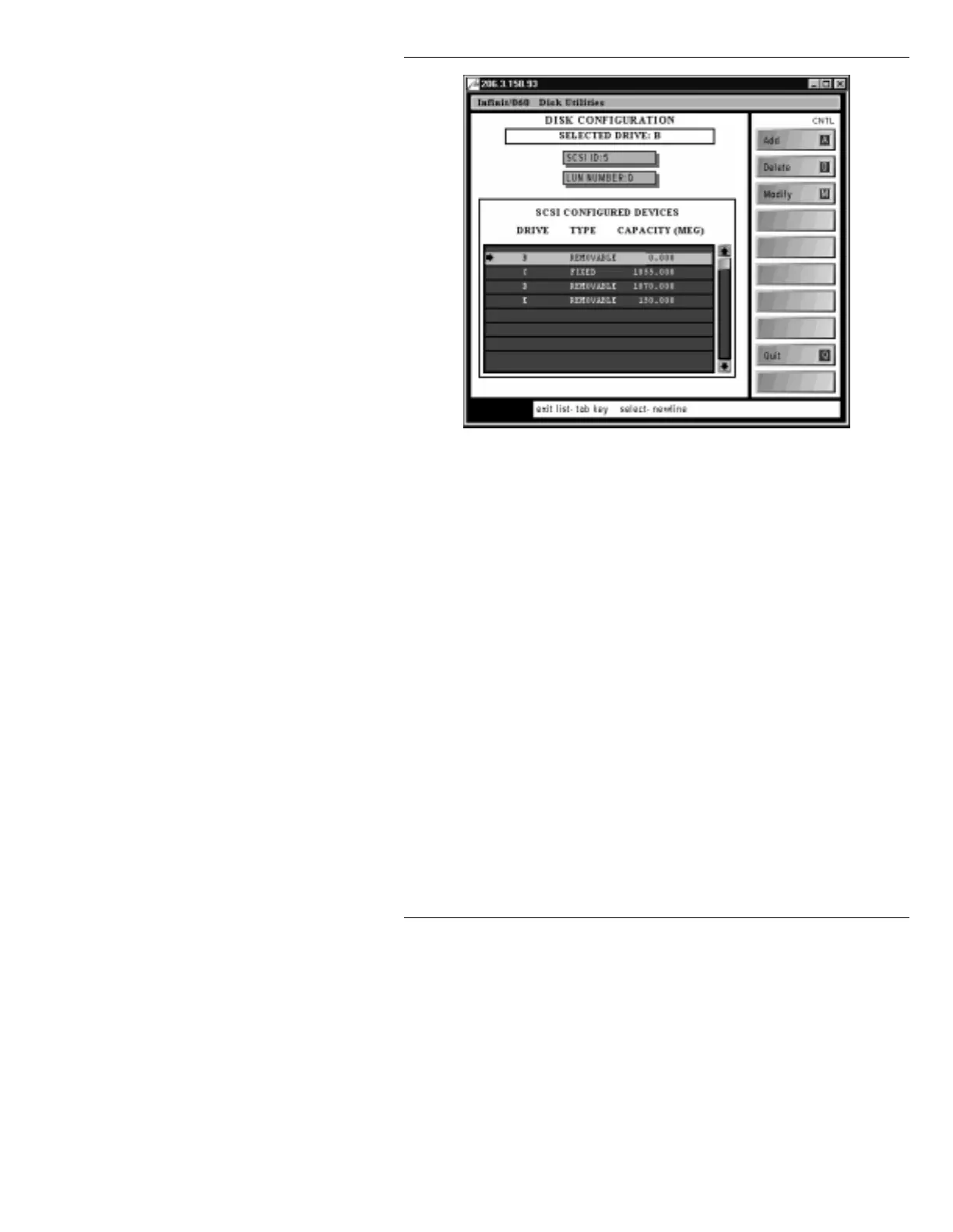
Figure 2-26. DISK CONFIG. Menu - Drive Selected
[ ] 4. Place the cursor on the
B
drive entry, then press ;
or click on the
B
drive entry. An arrow appears to
the left of the entry.
[ ] 5. Press
CNTL D
or select
Delete
. The drive is
deleted from the disk configuration.
To add the ZIP drive:
[ ] 1. Once the system has been powered up as described
above, enter Disk Utilities by selecting it from the
Program Loader menu. The Disk Utilities main
menu (Figure 2-25) is displayed.
[ ] 2. Press
I
or select
Configure
. The DISK
CONFIGURATION menu (Figure 2-27) is
displayed.



 To Next Page