CHYRON Corporation
Installation 2-52 Revision D
different drive letter. If the ZIP drive
i
s already configured as
drive
B
, skip to Booting from the ZIP Drive, starting on page 2-
55.
To delete a drive:
[ ] 1. Turn the power on. Once the system has booted,
the Program Loader menu is displayed.
[ ] 2. If not already highlighted, highlight and select the
Disk Utils
icon by either cursoring to the icon,
then pressing
; or by clicking on the icon. The
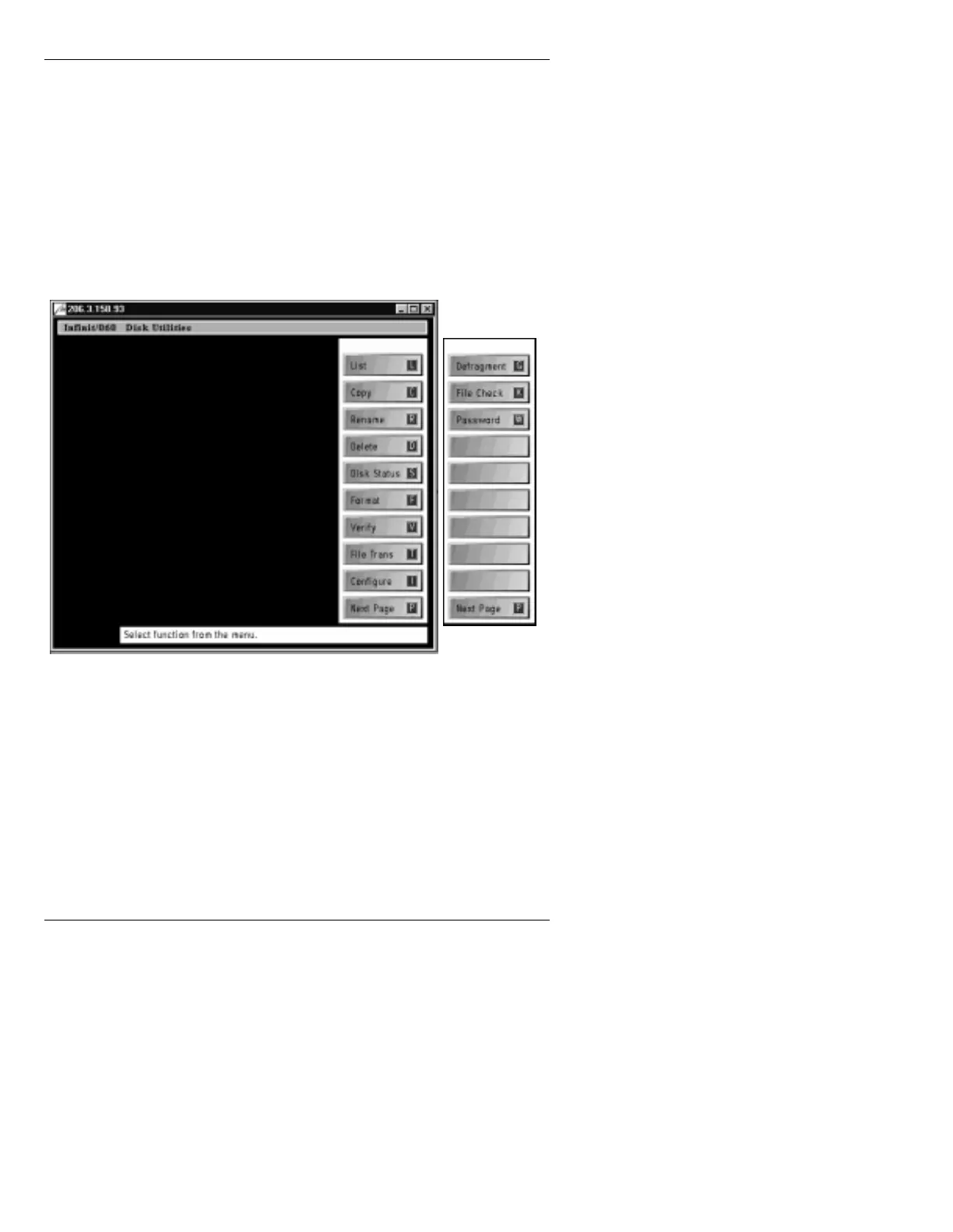
Disk Utilities main menu (Figure 2-25) is
displayed.
Figure 2-25. Disk Utilities Main Menu
[ ] 3. Press
I
or select
Configure
. The DISK
CONFIGURATION menu (Figure 2-26) is
displayed.



 To Next Page