CHYRON Corporation
Installation 2-56 Revision D
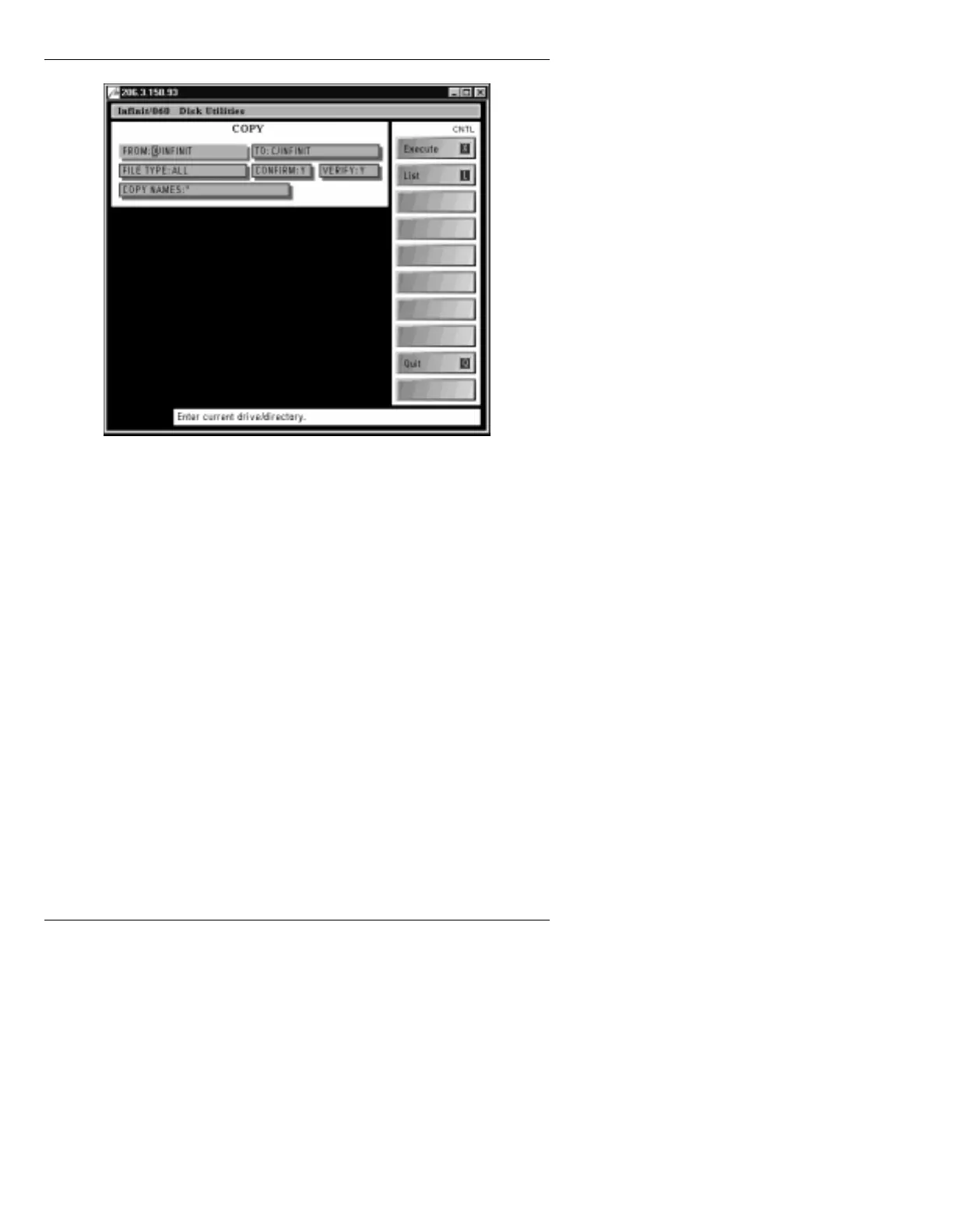
Figure 2-28. Disk Utilities COPY Menu
[ ] 3. In the fields at the top of the Disk Utilities COPY
menu, enter the following information:
FROM:
C/SYSTEM
TO: B/
FILE TYPE: ETC
CONFIRM: Y
VERIFY: Y
COPY NAMES: (see Step 5)
It is recommended, though not necessary, that
CONFIRM:
be set to
Y
. If
Confirm
is set to
N
,
Copy
executes without confirmation. If
Confirm
is set to
Y
, any time
Copy
encounters a file with
the same name on the
TO:
disk that has the same
name as the file being copied, a pop-up window
appears asking if the file on the
TO:
disk should be
overwritten.
It is recommended, though not necessary, that
VERIFY:
be set to
Y
. Once a copy operation is
complete,
VERIFY
performs a bit-by-bit
comparison of the original and copied files, to make
sure that both versions are identical, thereby



 To Next Page