iNFiNiT! Family Operation Manual
Revision D 3-19 Start-Up
NOTE
The Video Control window may
contain different items depending on
your system configuration, as shown
below. Use the cursor UP/DOWN
keys to move through the fields in
this menu.
The Sync Control item
displays a second menu - this item is
described last.
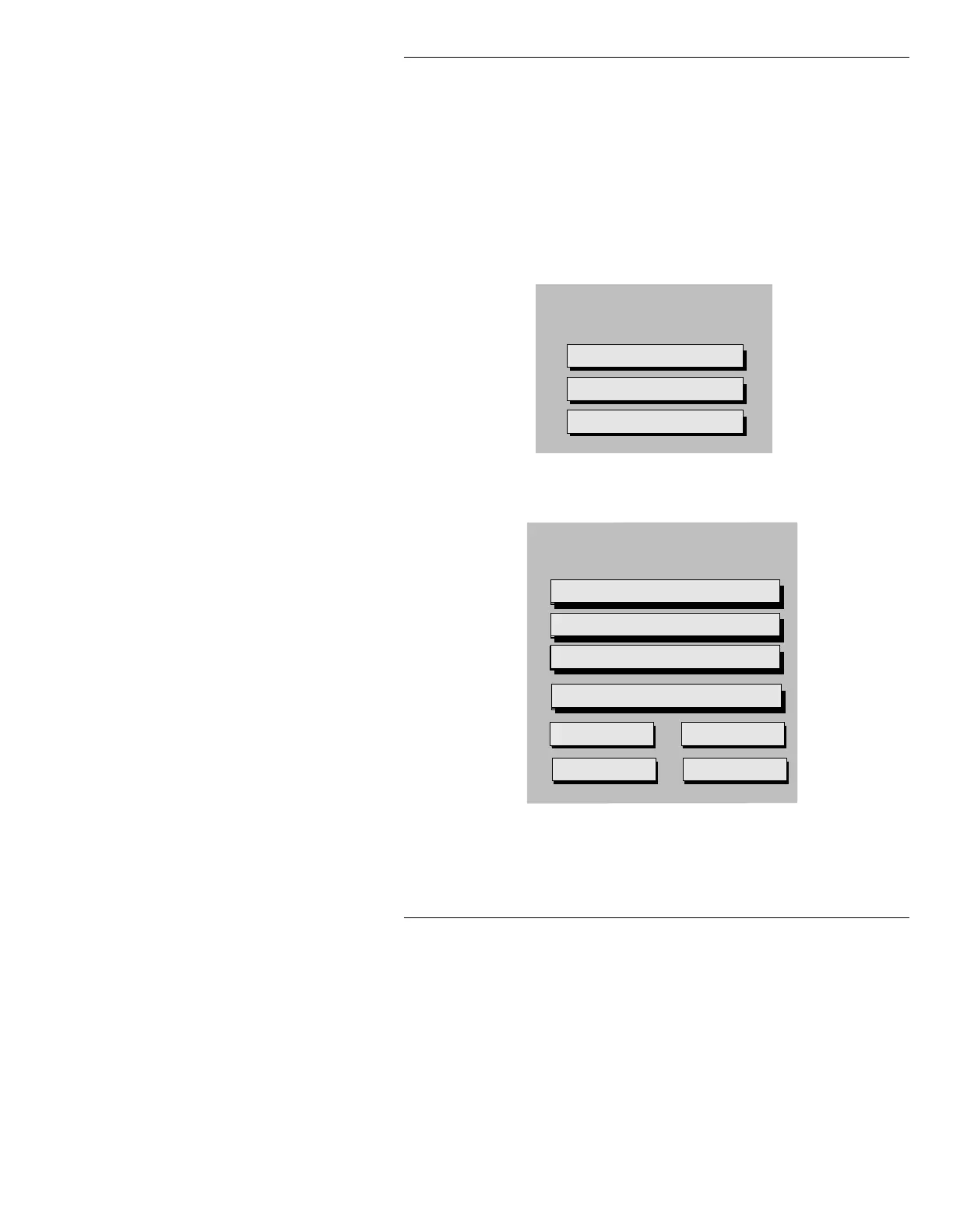
Figure 3-15. MAX!> Video Control Windows
Video Control
VIM Input Sync: External
Sync Control
Cursor Offset: Composite
Video Control Window (Analog systems w/ Video Input Module)
Video Control
Air Gamma: 1.0
Air Hot Key: OFF
Prev Gamma: 1.0
Prev Hot Key: OFF
VIM Input Sync: Green
Sync Control
Cursor Offset: Composite
Genlock Source: 601
Video Control Window (CCIR-601 Di
ital Video s
stems w/ Video Input Module)



 To Next Page