iNFiNiT! Family Operation Manual
Revision D 3-47 Start-Up
Selection
is done using the cursor keys, or by pressing
the key for the letter displayed on the icon (sometimes
combined with the
CNTL key). The
key is often used
for confirmation. If you have a mouse, icons may also
be selected using the point-and-click method.
Activation
is done by pressing
, SPACE BAR, or the
letter key itself.
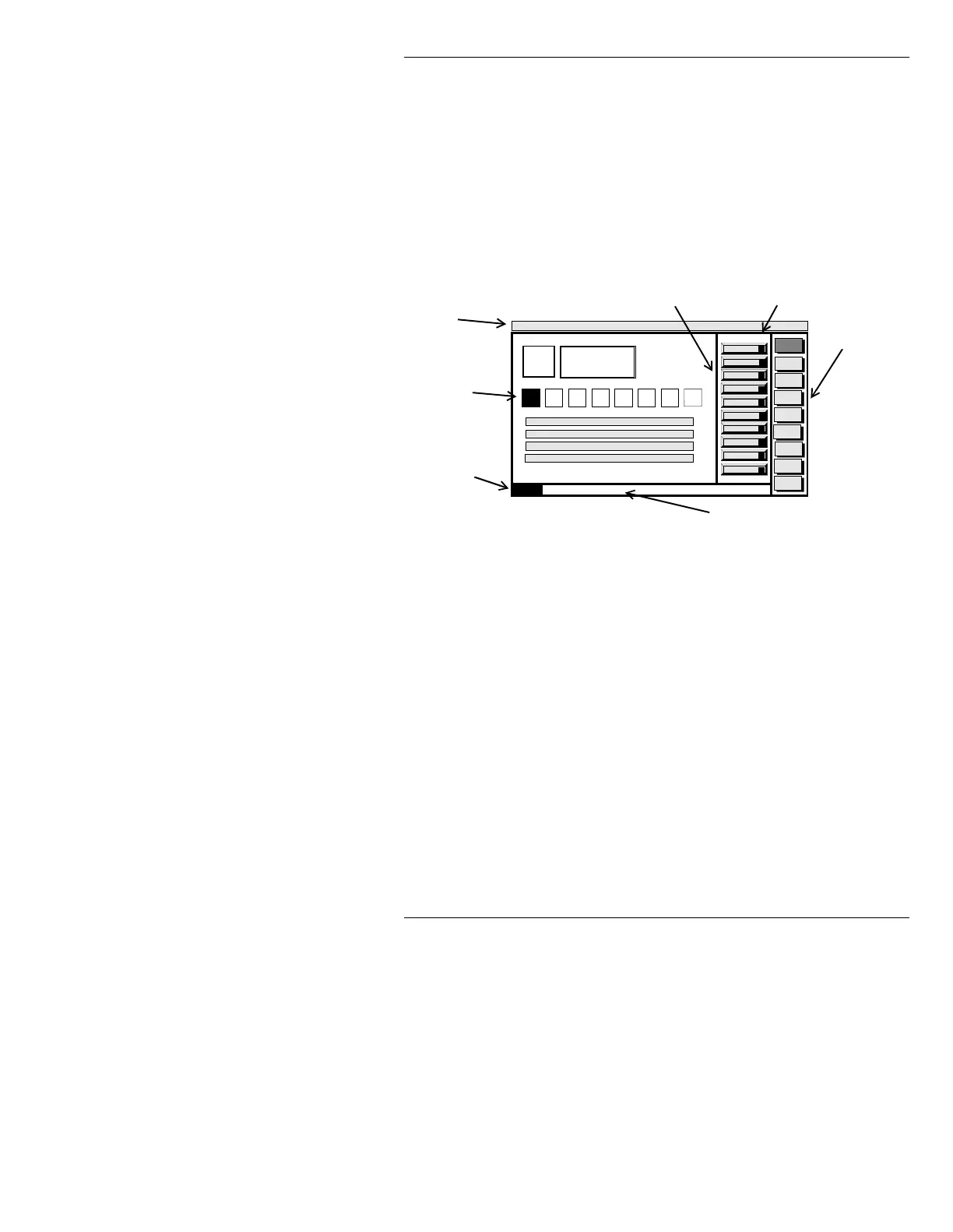
Figure 3-45 shows a typical menu.
Figure 3-45. Menu Layout
Message
Compose
Advcd.
Font
Disk
Utils
Fonts By
Wire
Font
Create
Logo
Compose
Message Compose
<version>
15:07 5/9/96
A
Swiss 721 (TM)
ID: 0001/5003 50 scanlines
No edge
a
12345678
Aa
Αα
Aa
Aa
Aa
Aa
Aa
Aa
MESG DIR: C\FAMILY
Color:WHITE Char:
Last Mesg: 6146
Insert Mode: OFF
Row: 0
Word Wrap: OFF
FONT DIR: C:\FAMILY
Mode: LOCKED
Buffer: 1 A AIR
Read FX
R
Background
B
Palette
P
Transform
T
Font Load
F
0000 Press NEWLINE to continue
CNTL
RGB Tools
G
Block Mesg
L
Fade
Z
Directory
D
Quit
MAX!>
Q
System/Program/Version
Line
Program-
Specific
Information
Address
Display
Message Line
CNTL Indicator
Function Icons
Program
Icons



 To Next Page