CHYRON Corporation
Message Compose Basics 6-18 Revision D
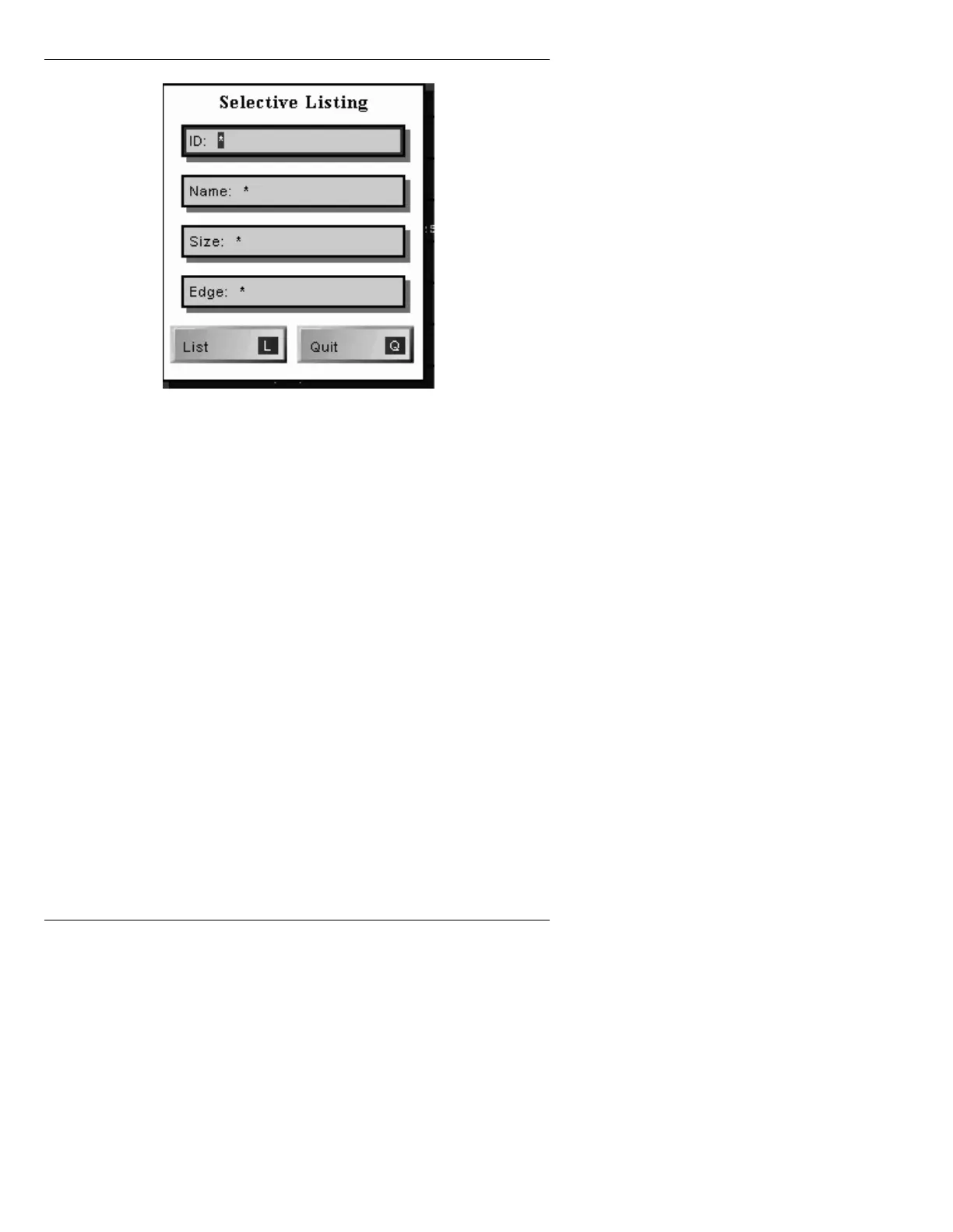
Figure 6-6. Selective Listing Menu
To move from field to field:
• Press
TAB, SHIFT + TAB or the cursor keys.
To clear a field of information:
• Press
CLR.
To enter information into a field:
• Highlight the field; press
CLR; then enter the infor-
mation.
You can specify a search parameter in each field in the
window. The default entry in all fields is the "wild card"
asterisk (
*), meaning that all fonts will be listed.
To generate and display the Selective List after one or
more of the following search parameters have been
entered:
• Press
CNTL.



 To Next Page