CHYRON Corporation
Formatting & Editing 7-44 Revision D
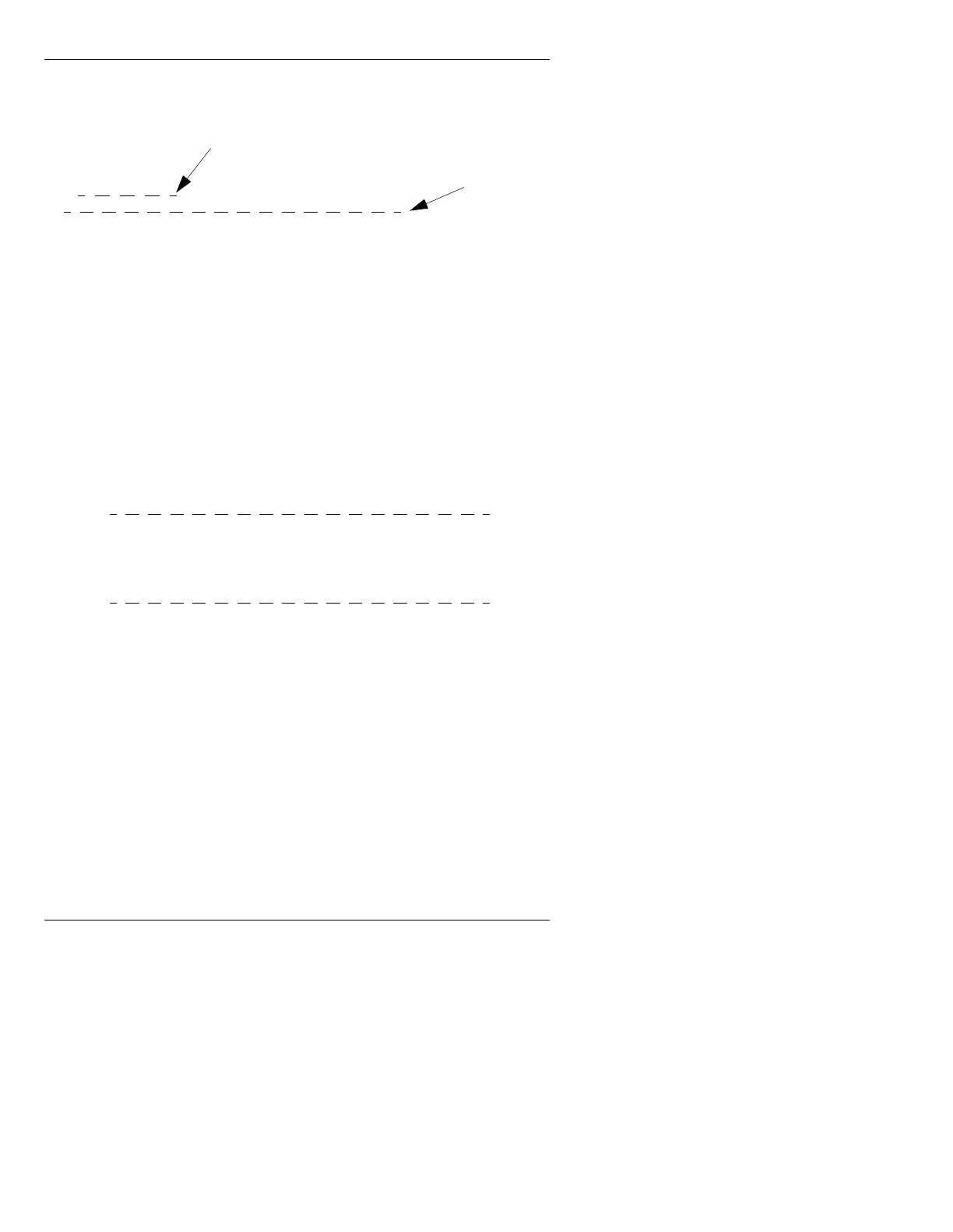
Figure 7-8 illustrates how the baseline adjusts:
Figure 7-8. Baseline Adjust On
Depending on the order in which the different fonts are
typed when either the Baseline Adjust and the Row Base-
line Adjust are
Off, or the Baseline Adjust is Off and the
Row Baseline Adjust is
On:
• The baselines of two differently sized fonts may or
may not line up.
• The tops of the larger characters may line up with the
top line of the smaller font as shown in Figure 7-9.
Figure 7-9. Baseline Adjust Off
To toggle Baseline Adjust On or Off:
• Press
CNTL H.
Baseline adjust on or off appears on the Prompt Line.
To toggle Row Baseline Adjust
On or Off:
• Press
CNTL O.
Row Baseline adjust on or off appears on the Prompt
Line.
A
A
A
Baseline
Old
New baseline
after larger
character is
typed
Aya
A
a
y



 To Next Page