iNFiNiT! Family Operation Manual
Revision D 8-5 Directory Features
To change to a different current message directory:
[ ] 1. Enter the disk drive and directory name in the
following format:
DRIVE/DIRECTORY
[ ] 2. Press
.
This now becomes the current directory. Its name is now
displayed in the
MESG DIR: field on the Prompts Moni-
tor. The Change Message Directory window closes, and
the system exits to the Message Compose main menu.
To list all directories:
[ ] 1. Press the right mouse button; or press
CNTL D
without entering any data in the
Dir: field.
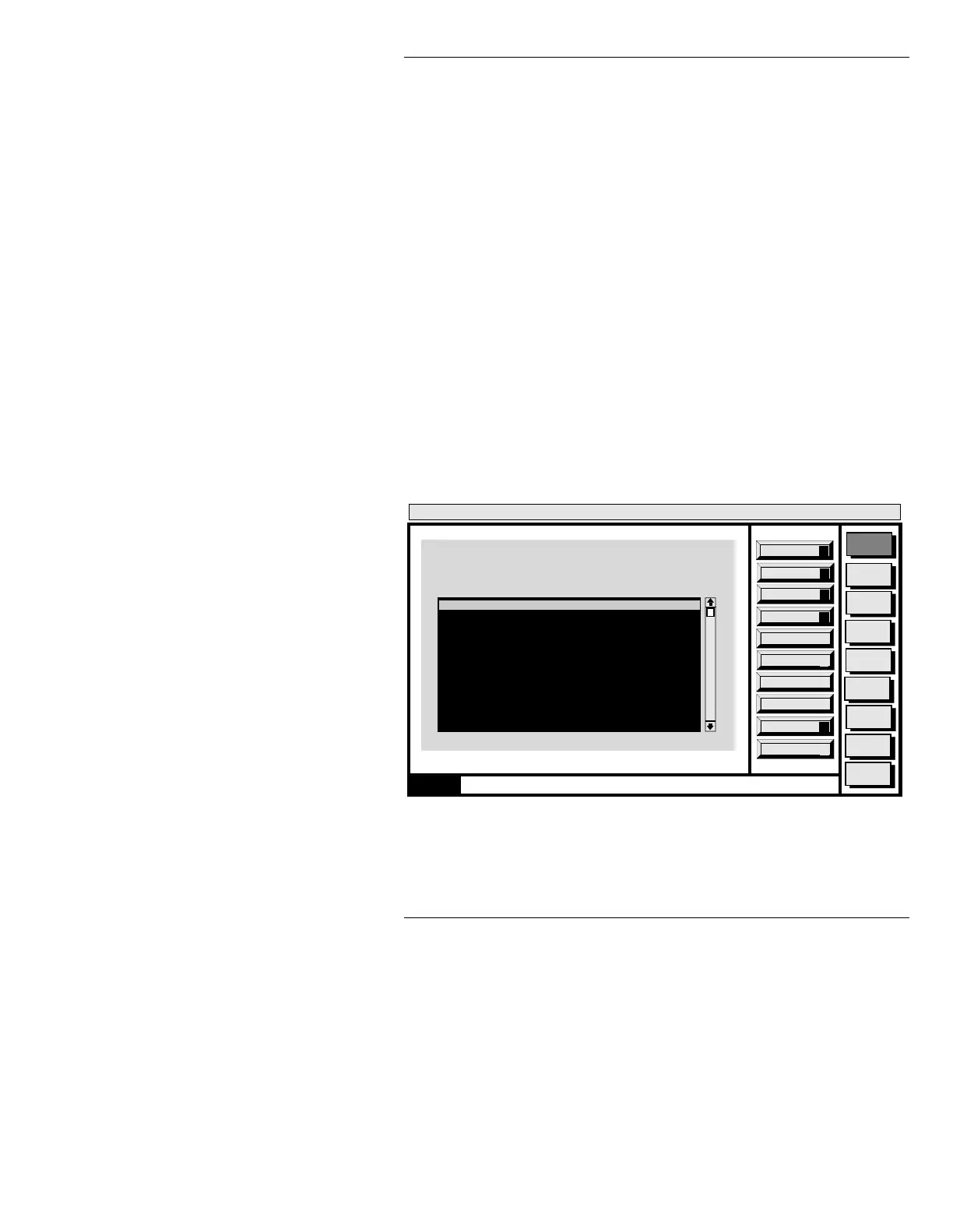
The Change Message Directory window
disappears as the directory list is built.
Building directory list appears on the Prompt
Line. The Message Directory Utility window
menu (Figure 8-2) is displayed, listing all
directories on all disks in the system.
Figure 8-2. Directory Listing
Message
Compose
Advcd.
Font
Disk
Utils
Network
Utils
Font
Create
Logo
Compose
Message Compose
<version>
15:07 5/9/96
A
Swiss 721 (TM)
ID: 0001/5303 50 scanlines
No edge
a
12345678
Aa
Αα
Aa
Aa
Aa
Aa
Aa
Aa
MESG DIR: C\FAMILY
Color:WHITE Char:
Last Mesg: 6146
Insert Mode: OFF
Row: 0
Word Wrap: OFF
FONT DIR: C:\FAMILY
Mode: LOCKED
Buffer: 1 A AIR
X: 68 Y: 69
Defaults
E
Delete
D
Create
R
Quit
Q
Message Directory Utility
Current Directory: C/MAX!>
Change
C
C/MAX!>
C/SYSTEM1
C/USERDIR1
C/USER2
C/USERDIR3
0000 Select new directory
CNTL



 To Next Page