CHYRON Corporation
Directory Features 8-22 Revision D
MODE: Can either be One-to-One or
Compressed. Use the
SPACE BAR to toggle
between the two choices.
• One-to-One Mode copies or moves the
block in the same numeric order, with the
same gaps between the numbers. For
example, if the
Start ID is 500, messages
numbered
100, 110, 120, 130 and 140 are
copied to ID numbers
500, 510, 520, 530
and
540.
• Compressed Mode copies or moves the
block in the same numeric order, with NO
gaps between the new ID numbers. For
example, if the
Start ID is 500, messages
numbered
100, 110, 120, 130 and 140 are
copied to ID numbers
500, 501, 502, 503
and
504.
[ ] 5. Select a
MODE.
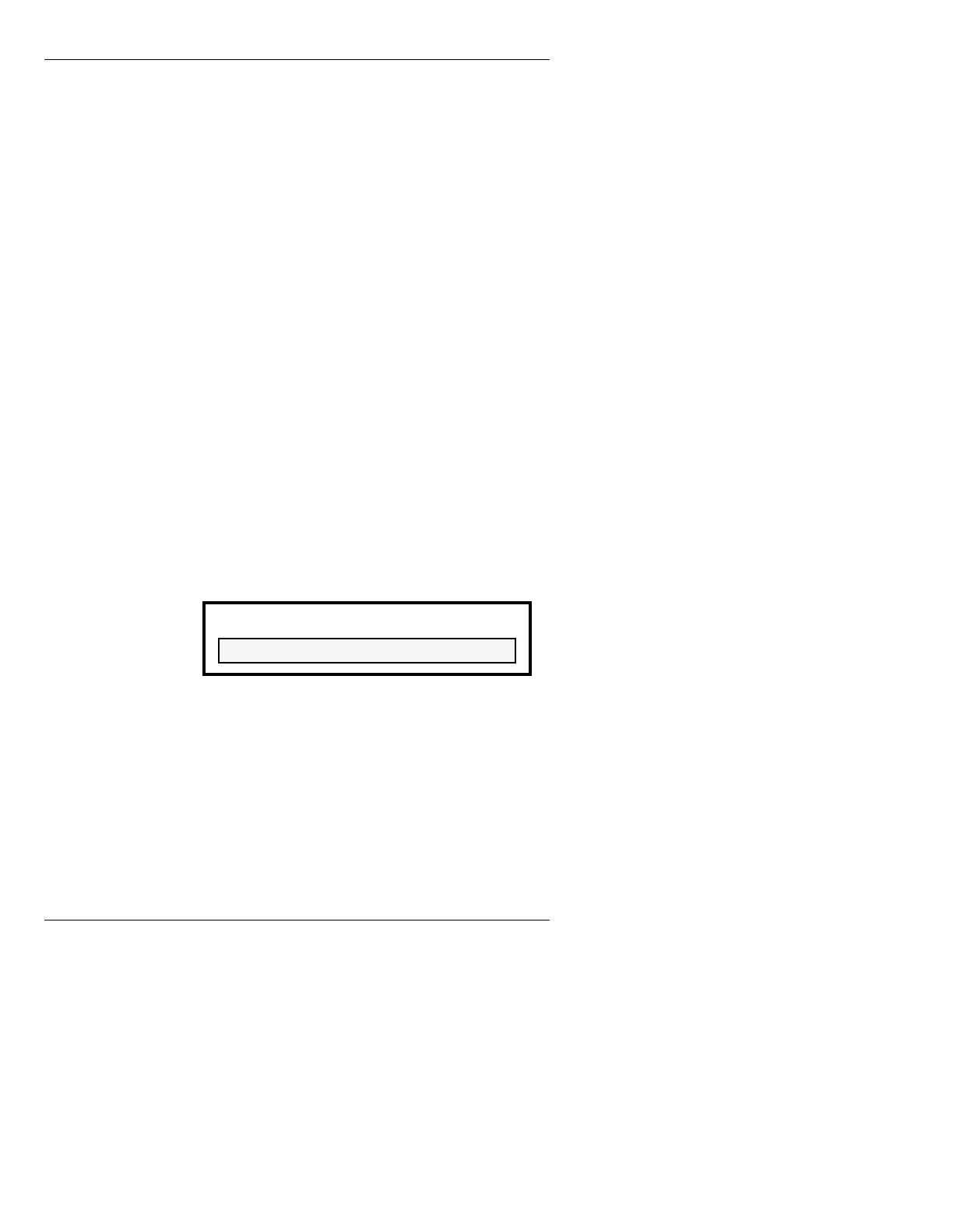
Confirm: If set to Y, a request for overwrite
permission appears as follows if an ID number
in the destination directory is already
occupied:
Figure 8-9. File Overwrite Warning
If you do not want to overwrite the existing
file, press any key except
Y. The File XXXX is
not affected, the file is not copied/moved, and
the confirm process continues.
Note that the Prompt Line confirms that the
Copy/Move command has been executed for
each file in the Range, even when you have
WARNING - Press Y to continue.
File XXXX exists - overwrite?



 To Next Page