iNFiNiT! Family Operation Manual
Revision D 8-21 Directory Features
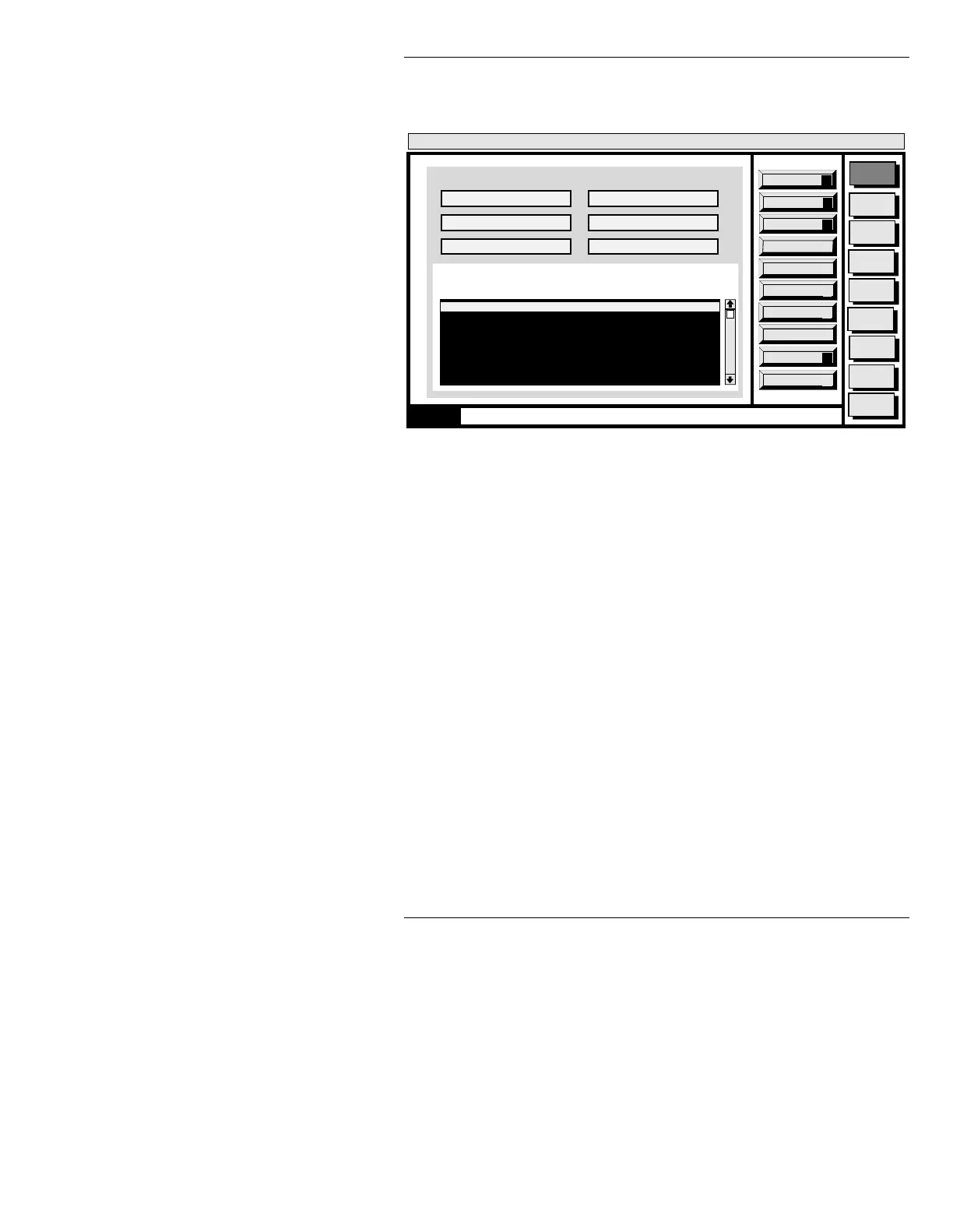
The Block Message Move window (Figure 8-8) is dis-
played.
Figure 8-8. Block Copy/Move Window
Range: You can copy or move a block of messages that
fall within a selected range of message ID’s. For example:
[ ] 1. Enter a
Range (§8.3.2.1) of messages or
directories to copy or move, or select them
directly (§8.3.2.1).
[ ] 2. Enter a source directory name in the
From:
field. The messages are copied or moved from
this directory.
[ ] 3. Enter a destination directory in the
To: field.
The messages are copied or moved to this
directory.
Start ID: Indicates the first message number to
which the block of messages is copied or
moved.
[ ] 4. Enter a
Start ID number on the Address
Keypad.
Message
Compose
Advcd.
Font
Disk
Utils
Network
Utils
Font
Create
Logo
Compose
Message Compose
<version>
15:07 5/9/96
List Dirs
D
Execute
X
Quit
Q
Block Message Copy/(Move)
From: C/MAX
List Files
L
0000 Full Page Message
1331 Tab Message
1365 Multi FX: Multiple Effects
1370 Full Page Message
2000 Template Data Message
2001 RGBA: NEWS ANCHOR
0000 Enter source drive/directory
Range: *
Dir: C/MAX Range: All Files: 103
To: C/MAX Start ID: 0
MODE: One to One Confirm: Y
CNTL



 To Next Page