CHYRON Corporation
Colors & Palettes 10-20 Revision D
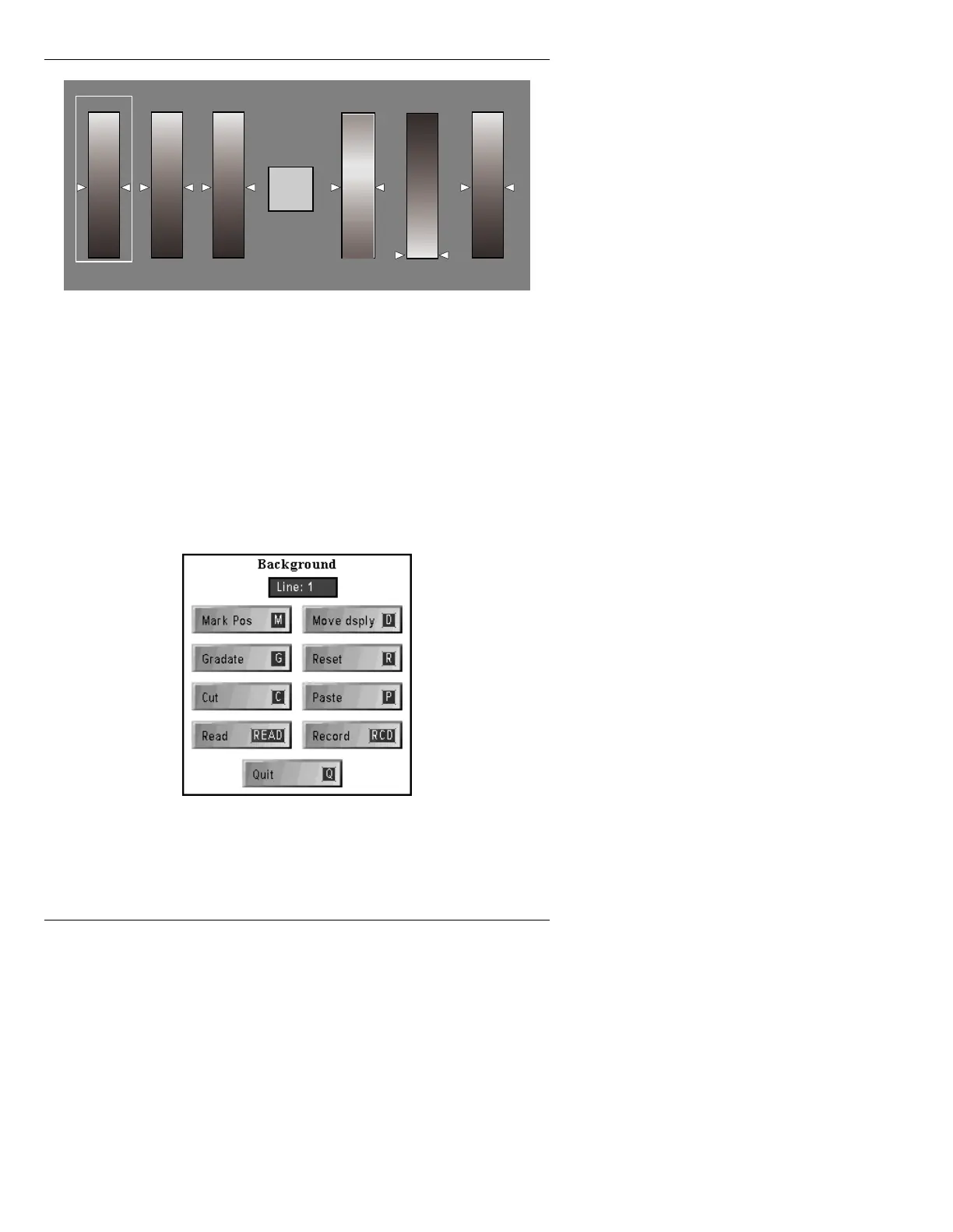
Figure 10-11. Background Palette - Edit Monitor
Background color is adjusted in the same way as charac-
ter color, using the cursor keys to select, then raise or
lower, RGB or HSI values.
Mouse Use: Click the right button to enter the Back-
ground window (Figure 10-12). Use the left button to
select points on the sliders in the menu. Click the right
button to transfer the cursor back to the Prompts Monitor.
Figure 10-12. Background Menu - Prompts Monitor
128
0
128128128
RED GRN BLUE HUE SAT INT
Current Color
Setting



 To Next Page