CHYRON Corporation
Function Keys 12-4 Revision D
20 GRN
Sets character color to Green.
COL SEL GRN is displayed in the list.
21 O
Enter letter keys to spell the word
ONE
,
followed by a carriage return which moves the cursor to
the beginning of the next line.
22 N
23 E
24
25 F1
Loops through the Function Key list indefinitely.
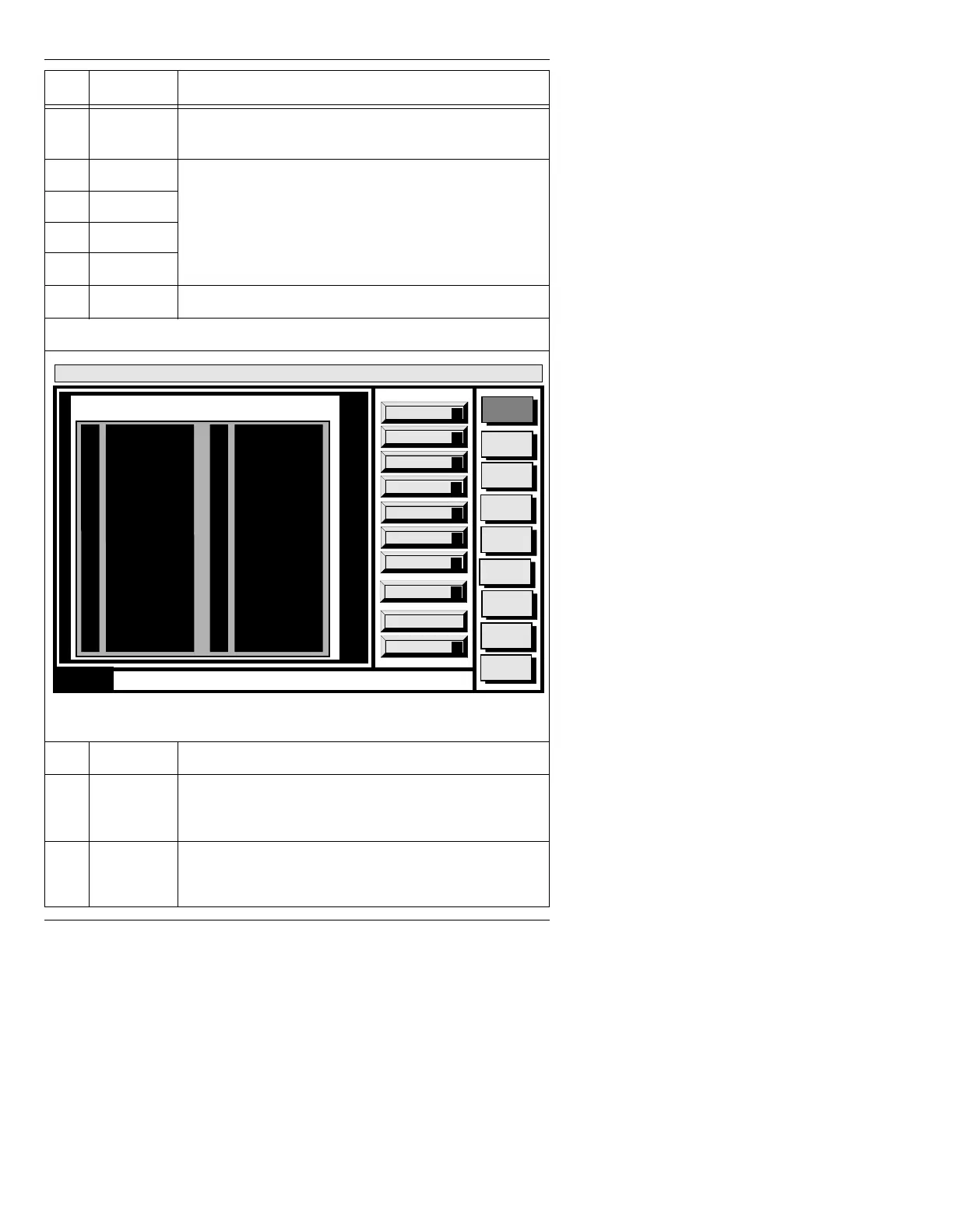
When you are finished, the Function Key 1 list should appear as in Figure 12-2.
Figure 12-2. Finished Keystroke List
26
Ì Moves the list cursor into the Step column.
27 CNTL
•Press CNTL to exit and save the list.
• To exit and erase the list, press
ESC.
28 F1
Press F1 to execute the list you just created!
• To halt execution of a looped list, press
ESC.
6WHS .H\VWURNHV &RPPHQWV
Message
Compose
Advcd.
Font
Disk
Utils
Network
Utils
Font
Utils
Logo
Compose
Message Compose
<version>
15:07 5/9/96
Capture
C
Wait
W
Delay
D
Single
S
Quit
Q
0
1
2
3
4
5
6
7
8
9
10
11
12
13
14
15
16
17
18
19
20
21
22
23
24
25
26
27
28
29
30
31
32
33
34
35
36
37
FUNCTION KEY 1
Step
Keystroke
Step
Keystroke
Trigger FX
X
Trigger Cel
T
Auto exec
A
ERASE
FNT SEL 1
COL SEL RED
F
U
N
C
T
I
O
N
NEW LINE
COL SEL BLU
K
E
Y
NEW LINE
COL SEL GRN
O
N
E
NEW LINE
F1
Trigger DDR
R



 To Next Page