CHYRON Corporation
Function Keys 12-12 Revision D
To create a loop:
[ ] 1. Place the cursor in the Step column at the step
where you want the loop to start. For this
example, use Step
0. Press L. The following
steps are entered into the list:
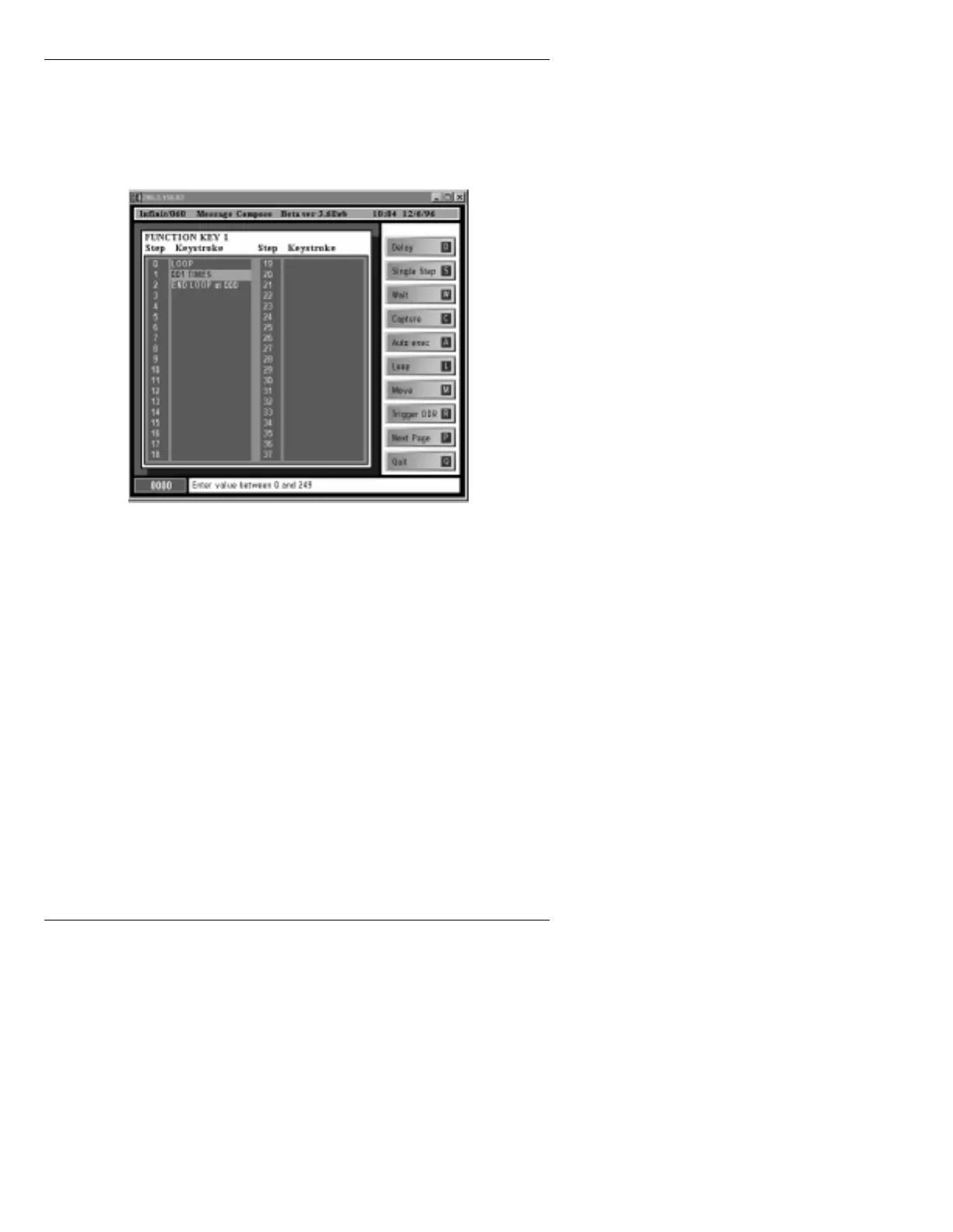
Figure 12-3. Loop Function
Step 0 shows LOOP, indicating the beginning
of the loop.
Step
1 shows 001 TIMES. This default value
specifies that the commands within the loop
execute only once.
Step
2 shows END LOOP at 000. This
specifies that the loop ends at Step
2. 000
specifies the beginning step number of the
loop, to distinguish it from any other loops
which may be in the Function Key list.
[ ] 2.
001 TIMES is highlighted. Enter a value
between
0 and 249 number to specify the
number of times the loop executes.



 To Next Page