CHYRON Corporation
Advanced Read FX 15-40 Revision D
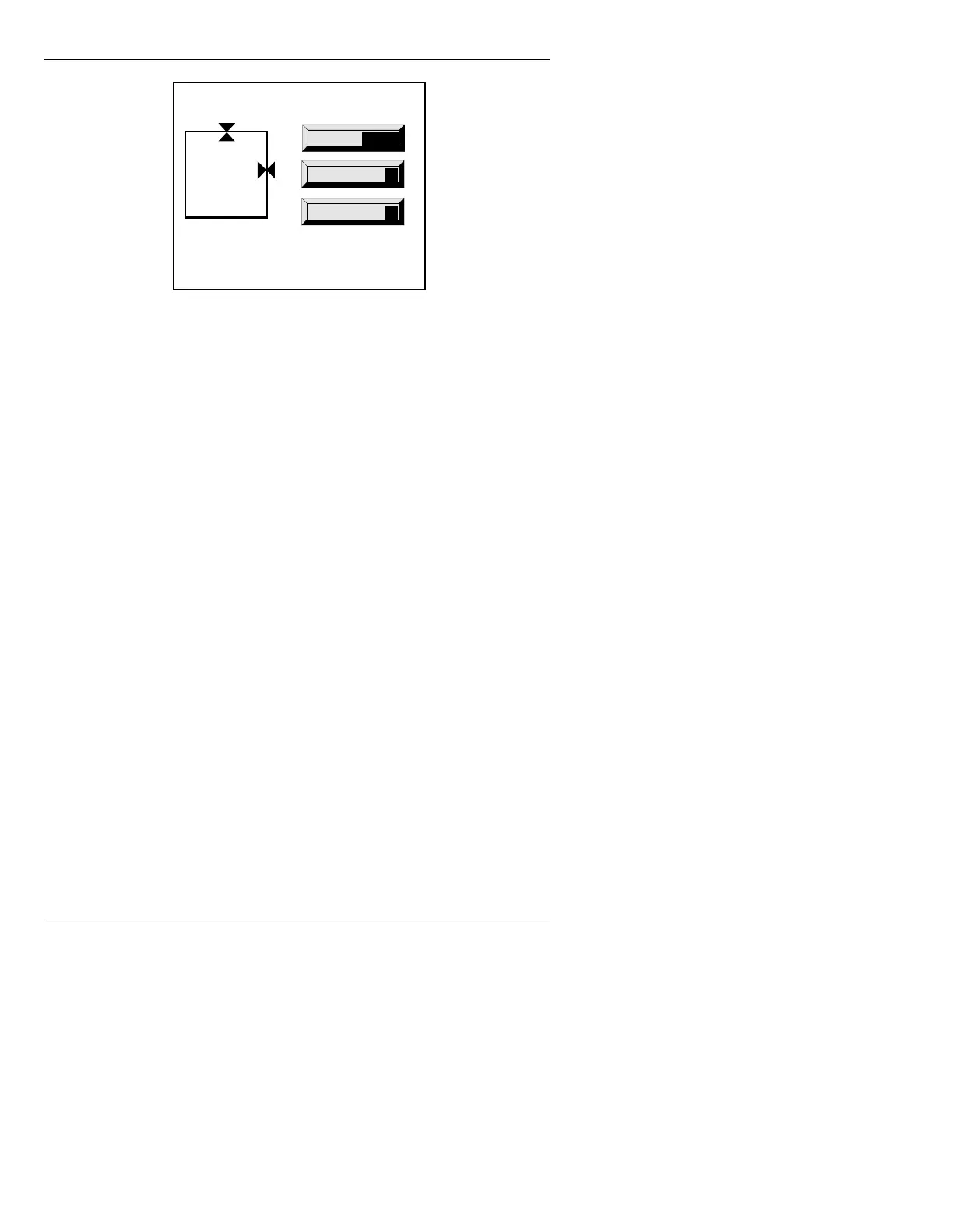
Figure 15-13. Hard Mask Adjust Window
[ ] 2. Choose which Hard Mask border(s) to adjust:
• To adjust the TOP border, use the cursor
ÎÏ keys.
• To adjust the RIGHT border: Use the cur-
sor
ÌÍ keys.
Press the
SPACE BAR or select SPACE. You
can now adjust the BOTTOM and LEFT
borders.
• To adjust the BOTTOM border, use the
cursor
ÎÏ keys.
• To adjust the LEFT border, use the use the
cursor
ÌÍ keys.
If necessary, press the
SPACE BAR or select
SPACE to toggle back to TOP/RIGHT
adjustment.
As you adjust the Hard Mask, the
X (pixel) and
Y (scanline) information is updated.
Mask Adjust
Xstart 76
Ystart 82
Xend 692
Yend 544
Xsize 616
Ysize 492
Select
Reset
R
Quit
Q
SPACE



 To Next Page