CHYRON Corporation
Mix Effects 16-20 Revision D
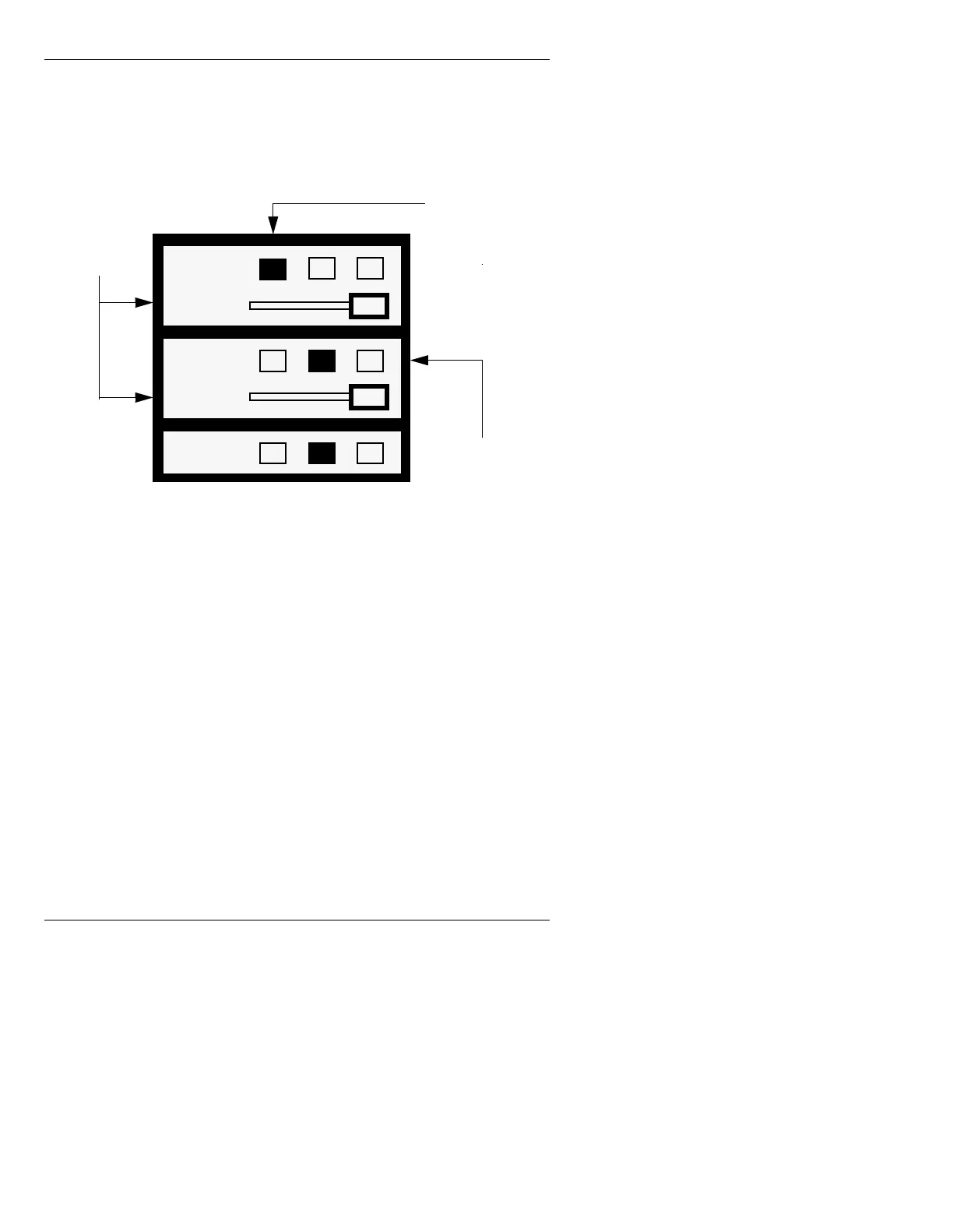
In the Mix Settings window (Figure 16-6), CHANNEL A
been replaced with Key, and CHANNEL B has been
replaced with Fill. Buffer assignments and Output Per-
centage levels are set as in Mix Effects.
Figure 16-6. Mix Settings Window, Key Enable Active
The default settings are as follows: Buffer 1 is assigned
to Key, and Buffer 2 is assigned to PREVIEW. Fill has
no assignment. You must assign a buffer to Fill that is
different from the one assigned to Key. PREVIEW is not
involved in a
Key Enable operation.
To set up
Key Enable:
[ ] 1. Assign a frame buffer to Key, and a different
frame buffer to Fill (§16.7).
For this example, assign buffer 1 to Key, and
buffer 2 to Fill.
Key
Percent
Fill
Percent
Preview
Buffer 1 currently
assigned as
source of Key
Mix of Key and Fill outputs to
the AIR CHANNEL, which
feeds to Channel 1
Buffer 2 currently
assigned to fill the
Key area
Output
Percentage
Level Sliders
(%) for Key and
Fill
1
1
2
3
3
3
See Section 14 for more information on signal flow.
1
2
2
100
100



 To Next Page