iNFiNiT! Family Operation Manual
Revision D 17-41 Multiple Effects
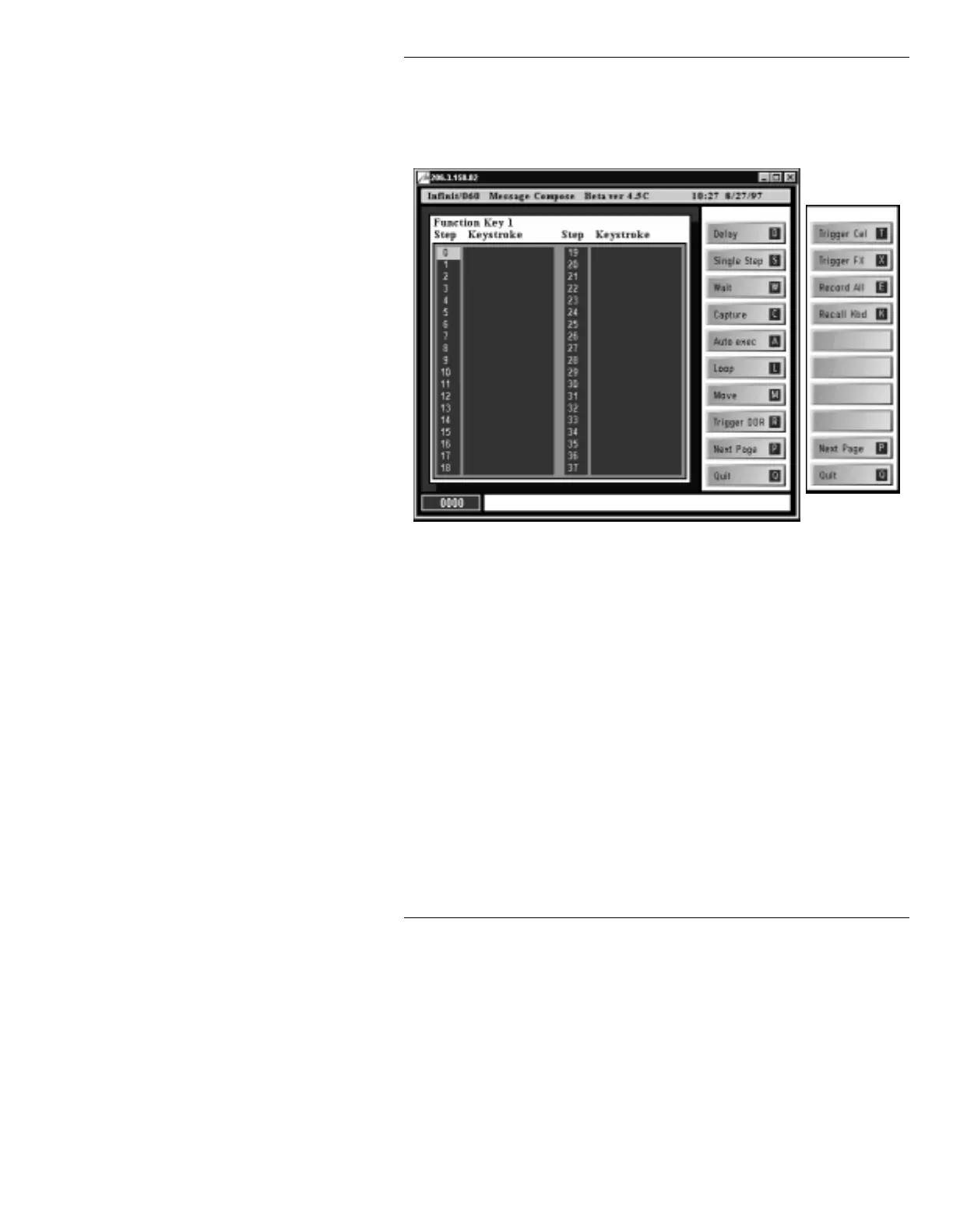
For this example, Function Key 1 will be programmed:
[ ] 1. In the Message Compose main menu, press
CNTL F1. The Function Key 1 setup window
(Figure 17-14) is displayed.
Figure 17-14. Function Key 1 Setup Window
[ ] 2. With the cursor in the Step column at Step 0,
press
X. This is the Trigger Fx command.
[ ] 3. With the cursor in the Step column, press
Q.
This exits back to the Message Compose main
menu.
Multiple Effects execution can be triggered by a Function
Key from within the Message Compose main menu or
the Multiple Effects main menu. The procedure is the
same:
[ ] 1. Read a prerecorded Multiple Effects message
by pressing
CLR, entering the message ID
number using the Address Keypad, then
pressing
.
Press P to
toggle between
columns.



 To Next Page