CHYRON Corporation
Font Create Utility 18-6 Revision D
If you do not know the ID number of the Master Font:
[ ] 1. Press
CNTL L.
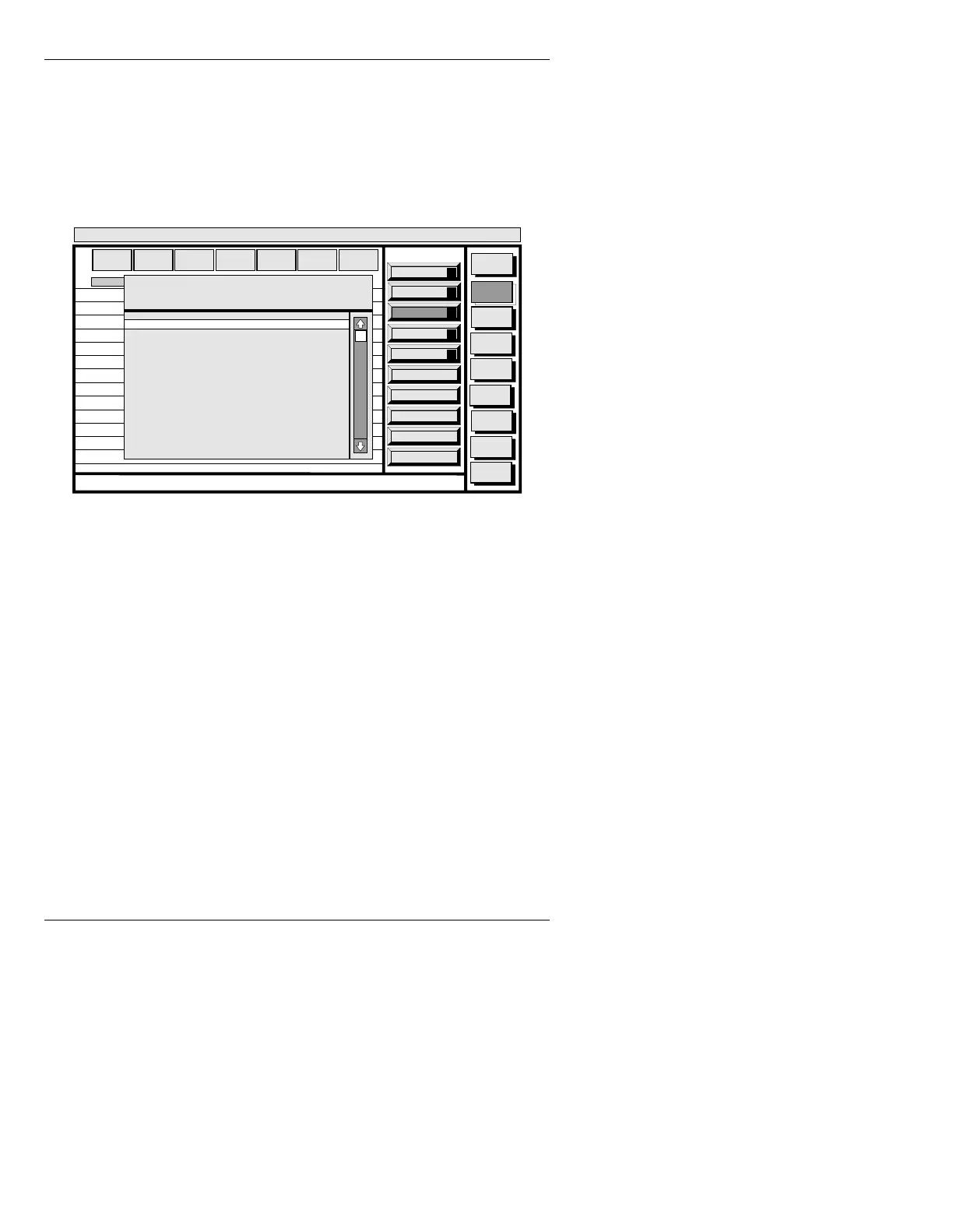
A Master Font List Utility (Figure 18-3),
which lists the Master Fonts available in the
SYSTEM directory is displayed.
Figure 18-3. Master Font List Utility
[ ] 2. Cursor to the Master Font you want to use,
then press
.
The Master Font ID appears in the
MASTER
FONT
field.
If the Master Font that you want to convert is not on the
current disk:
• Enter the Options window (§18.4.7); change the disk
choice in the
MASTER FONT DRIVE: field
(§18.4.7.1) to the desired disk; then press
CNTL.
You can now enter the Master Font ID into the
MASTER
FONT
field by entering the ID number directly, or by
using the Master Font List Utility.
Paste
A
Copy
O
Placement
P
List
L
Convert
C
Message
Compose
Font
Create
Disk
Utils
Network
Utils
Message
Compose
<System>
Font Create
< version >
11:27 10/26/95
CNTL
MASTER
FONT
MACH
FONT
FONT
SIZE
EDGE
DIR
EDGE
SIZE
OPT
IONS
EDGE
TYPE
1
2
3
4
5
6
7
8
9
10
11
12
13
14
Master Font List Utility
Dir: C/MAXINE/FILENAME
5003 Swiss 721™
5005 Swiss 721 Bold™
5004 Deco 901 Broadway™
5131 Swiss 721 Italic™
5283 Clarendon 701™
5290 Humanist 521™
5499 Flareserif 721 Americana Italic™
5112 Aldine 721™
5631 Bistream Cooper Black, Freeform 741™
5644 Bitstream Amerigo Medium, Flareserif 831™
5256 Serifa Bold Condensed, Swiss Slabserif 722™
5338 Dutch 766 Bold™
NEWLINE to select currently highlighted font, CNTL to quit.



 To Next Page