CHYRON Corporation
Font Create Utility 18-24 Revision D
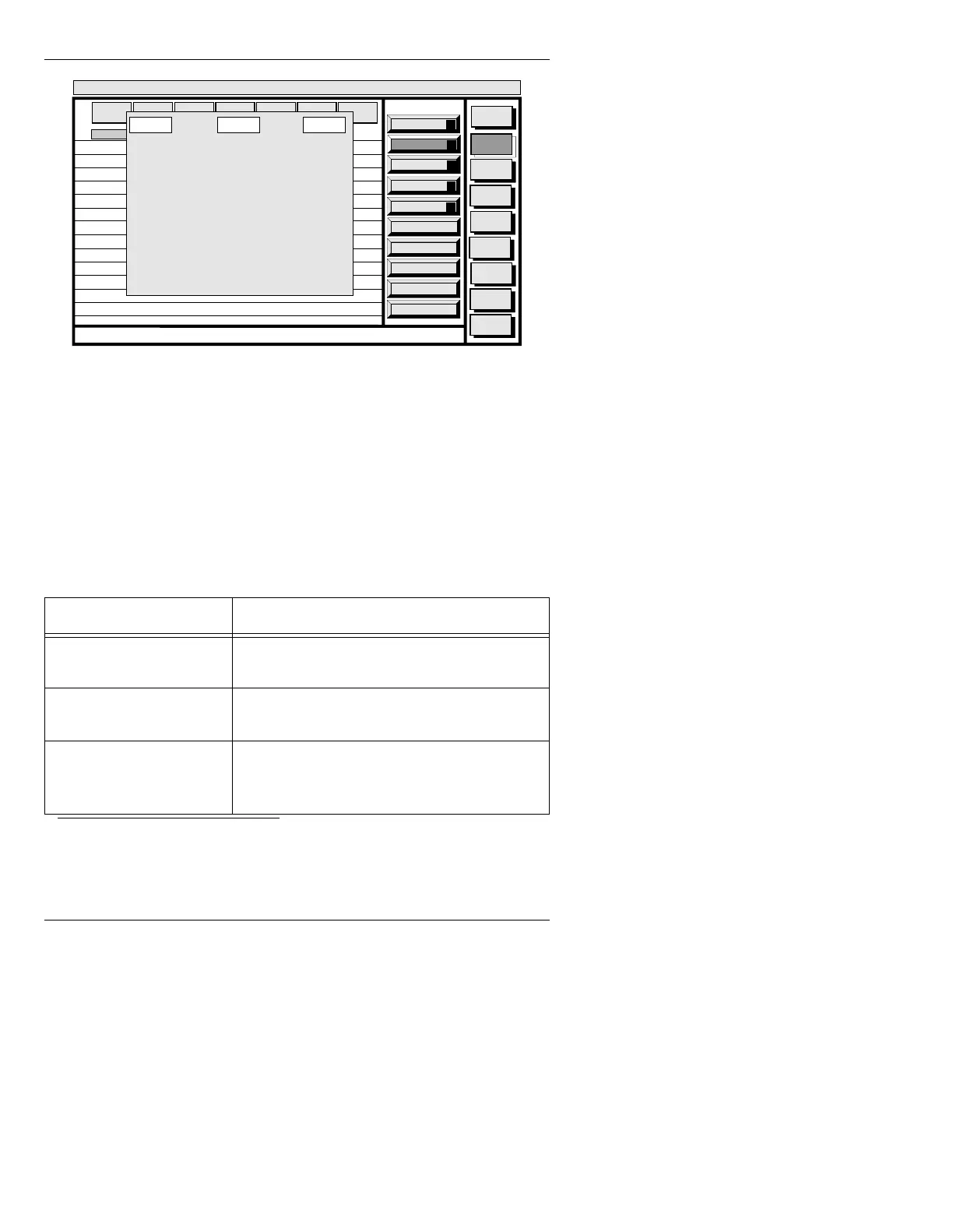
Figure 18-10. Default Character Placement Table - NTSC
There are three columns in the Character Placement
Table:
KEY, CHR. ID, and ACCENT. When you create a
custom table, you can designate each key, when pressed,
to type a character or RGB graphic (that has been con-
verted to a Machine Font) of your choice on the screen.
3
Table 18-3 describes the edit functions used when creat-
ing a custom Character Placement Table:
3. See §21.8 - RGB Tools Font Utility (F), the Image Tools Manual
(Pub.No. 2A01988), or the Logo Compose Manual (Pub. No. 2A01990)
for information about converting RGB(A) images into Machine Font
characters.
Table 18-3: Character Placement Table Edit Functions
.H\VWURNHV )XQFWLRQ
ERASE
Resets the CHR. ID
and ACCENT columns
to
0/0 for the entire table
ÌÍÎÏ,
TAB, SHIFT + TAB
Moves cursor among the rows and columns in
the window
Type Key ID Number while
the cursor is in the KEY
Column, then press
.
Moves cursor to that Key Number in the Charac-
ter Placement Table - does not change any
entries
Paste
A
Copy
O
Placement
P
List
L
Convert
C
Message
Compose
Font
Create
Disk
Utils
Network
Utils
Message
Compose
<System>
Font Create
< version >
11:27 4/26/95
CNTL
MASTER
FONT
MACH
FONT
FONT
SIZE
EDGE
DIR
EDGE
SIZE
OPT
IONS
EDGE
TYPE
1
2
3
4
5
6
7
8
9
10
11
12
13
14
65
66
67
68
69
70
71
72
73
74
75
76
77
78
1/0
2/0
3/0
4/0
5/0
6/0
7/0
8/0
9/0
10/0
11/0
12/0
13/0
14/0
0/0
0/0
0/0
0/0
0/0
0/0
0/0
0/0
0/0
0/0
0/0
0/0
0/0
0/0
KEY
CHR. ID ACCENT
RCD to record, READ to read, CNTL to quit.



 To Next Page