CHYRON Corporation
Disk Utilities 19-32 Revision D
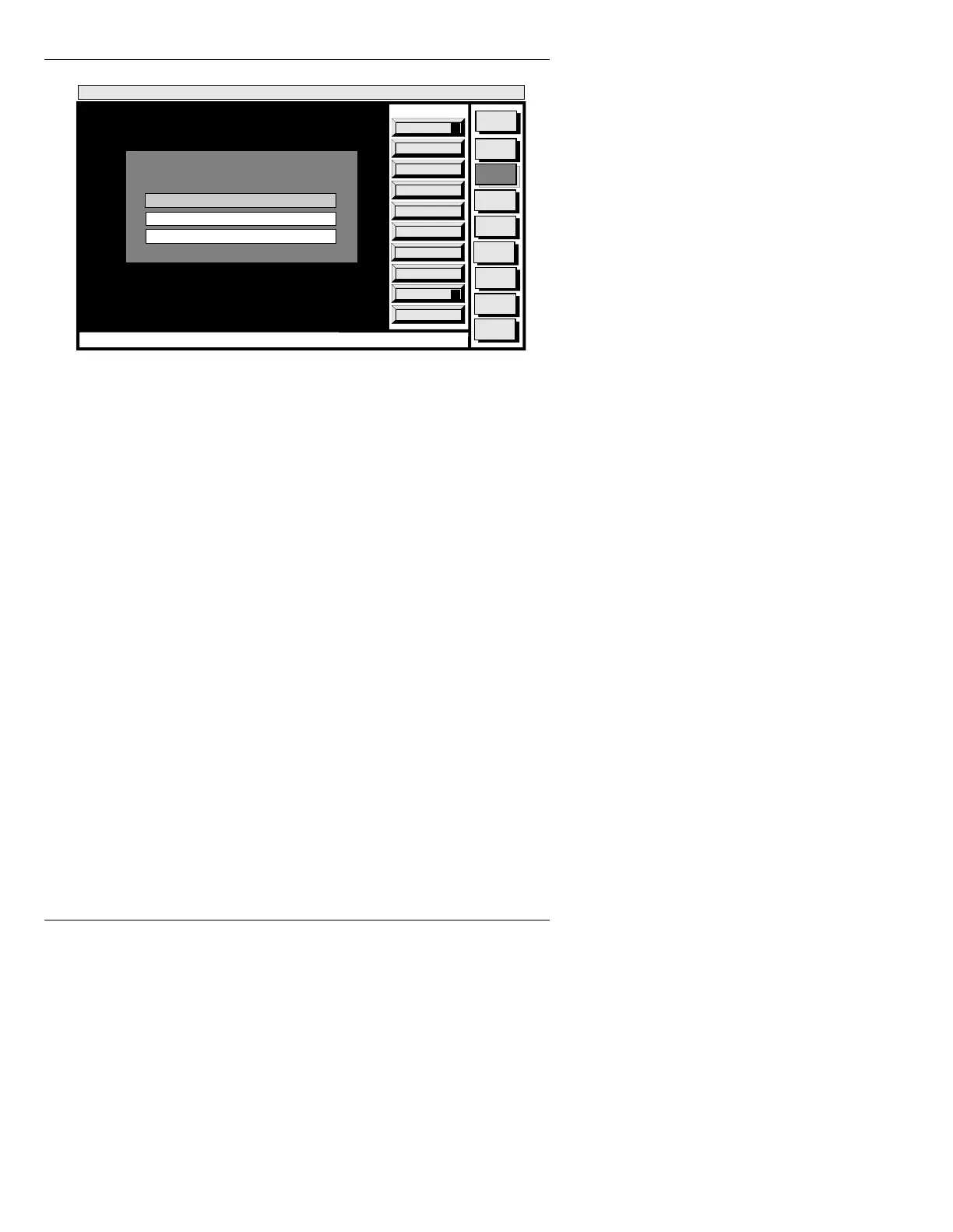
Figure 19-21. FORMAT Window
Using Format:
[ ] 1. Enter a letter for the drive you want to format
in the
FORMAT DRIVE: field (A, B, C, D, etc.).
Press
TAB or SHIFT + TAB key to move
through the FORMAT window.
Verification is automatic unless
N is entered in the FOR-
MAT WITH VERIFY:
field. Although verification is not
required (and can be done later using the
Verify function)
it guarantees that the formatted file structure on disk is
valid and usable. Verification increases the formatting
process time.
[ ] 2. Enter
N, or leave the FORMAT WITH VERIFY:
field at Y.
[ ] 3. If Low Level Format is desired, enter
Y in the
LOW LEVEL FORMAT: field.
Quit
Q
Execute
X
Message
Compose
Advcd.
Font
Disk
Utils
Network
Utils
Message
Compose
Codi
Create
Error
Log
<System>
Disk Utility
<version>
15:09 5/29/95
CNTL
FORMAT
FORMAT DEVICE: A
FORMAT WITH VERIFY: Y
LOW LEVEL FORMAT: N



 To Next Page