iNFiNiT! Family Operation Manual
Revision D 21-5 RGB Tools
NOTE
If a Crop Box message is read back
during normal Message Compose
operation, the box does not appear,
but will
be in the recorded position
when you enter RGB Tools.
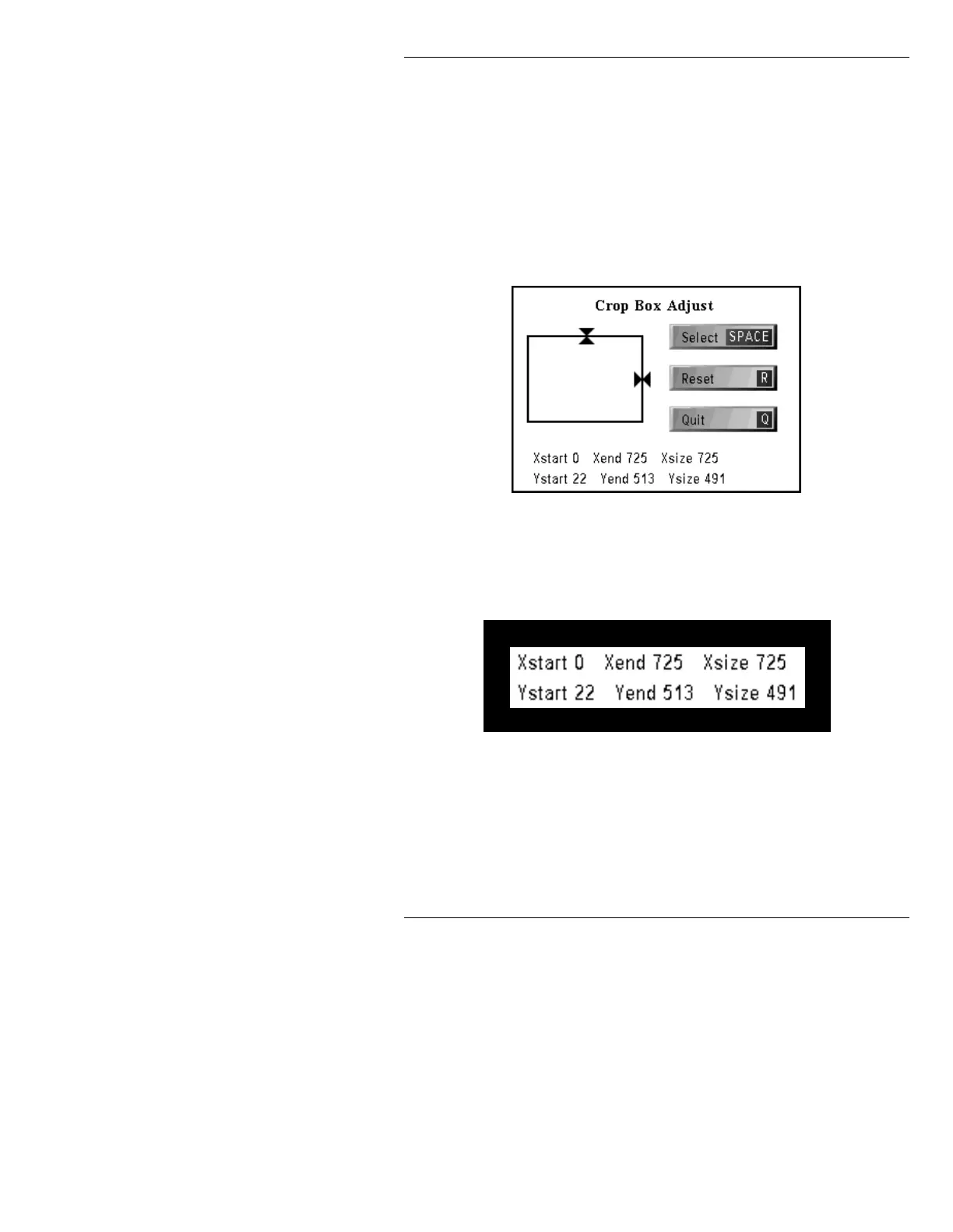
To display the Crop Box Adjust menu (Figure 21-2):
• Press
C or select Crop Box.
Figure 21-2. Crop Box Adjust Menu
The six fields at the bottom of the window show Crop
Box size and location data (Figure 21-3).
Figure 21-3. Crop Box Size/Position Indicators
• The location values for the Crop Box are recorded at
the current message number if
RCD is pressed while
in the Crop Box window.
Starting Pixel Ending Pixel Width in Pixels
Height in ScanlinesEnding ScanlineStarting Scanline



 To Next Page