CHYRON Corporation
Spell Check 22-4 Revision D
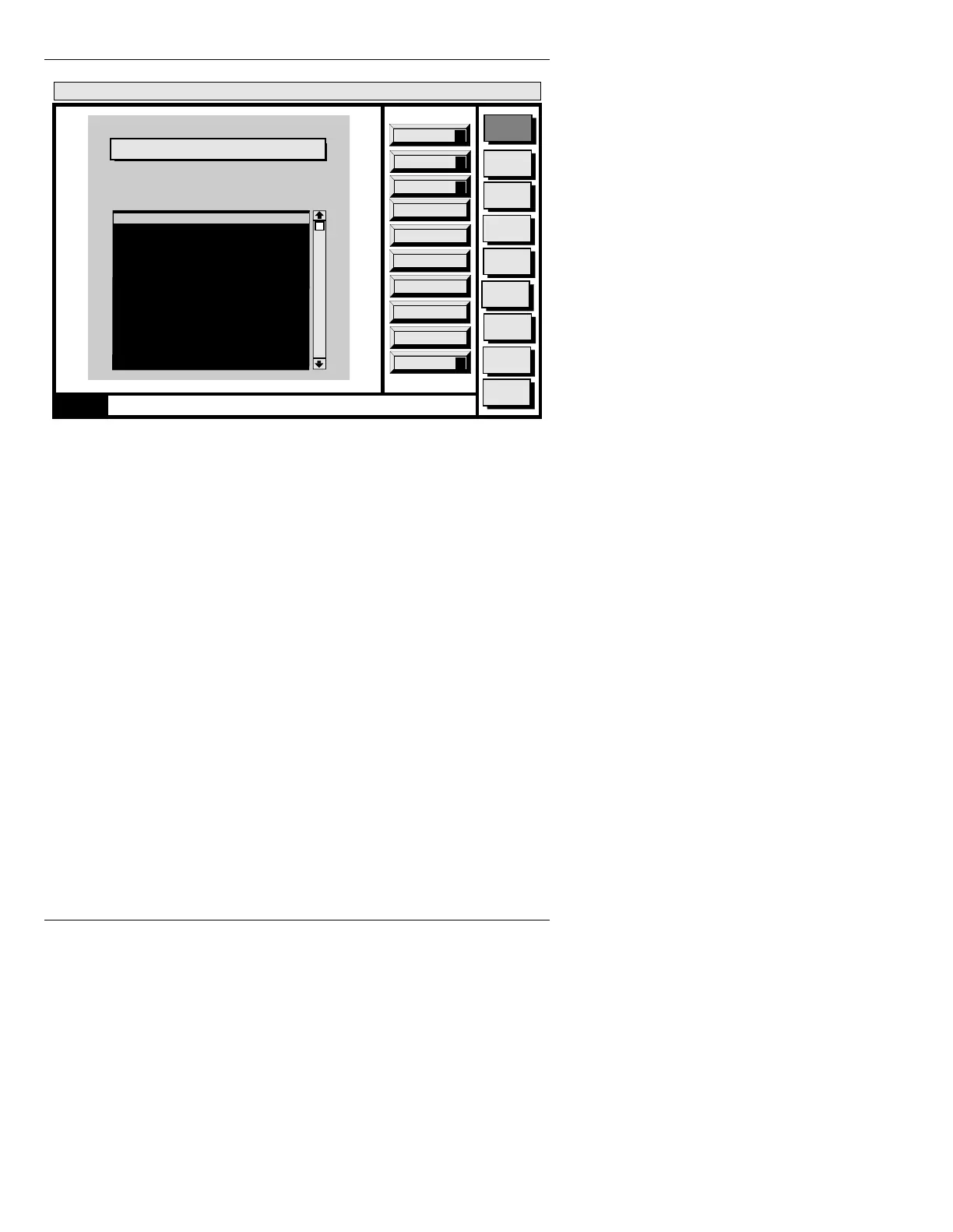
Figure 22-2. Edit Dictionary Menu
To add a word, type it and press the
key or CNTL A; to
delete a word previously entered, select the word from
the list or type the word and then press
CNTL D; to mod-
ify a previously entered word, select the word from the
list, modify it in the
Selected Word: field, then press
CNTL M
.
Configure (CNTL C): Use Configure to change the path
of the Application dictionary. Therefore, the user can
maintain several Application dictionaries in different
drives or directories. The following menu (Figure 22-3)
is displayed on the Prompts Monitor when
Configure is
selected.
Message
Compose
Advcd.
Font
Disk
Utils
Network
Utils
Font
Utils
Logo
Compose
Message Compose
<version>
01:27 3/9/96
Spell Check
Add
A
0000
Application Dictionary
Path: C/MAXINE/ETC
Word1
Word2
Word 3
...
...
...
...
...
...
...
Quit
Q
CNTL
Selected Word: Word1
Modify
M
Delete
D



 To Next Page