iNFiNiT! Family Operation Manual
Revision D 22-5 Spell Check
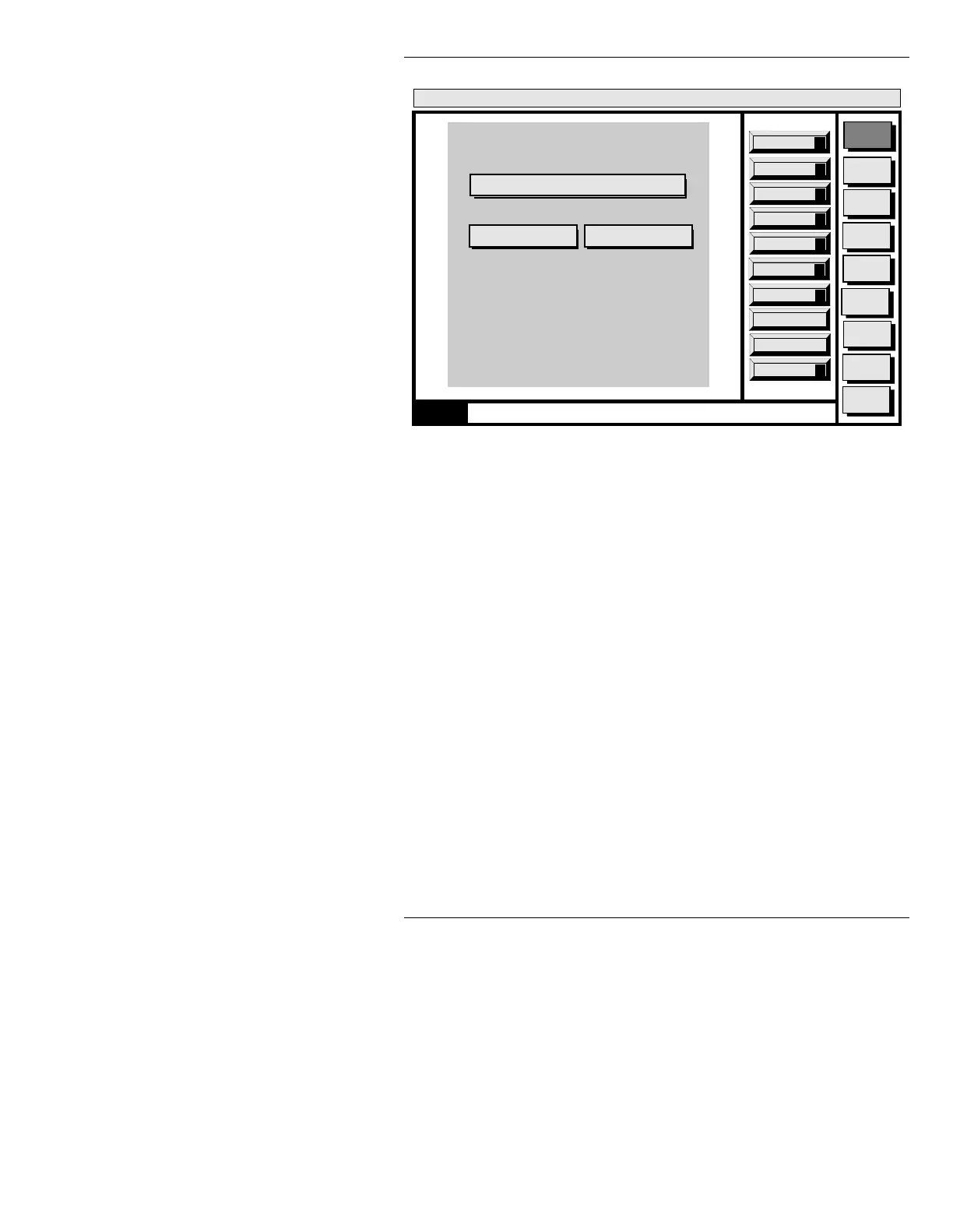
Figure 22-3. Configure Menu
By entering a new path, it is possible to create or access
the application dictionary on a different disk or directory.
For example, you might want to create a Sports specific
dictionary and store it in
C/SPORTS/MESSAGE and then
create a News specific dictionary and store it in
C/NEWS/
MESSAGE.
Note that the path must be set before any
words are added to the Application Dictionary.
NOTE
You must store the application
dictionary in either the
<system_name>/ETC or a MESSAGE
directory.
Message
Compose
Advcd.
Font
Disk
Utils
Network
Utils
Font
Utils
Logo
Compose
Message Compose
<version>
01:27 3/9/96
Skip All
A
Spell Check
Configuration of Application Dictionary
Replace
R
0000
Add to Dict
D
Path: C/INFINIT/ETC
Quit
Q
Configure
C
Edit Dict
E
CNTL
Replace All
L
Skip
S
Search: ON Quit



 To Next Page