iNFiNiT! Family Operation Manual
Revision D 23-11 Total Motion Control
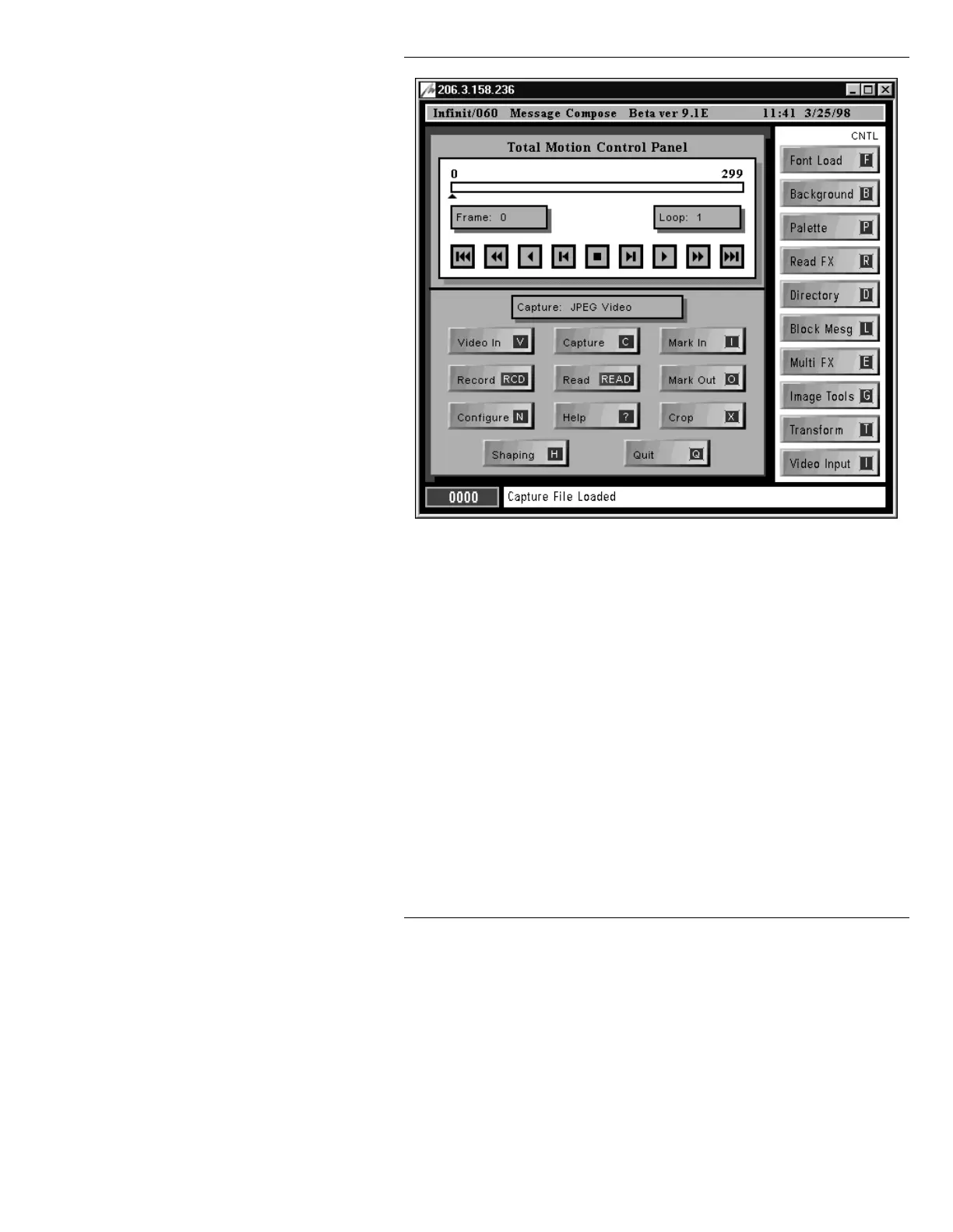
Figure 23-4. Total Motion Control Panel Menu
The menu is divided into the following areas:
Time Line: Where In and Out points of the captured video can be
set prior to recording. The Time Line pointer reflects
the frame that is displayed when the CMF is exe-
cuted. Using the mouse to drag the Time Line
Pointer also executes the CMF.
Frame: Reflects frame that is currently displayed. A Frame
number can also be entered to display the specified
frame. The number of frames in a capture or CMF is
limited only by the Capture Limit set in the CMF
Configure menu.
Loop: Loop: can be set to repeat execution up to 9999
times. If set to
0, the loop repeats until stopped by a
ESC or Stop (using the Control button) command.



 To Next Page