iNFiNiT! Family Operation Manual
Revision D 9-53 Advanced Playback
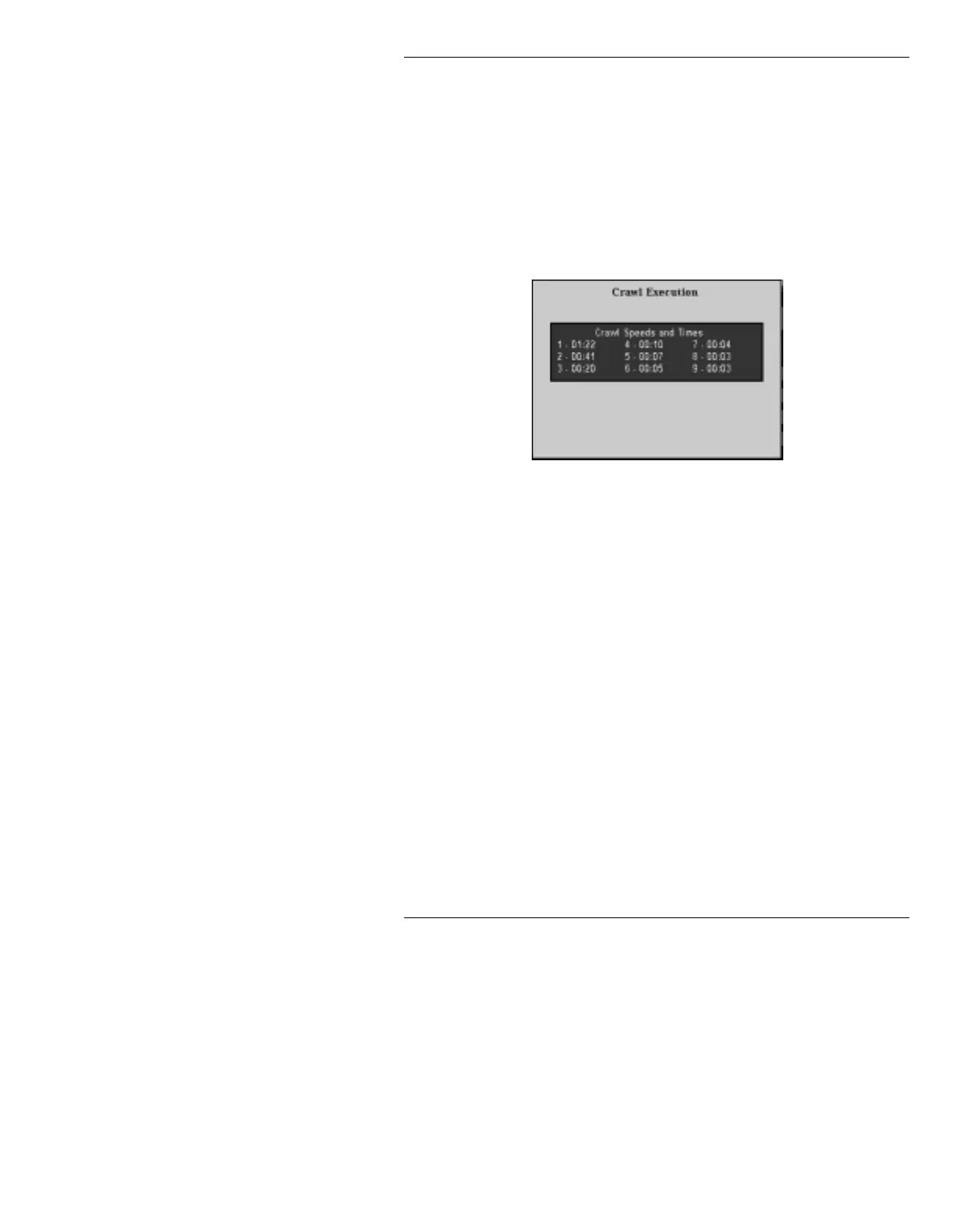
If Status is enabled, the Crawl Execution window dis-
plays information which specifies how long the Crawl
would take to execute at each of the integral speeds from
1 to 9. If there is an error in the list, an error message is
displayed, and
Press any key to exit appears on the
Prompt Line. If there are no errors in the list, the follow-
ing is displayed (Figure 9-12), and any key on the alpha-
numeric keyboard, including the
SPACE BAR can be
pressed to execute the Roll. See Table 9-7 for a complete
list of execution commands.
Figure 9-12. Crawl Execution Window -
Status Command Entered
Timed crawl set at xx:xx appears in the Crawl Execu-
tion window if the Roll is a Timed Roll.
Whether or not the
Status command is entered, the
Crawl does not execute if there are errors in the Crawl
Control Buffer List. The exception is when invalid mes-
sages are discovered. The Crawl can still be executed,
and the invalid message ID’s are ignored.
If the
Status command is not entered, no error message
is displayed in the Crawl Execution window (Figure 9-
13) if there are invalid messages in the Crawl Control
Buffer List. The list can be executed, but it will not
become evident that messages are missing until in the
midst of Crawl execution. It is good practice to preview
a Crawl and correct the errors before airing it.



 To Next Page