iNFiNiT! Family Operation Manual
Revision D 13-9 Flash Font
Kern Adj:
TAB
to the Kern Adj: field. If you wish to change the stan-
dard character width, enter a number (in pixels) between
-500
and 500. To enter a negative number, i.e. -150, enter 150,
then press
SHIFT CHAR Ì. You may also click on the
arrows using the mouse to change the value. For this exam-
ple, leave the Kern Adjust setting at zero.
Space Adj:
TAB
to the Space Adj: field. If you wish to change the
standard space width for the font, enter a number (in pixels)
between
-500 and 500. To enter a negative number, i.e. -
150
, enter 150, then press SHIFT CHAR Ì. You may also
click on the arrows using the mouse to change the value. For
this example, leave the Space Adjust setting at
0.
Aspect:
Press A or TAB to the Aspect: field. Enter a value of 75,
then press
. The
X scale factor, or ratio of width to height
of the character is now
0.75. (To set the value to 2.00, enter
200, then press
.). Adjusting Aspect compresses or
expands the character. Proportional sizing is
1.00; the range
is
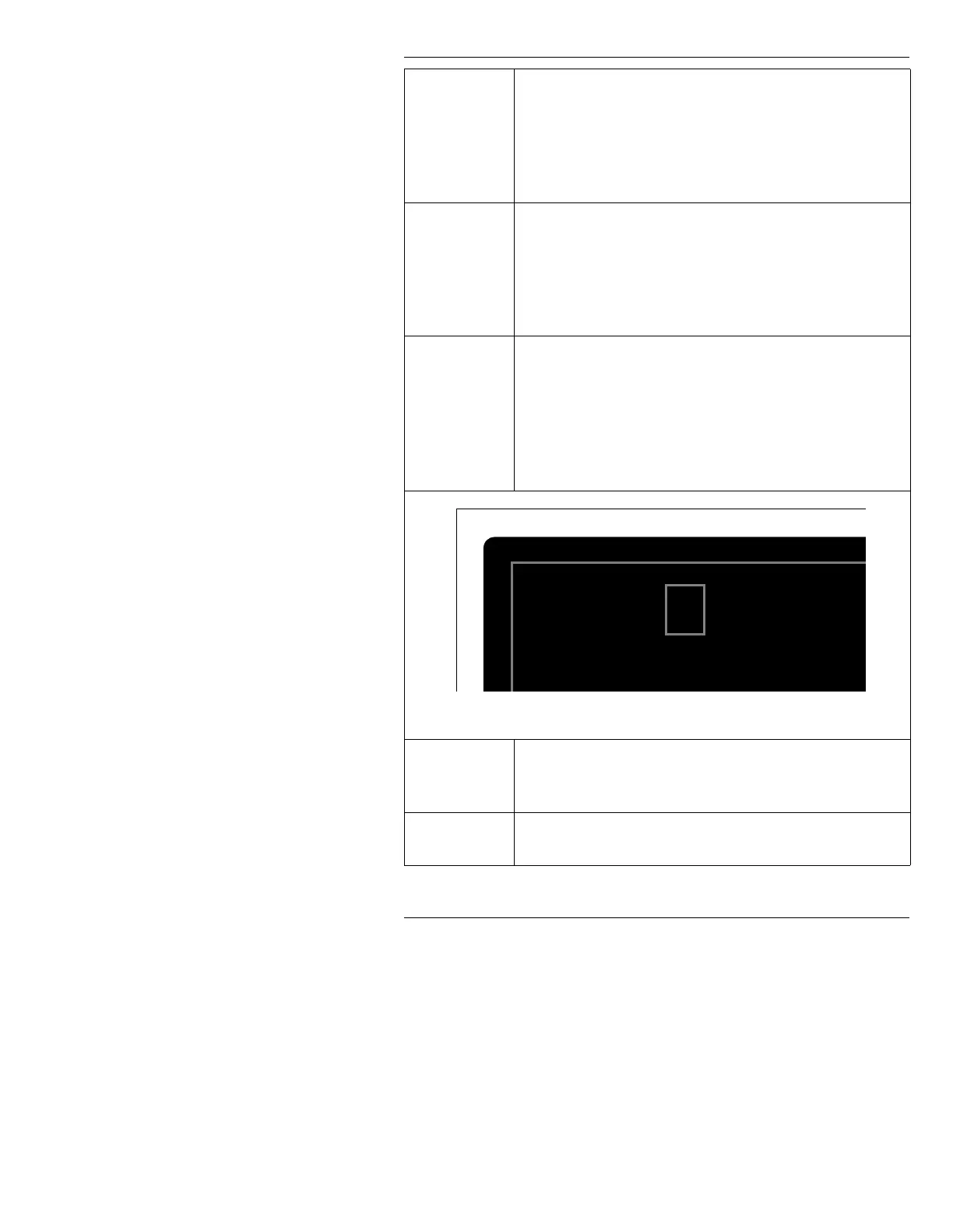
0.10 to 9.99. While you make this adjustment, the Edit
Monitor character changes accordingly (Figure 13-4).
Figure 13-4. Flash Font Italic/Aspect Change
(Edge) Type Press O, TAB or SHIFT + TAB to move to the Offset
(Edge) Type selection box, then press the SPACE BAR to
select Offset (Edge).
(Edge)
Size: Press E, TAB or SHIFT + TAB to move to the (Edge)
Size: field; enter 20; then press
.
Color Edit Monitor
ABCDE



 To Next Page