CHYRON Corporation
Flash Font 13-12 Revision D
Adjust font
Make any desired adjustments to the font style. View your
changes instantly on the Edit Monitor.
Character
Placement
Table
Press P or select Placement. You may select a custom
Character Placement Table, or use the Standard (
STD) or
International (
ITL) tables (§18.7). Default is STD for NTSC
systems, and
ITL for PAL systems, but both tables can be
used on either system.
Flash Font
Convert
menu
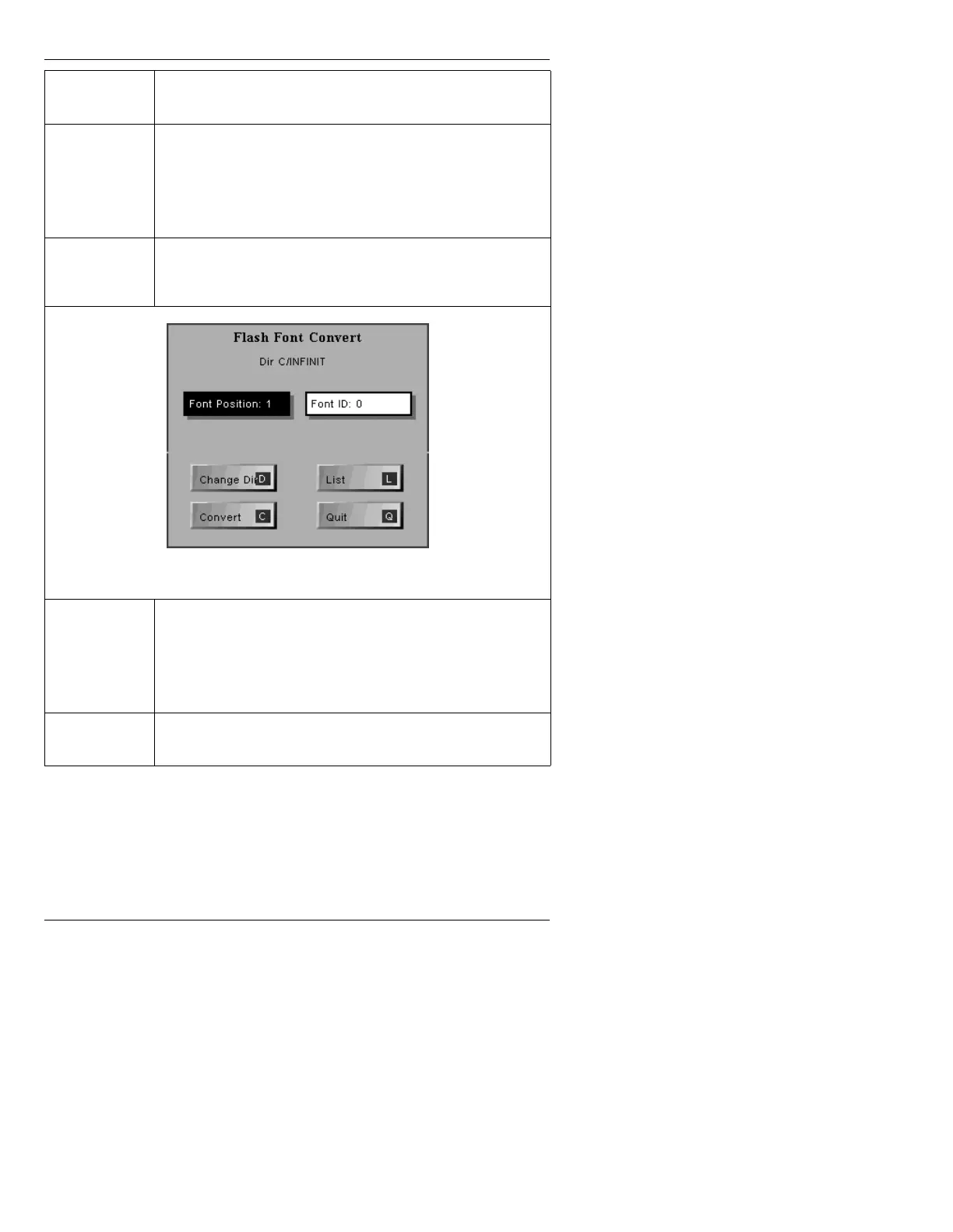
Press C or select Convert. The Prompts Monitor displays the
Flash Font Convert menu (Figure 13-7):
Figure 13-7. Flash Font Convert Window
Font
Position:
Font Position indicates into which Font Key the Machine Font
is be loaded after conversion (Font Key 1 - 16). If you specify
0, the Machine Font is not loaded, but is converted and saved
to disk. Enter a value from
1 - 16 in the Font Position:
field (Default is the first empty Font position.).
Font ID:
Enter an unused ID for the Machine Font in the Font ID:
field.



 To Next Page