C613-50100-01 REV C Command Reference for x930 Series 1466
AlliedWare Plus™ Operating System - Version 5.4.6-1.x
ROUTE MAP COMMANDS
SET
IPV6 NEXT-HOP
set ipv6 next-hop
Overview Use this command to set a next hop-address.
Use the no variant of this command to delete an entry.
Syntax
set ipv6 next-hop {<ipv6-addr-global>|local <ipv6-addr>}
no set ipv6 next-hop [<ipv6-addr-global>|local [<ipv6-addr>]]
Mode Route-map Configuration
Usage Use this command to set the next-hop IPv6 address to the routes.
This command is valid only for BGP.
Examples
awplus# configure terminal
awplus(config)# route-map rmap1 permit 3
awplus(config-route-map)# set ipv6 next-hop local
fe80::203:47ff:fe97:66dc
awplus(config-route-map)# no set ipv6 next-hop
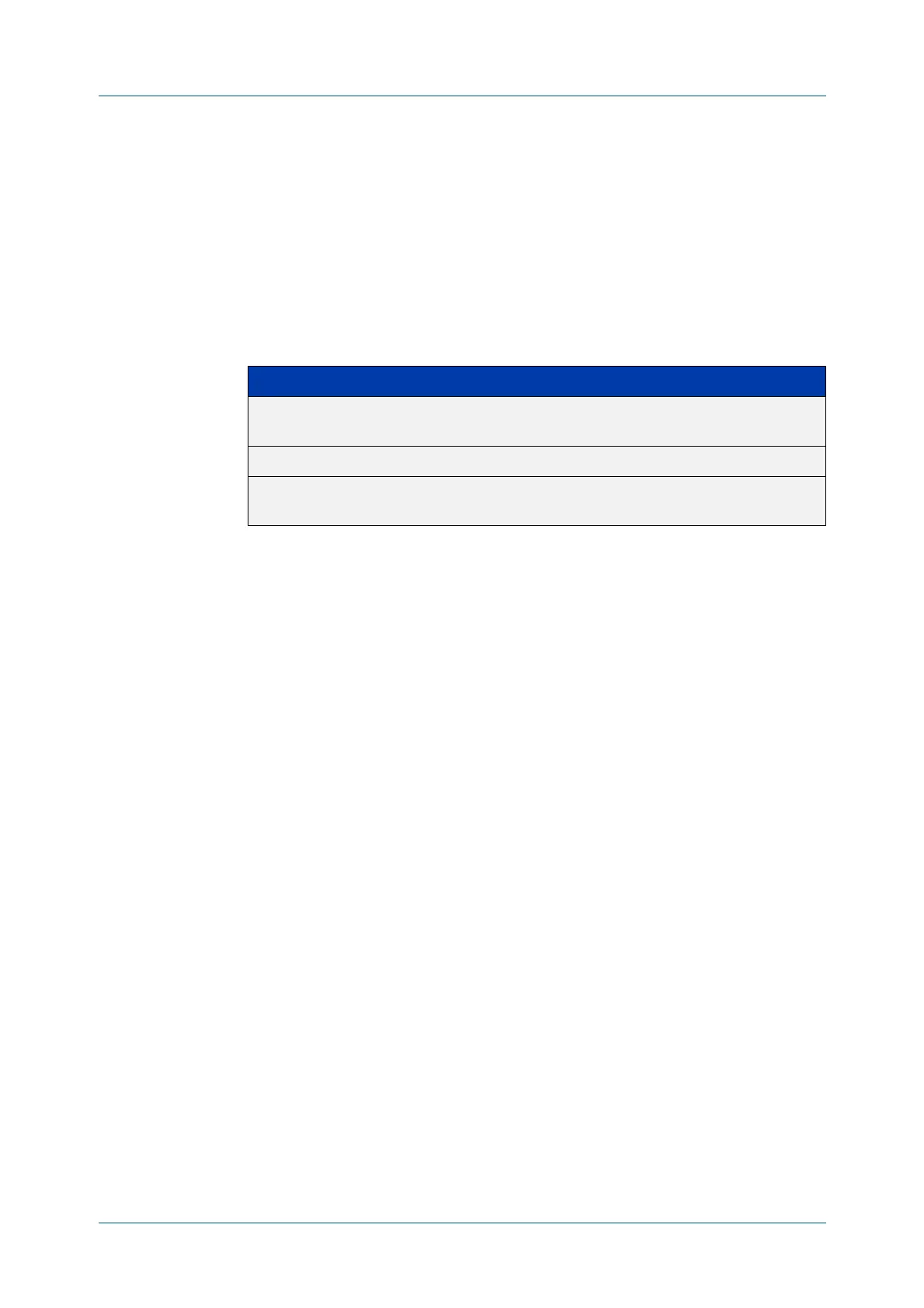
Parameter Description
<ipv6-addr-global> The IPv6 global address of next hop. The IPv6 address
uses the format X:X::X:X.
local Specifies that the address is local.
<ipv6-addr> The IPv6 local address of next hop. The IPv6 address
uses the format X:X::X:X.



 To Next Page
 Loading...







